







What this site is for
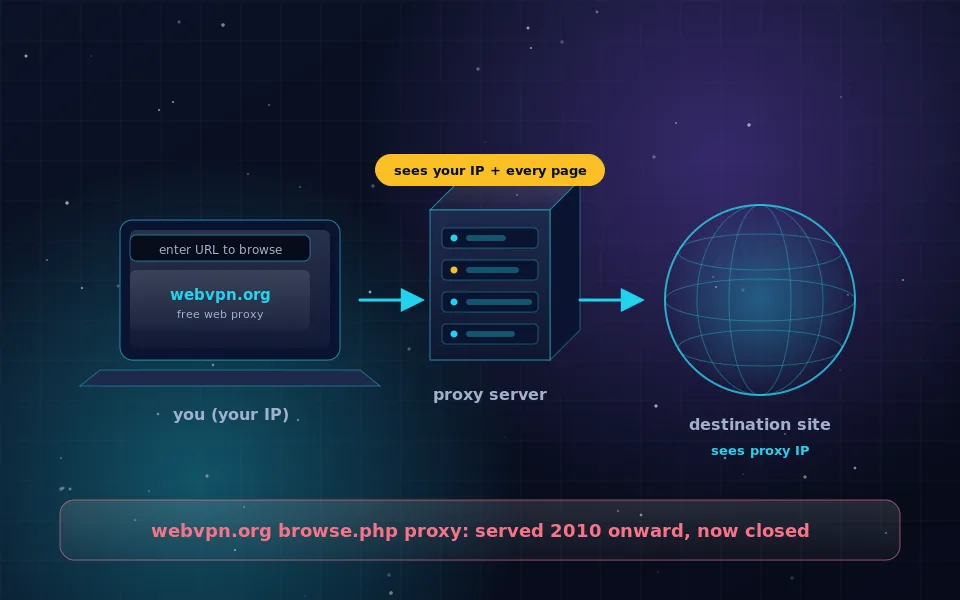
webvpn.org started in 2010 as a free web proxy: you pasted a link into a form and the server fetched the page so that the destination saw our address instead of yours. Thousands of forum posts still recommend it as the quick way to open a blocked site. That proxy is closed, and the reasons are laid out honestly on the web proxy page, which is also where every old browse link now lands.
What remains is the question people were really asking: how do I browse without handing my identity to every site and network on the way. The guides here answer that with the tools that exist now. A web proxy for anonymous browsing was the first generation; VPNs, Apple's Private Relay and Tor Browser are the current one, and each is covered with steps, limits and ways to verify the result.
How an anonymous browsing proxy server compares
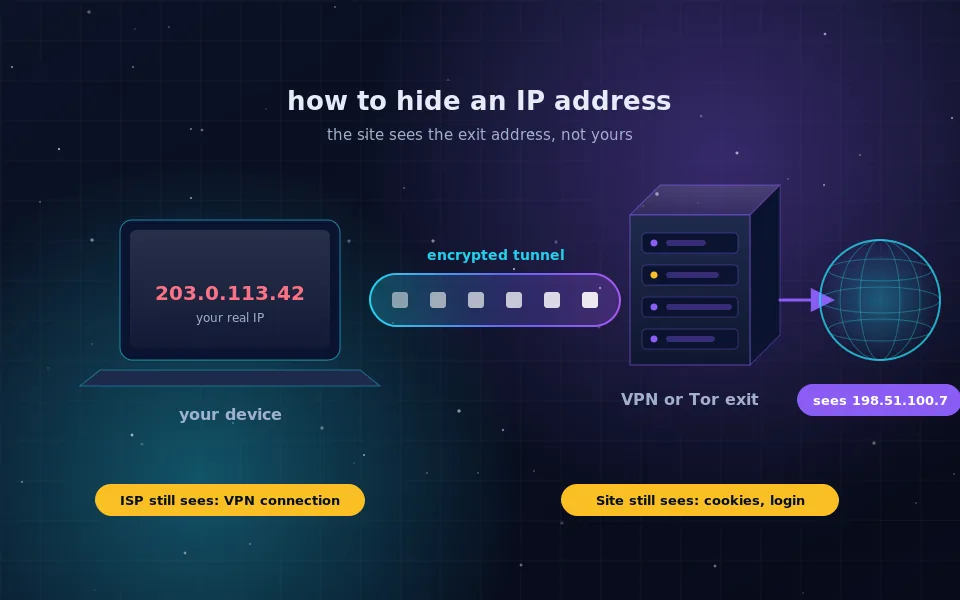
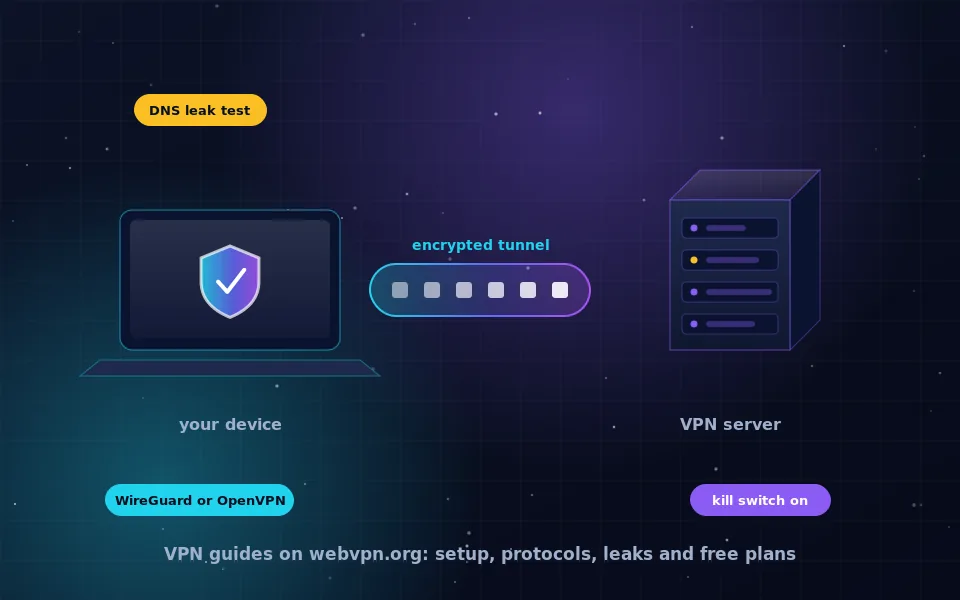
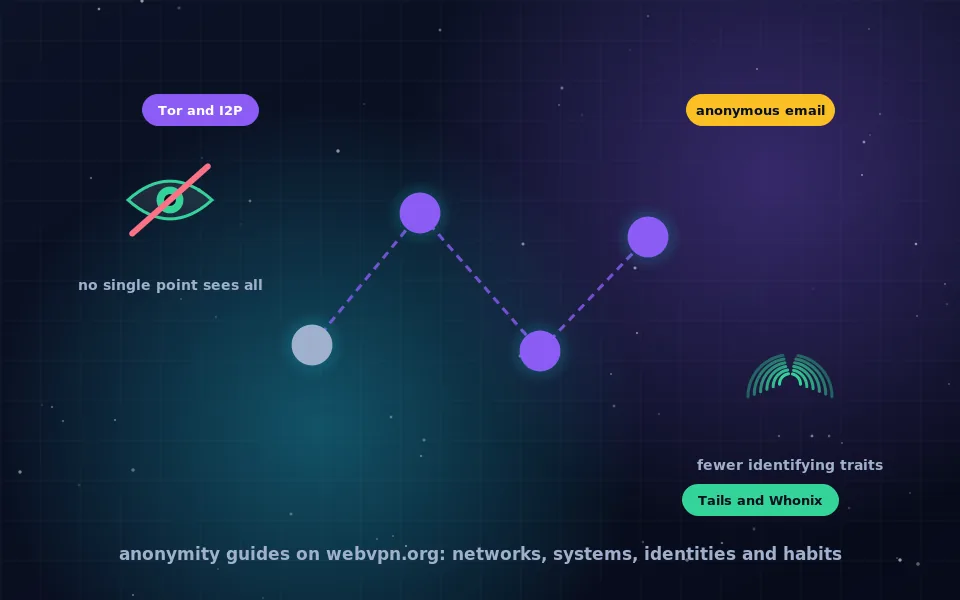
Every privacy tool in this space does one of two things: it replaces your IP address as seen by the destination, or it encrypts your traffic so that the network you are on cannot read it. An anonymous browsing proxy server does the first for one browser session. A VPN does both for every app on the device. Tor Browser does both and adds a design in which no single relay knows both who you are and where you are going.
The right choice depends on who you are hiding from. A site that has blocked your region needs only a new address. A hotel network you do not trust needs encryption. A topic you would rather nobody connect to you needs Tor. The hide your IP address guide walks through that decision with a checklist you can finish in ten minutes.
Why we write it this way
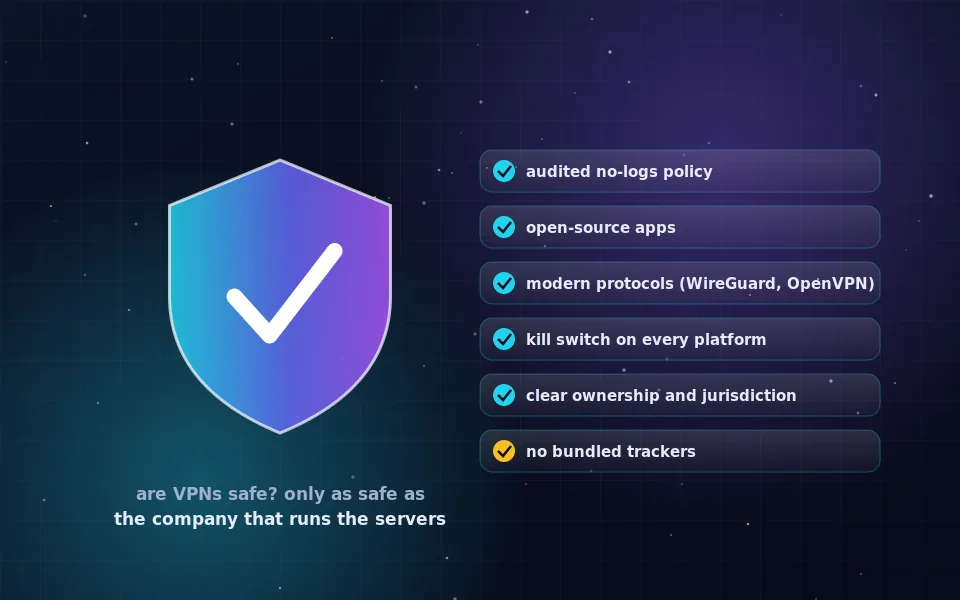
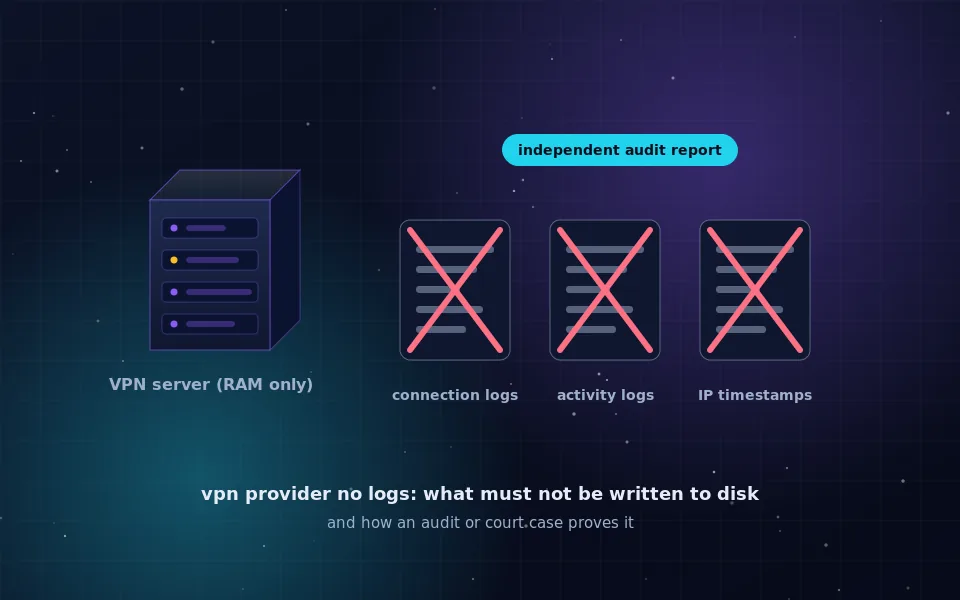
Most VPN content online is written to earn a commission on the product it recommends. This site has no affiliate links and names only two providers, Proton VPN and Mullvad, because both publish audited no-logs policies and open-source apps, and both are linked only to their official sites. When a claim cannot be verified from a provider's own documentation or a public record, the guides say so instead of guessing.
Each article follows the same pattern. It answers the question in the first two paragraphs, explains what the tool does and does not cover, gives steps in order, and ends with a way to check the result. Lists are lists, not sentences with numbers in brackets, and every page carries the date it was last reviewed.
Where to start
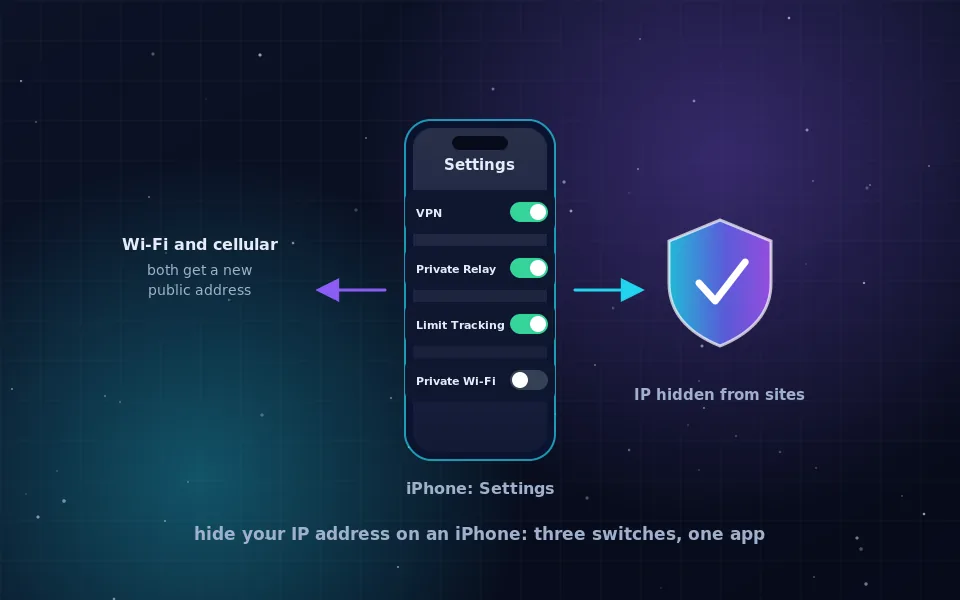
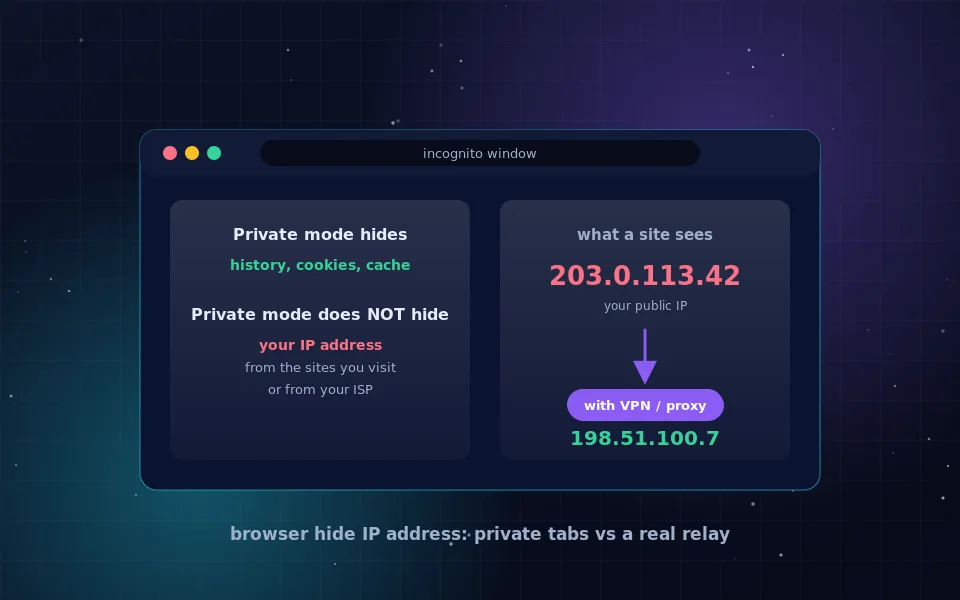
- If your IP address is the problem, start with how to hide your IP address, then the device-specific versions for iPhone and for Safari and Chrome.
- If you are deciding whether to trust a VPN at all, read are VPNs safe and then the no-logs VPN guide, which shows how to read a policy and an audit.
- If you already know your device, the platform hubs cover setup and limits. The iPhone hub answers the common question of what a VPN does on an iPhone, and there are matching pages for Android, Windows, macOS, Linux, Chrome, Firefox and Android TV.
- If you came here from an old anonymizer link, the web proxy explainer is the page you want.
What we do not do
We do not run a proxy, relay traffic, or host downloads. We do not collect analytics, set cookies or run advertising, as described in the privacy notice. We do not link to the sites that the old proxy was used to reach, and we do not publish anything that promises complete anonymity, because no tool delivers that. If a page here says a setting does something, the setting has been checked against the vendor's own documentation, and the source type is named in the text.