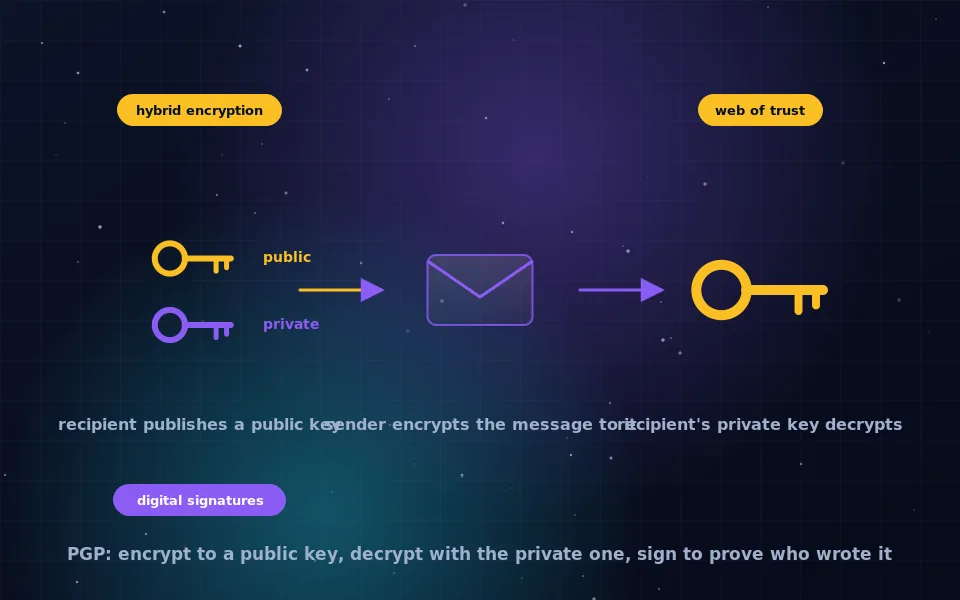
PGP, Pretty Good Privacy, is a system for encrypting and signing messages and files using public-key cryptography. It works by encrypting your message with a random one-time symmetric key, then encrypting that key with the recipient's public key, so that only the recipient's private key can recover it; a digital signature made with your private key lets the recipient verify that you wrote the message and that it has not been altered. Released in 1991, PGP is now an open standard called OpenPGP, implemented most widely by the free program GnuPG.
PGP has a reputation for being hard, and the difficulty is almost entirely in handling keys, not in the encryption itself, which is elegant. This guide explains what PGP is and where it came from, how PGP encryption and signing work step by step, what a PGP key contains, how PGP, OpenPGP and GPG relate, the web of trust, and the limits that anyone using PGP should know.
What PGP is and where it came from
PGP was written in 1991 as a program to give ordinary people access to strong encryption at a time when such tools were largely restricted to governments. It combined the public-key algorithms then available with a fast symmetric cipher, a compression step and a way to sign and verify, wrapped in a message format that could travel over email. It spread quickly, became the subject of a legal dispute over export controls, and was eventually standardised as OpenPGP so that any software could implement the format.
Today PGP encryption is used for email, as the email encryption guide on this site describes, for encrypting files, for verifying software downloads through signatures, and for proving identity in various technical communities. The original name persists as a commercial product; the standard is OpenPGP; the software almost everyone uses is GnuPG.
Keys: public and private
Everything in PGP starts with a key pair, following the public-key model explained in the symmetric versus asymmetric guide on this site.
Your public key is meant to be shared. You give it to correspondents, publish it on a website or key server, or attach it to your email. Anyone holding it can encrypt messages to you and verify your signatures.
Your private key never leaves your control. It is stored encrypted with a passphrase, and you use it to decrypt messages sent to you and to sign messages you send. If someone obtains your private key and passphrase, they can read everything ever encrypted to you and impersonate you.
A PGP key carries a user ID, usually a name and email address, a creation date and optional expiry, and a fingerprint, a short hash of the key that uniquely identifies it. The fingerprint is what you compare to confirm you have someone's real key rather than an impostor's. Modern keys use elliptic-curve algorithms or RSA at 3072 bits or more, and typically consist of a primary key for signing plus a subkey for encryption.
How PGP encryption works, step by step
PGP is a hybrid system, which is what makes it practical for messages of any size.
- You write a message and choose the recipient.
- The software compresses the message.
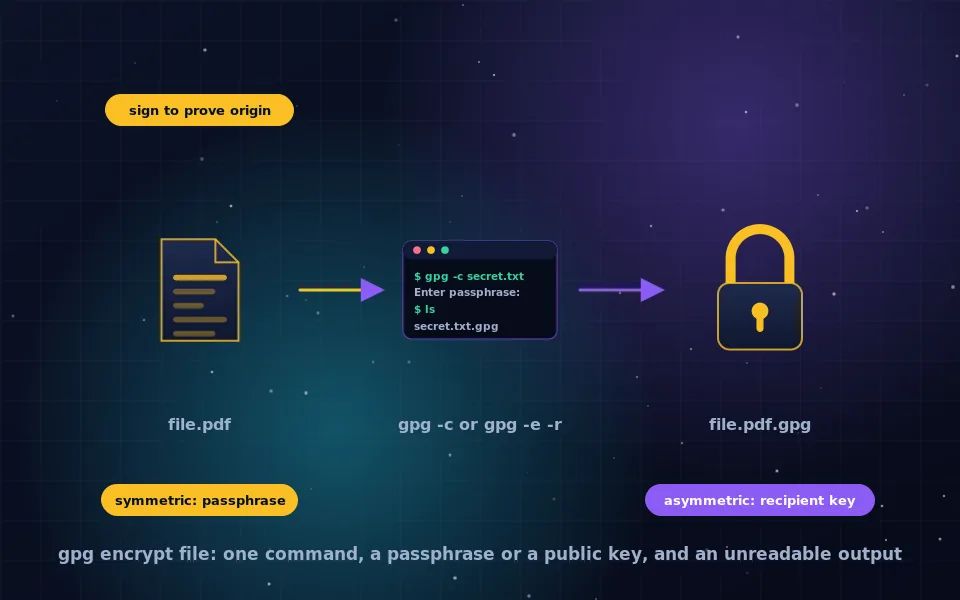
- It generates a fresh random session key for a symmetric cipher such as AES.
- It encrypts the compressed message with the session key.
- It encrypts the session key with the recipient's public key. If there are several recipients, it encrypts the same session key to each of their public keys.
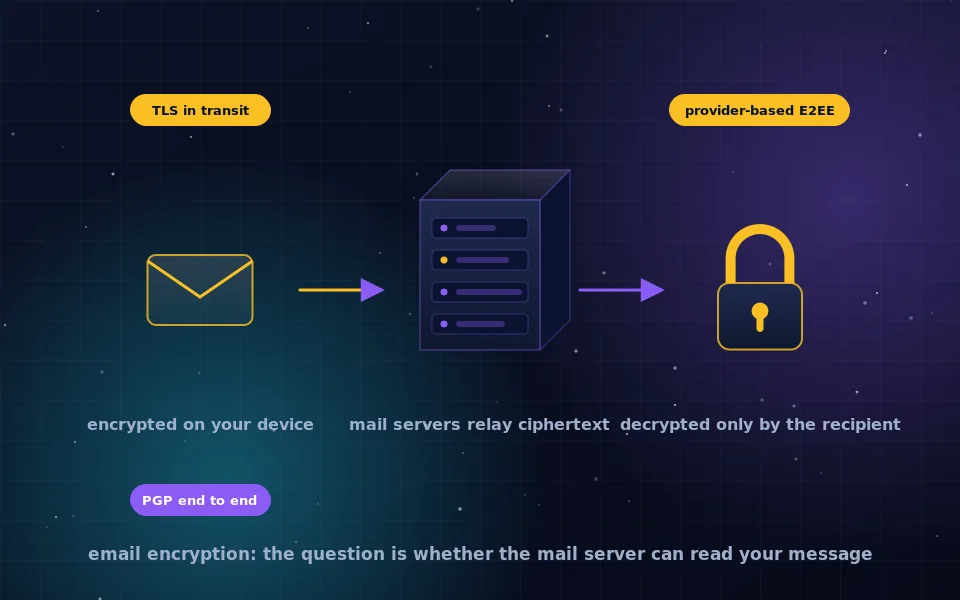
- It bundles the encrypted session key or keys and the encrypted message into a PGP message, optionally encoded in text form so it survives email.
- The recipient's software uses their private key, after they enter their passphrase, to decrypt the session key, then uses the session key to decrypt and decompress the message.
The public-key operation encrypts only the small session key, so it is fast, and the bulk of the message is protected by AES. Every message gets a new session key, so identical messages produce different ciphertext.
How PGP signing works
Signing proves authorship and integrity, and is independent of encryption; a message can be signed, encrypted, or both.
- The software computes a cryptographic hash of the message.
- It uses your private key to produce a signature over that hash.
- The signature is attached to the message.
- The recipient's software recomputes the hash, uses your public key to check the signature against it, and reports whether the signature is valid and which key made it.
A valid signature means the message was produced by the holder of the private key and has not changed since. Signed-and-encrypted is the normal mode for private correspondence; signed-only is used for public announcements and software releases, where anyone should be able to read the content and verify who released it.
PGP, OpenPGP and GPG
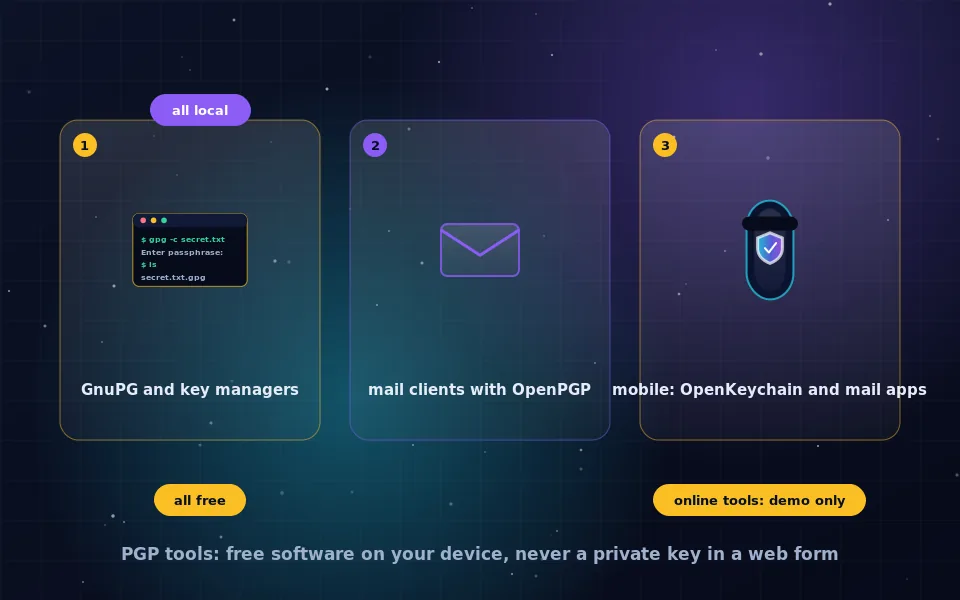
The three names describe one thing at different levels. PGP is the original program and remains a trademark attached to a commercial product. OpenPGP is the open standard that defines the message and key formats, so that implementations interoperate. GPG, GNU Privacy Guard or GnuPG, is the free software implementation of OpenPGP that ships with Linux, is available for Windows and macOS, and underlies most PGP-capable mail clients and tools. In practice people say PGP and mean the whole system, and PGP/GPG encryption refers to the same messages. The GPG guide on this site covers using it directly for files.
The web of trust and key verification
Public-key encryption has a central problem: how do you know the public key you have really belongs to the person you think? If an attacker substitutes their own key, they can read messages meant for someone else. PGP's answer is the web of trust: people sign each other's keys to assert they have verified the owner's identity, and you can decide to trust keys signed by people you already trust.
In practice the web of trust never reached most users, and verification usually happens directly: compare the key's fingerprint with the owner over a separate channel, such as a call, an in-person meeting, or a fingerprint published on a site you trust. Key servers distribute keys but do not vouch for them. Whatever the method, verifying the fingerprint before first use is the step that makes PGP secure, and skipping it is the most common serious mistake.
The limits of PGP
PGP does what it was designed to do and has properties that newer systems deliberately avoid.
- Metadata is not encrypted. Sender, recipient, time, and in email the subject line, are all visible. PGP protects content, not the fact of communication.
- No forward secrecy. The same private key decrypts every message ever sent to you. If it is compromised, all past messages that an attacker recorded become readable. Modern messengers rotate keys per message to prevent exactly this.
- Manual key management. Generating, exchanging, verifying, backing up and eventually revoking keys is the user's job, and errors are silent.
- Unforgiving tooling. Sending an unencrypted reply that quotes an encrypted message, encrypting to the wrong key, or losing a passphrase are all easy and irreversible.
- Long-lived keys are targets. A key used for years accumulates value to an attacker.
For encrypting files, verifying downloads and email with correspondents who use it, PGP remains the right tool. For real-time conversations, the messaging guides on this site explain why a modern end-to-end messenger is a better fit.
What the standard and its implementers say
The description above follows the OpenPGP specification and the documentation of the software that implements it.
The OpenPGP standard defines the hybrid encryption structure, the signature process and the key format described here, and specifies the algorithms current implementations should use.
The GnuPG project documents the importance of fingerprint verification, passphrase protection of private keys and key expiry, and describes the web of trust as one option among several for establishing key validity.
Security researchers who have studied PGP usability describe key management and the absence of forward secrecy as its principal weaknesses, and recommend it where its strengths, interoperability and offline file encryption, are what the task needs.
Understand the keys, and the rest follows
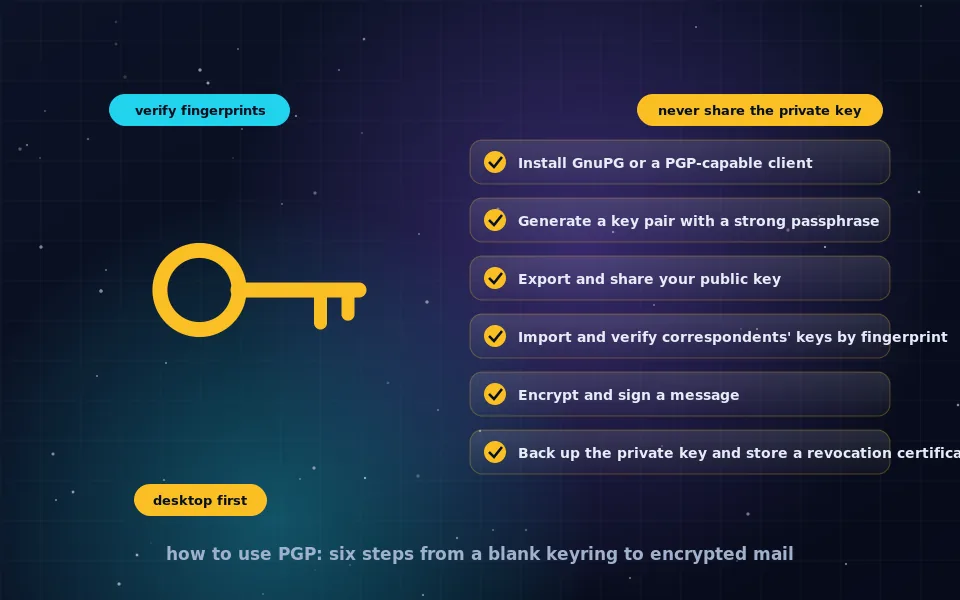
Every PGP operation is one of four things: encrypt to a public key, decrypt with a private key, sign with a private key, verify with a public key. Keep your private key secret and backed up, verify fingerprints before trusting public keys, and remember what PGP does not hide. With those in place, the how-to-use-PGP guide on this site will take you from a blank key ring to your first encrypted message.
Frequently asked questions
What does PGP encryption mean?
PGP stands for Pretty Good Privacy, a program released in 1991 and now a standard called OpenPGP for encrypting and signing messages and files using public-key cryptography. PGP encryption means encrypting data so that only the holder of a specific private key can read it, and optionally signing it to prove its origin.
How does PGP encryption work?
PGP generates a random session key, encrypts the message with it using a fast symmetric cipher, then encrypts the session key with the recipient's public key. The recipient uses their private key to recover the session key and decrypt the message. Signatures use the sender's private key over a hash of the message.
What is the difference between PGP and GPG?
PGP is the original program and trademark, now a commercial product. OpenPGP is the open standard that describes the format. GPG, or GnuPG, is the free software implementation of OpenPGP that most people use. They are interoperable; a GPG-encrypted message is a PGP message.
What is a PGP key?
A key pair consisting of a public key, which you share so others can encrypt to you and verify your signatures, and a private key, which you keep secret and protect with a passphrase to decrypt and sign. Keys are identified by a fingerprint and usually carry your name and email address.
What are the limitations of PGP?
It encrypts message content but not subject lines or metadata about sender and recipient. It has no forward secrecy, so a compromised private key exposes all past messages. Key exchange and verification are manual, the tooling is unforgiving, and mistakes are easy. It remains valuable for email and file encryption where its properties fit.
Last reviewed and updated on . Plain text version: /encryption/what-is-pgp.txt.