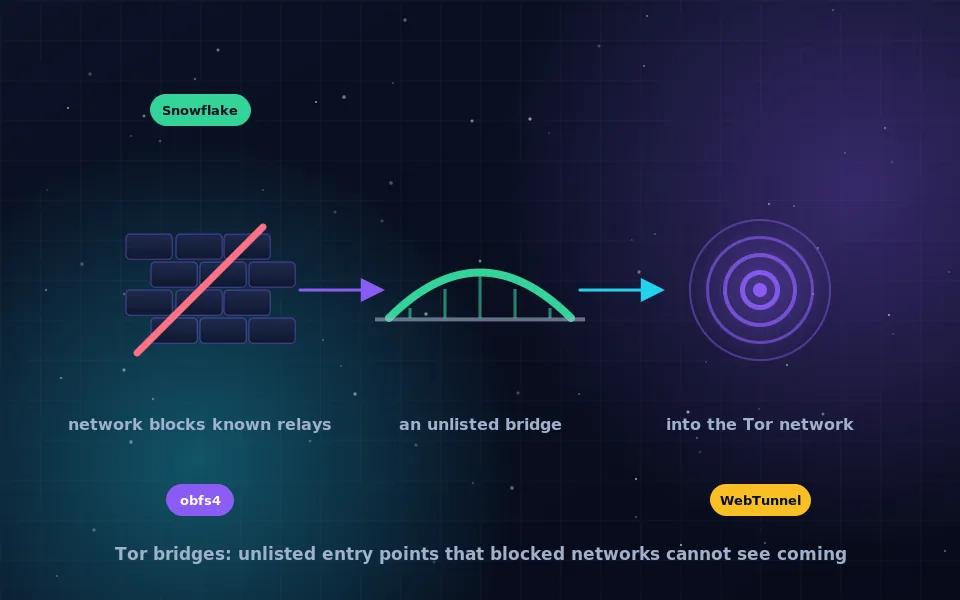
Tor bridges are entry relays that are not published in Tor's public directory. Networks that block Tor do it by blocking every known relay address, so a bridge they do not know about gets through. You obtain bridges a few at a time from the Tor Project, through Tor Browser's own connection settings, its bridge website, or its email and messaging services, and there is deliberately no complete public list.
If Tor Browser sits at "connecting" and never finishes, or if you would rather your network not see that you use Tor, bridges are the fix. They are built into the browser, they are free, and the only real question is which kind to use. This guide explains why bridges exist and why they cannot be listed, the three main disguises they use, how to get one through each channel the project offers, how to enter it in Tor Browser, and how to tell which transport works on a given network.
Why bridges exist
Tor's ordinary relays are listed in a public directory so that clients can find them. That openness is also a vulnerability: a network operator or a government that wants to block Tor can download the same list and drop every connection to those addresses. Many corporate networks, some schools and hotels, and several countries do exactly that.
Bridges solve the problem by being unlisted. A client that knows a bridge's address can connect to it as its first hop, and from there into the normal Tor network. Since the censor does not have the bridge's address, the connection is not blocked by address. To also defeat censors who recognise Tor by the shape of its traffic rather than by address, bridges are usually combined with pluggable transports that disguise the traffic as something else.
Bridges are run by volunteers, like other relays, and the project asks people in uncensored places to run them for the benefit of people who are not.
Why there is no public Tor bridge list
People search for a list of Tor bridges expecting to find one. The absence is the design. If the project published every bridge, censors would block them all within hours, and bridges would be no different from ordinary relays.
Instead the project distributes bridges in small numbers through channels that are hard to automate: a CAPTCHA-protected website, an email autoresponder that only answers from a few large mail providers, a messaging bot, and a request feature inside Tor Browser itself. Each channel gives out a handful of bridges, and different requesters receive different ones. A censor who wants to enumerate bridges has to make an enormous number of requests through channels designed to slow that down, and even then gets only a fraction.
Lists of bridges that appear on forums or paste sites are either already blocked, unreliable, or run by people whose motives you cannot check. Get bridges from the project.
The three transports: obfs4, Snowflake and WebTunnel
A bridge address alone hides where you connect. A pluggable transport hides what the connection looks like. Tor Browser currently offers three main options.
- obfs4 wraps Tor traffic so that it looks like random bytes with no recognisable protocol. It works on most networks that block by address and by simple traffic recognition. It is the default choice for most users who need a bridge.
- Snowflake routes your connection through a temporary proxy running in a volunteer's web browser, using the same technology as browser video calls. To a censor, it resembles a call. It needs no bridge line at all, because volunteers are found automatically, and it is the transport to try when obfs4 bridges are blocked.
- WebTunnel disguises the connection as ordinary HTTPS traffic to a real website, so it blends in with normal web browsing. It is designed for networks that block anything they cannot classify as web traffic.
The project also maintains a small set of built-in bridges for each transport, embedded in Tor Browser so that a first connection is possible without requesting anything. Because they are built in, they are the first to be blocked in heavily censored places, so treat them as a starting point.
How to get Tor bridges: four channels
The Tor Project offers several ways, and Tor Browser makes the first two easy.
- Inside Tor Browser. Open the Connection settings, find the Bridges section, and choose to request a bridge from the project. Solve the CAPTCHA and the browser fills in the bridge lines for you. This is the simplest route if the request itself is not blocked.
- Built-in bridges. In the same settings, select a built-in bridge and choose a transport. No request needed; try obfs4 first, then Snowflake.
- The bridge website. The Tor Project runs a bridge distribution site, linked from its main site and support pages. Choose a transport, solve the CAPTCHA, and copy the bridge lines it shows.
- Email and messaging. Send an empty message to the project's bridge autoresponder address from an account at one of the supported large mail providers, and it replies with bridge lines. The project also runs a bot on a popular messaging platform that hands out bridges. Both are documented on the support site and are useful when the website is blocked.
If you have a trusted friend in an uncensored place, they can also request bridges and send them to you, but be aware that the friend's messages could be read in transit.
Entering a bridge in Tor Browser
Once you have bridge lines, adding them takes a minute.
Open Tor Browser and go to Settings, then Connection. In the Bridges section, choose the option to add a bridge manually and paste the lines you received, one per line. Each line begins with the transport name, such as obfs4, followed by an address, a fingerprint and parameters; paste the whole line exactly. Save, then connect. If the connection fails, try a different bridge or transport; bridges are blocked and replaced over time, so a bridge that worked last month may not work today.
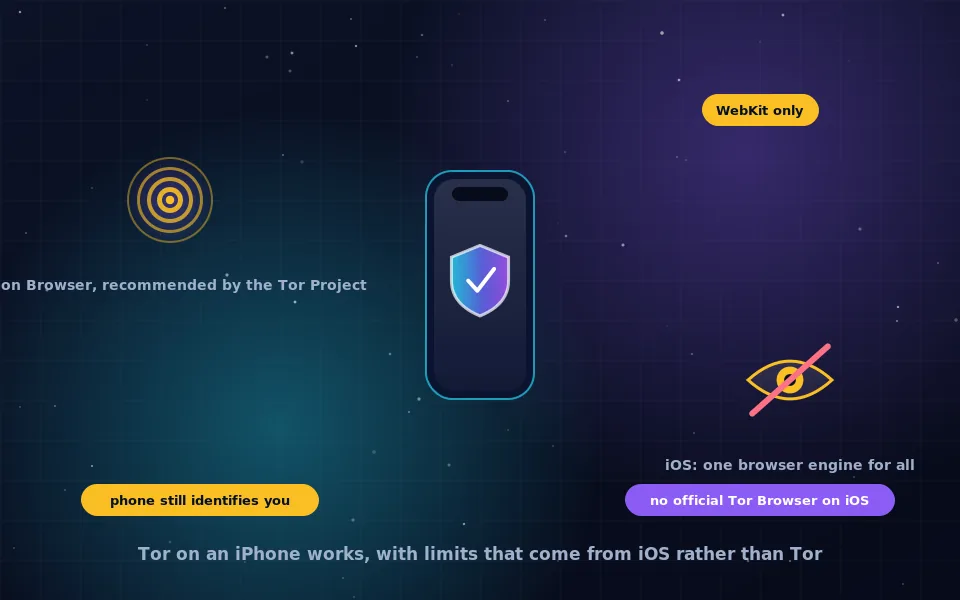
On Android, the official Tor Browser app has the same settings under Connection. On iPhone, Onion Browser supports bridges in its own settings, as the iPhone guide on this site describes.
Choosing a transport for your network
A short decision sequence saves time.
- Tor connects directly: you do not need a bridge. Use one only if you want to hide Tor use from your network.
- Direct connection fails but the built-in obfs4 bridge works: stay with obfs4 and request your own bridges for reliability.
- Built-in obfs4 fails: try Snowflake, which needs no bridge lines.
- Snowflake fails or is very slow: request obfs4 or WebTunnel bridges through the browser or by email.
- Everything fails: you may be on a network that blocks the request channels too. Ask someone outside the network to obtain bridges for you, or use the email channel from a supported provider.
Tor Browser's connection assistant automates part of this by detecting your location and suggesting bridges known to work there. Let it try before configuring by hand.
Bridges, VPNs and what your network sees
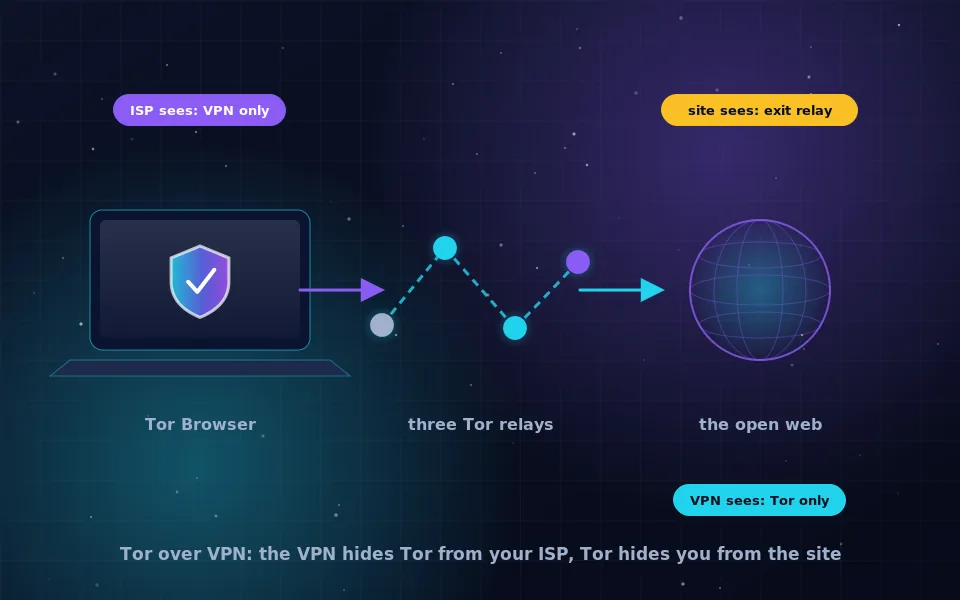
A bridge with a transport hides the fact that you are connecting to Tor from a casual observer of your network. It does not encrypt anything beyond what Tor already encrypts, and a determined observer with sophisticated traffic analysis may still make inferences. A VPN connected before Tor achieves a similar concealment by a different route, with the trade-off that the VPN provider learns you use Tor; the guide on combining Tor and a VPN on this site compares the two. For most people whose network simply blocks Tor, a bridge is the lighter and more appropriate tool.
What the Tor Project and censorship researchers report
The practices described here reflect what the project and researchers who monitor internet censorship have published.
The Tor Project's anti-censorship team documents which transports are working in which countries, updates the built-in bridges as they are blocked, and has explained that the rationing of bridges through CAPTCHAs, email and bots is a deliberate trade between accessibility and resistance to enumeration.
Researchers who measure censorship have observed that blocking strategies differ by country: some block by relay address only, which any bridge defeats, while others use traffic classification, which is why multiple transports exist and why Snowflake and WebTunnel were developed after obfs4.
Volunteer bridge operators report that individual bridges tend to be discovered and blocked over months, which is why the project continually recruits new operators and why users in censored places should expect to refresh their bridges from time to time.
Get a bridge before you need one
If you travel, or your network sometimes blocks Tor, request a couple of bridges now through Tor Browser's connection settings and save the lines somewhere safe. When Tor fails to connect, you will have them ready. And if you are in a place where Tor is not blocked, consider running a bridge yourself; the project's instructions are short, and every bridge helps someone whose network is less free than yours.
Frequently asked questions
What are Tor bridges?
Bridges are Tor entry relays whose addresses are not listed in the public directory. Networks that block Tor by blocking every known relay cannot block bridges they do not know about, so bridges let people connect from censored networks.
Is there a list of Tor bridges?
Not a public one, deliberately. Publishing all bridges would let censors block them. The Tor Project hands out a few bridges at a time through its bridge distribution site, an email autoresponder, a messaging bot and the built-in request feature in Tor Browser.
How do I get Tor bridges in Tor Browser?
Open Connection settings, choose Bridges, and either use a built-in bridge, request bridges from the Tor Project directly in the browser after solving a CAPTCHA, or paste bridge lines you obtained from the project's bridge site or email service.
What is the difference between obfs4, Snowflake and WebTunnel?
They are pluggable transports that disguise Tor traffic. obfs4 makes it look like random data, Snowflake routes it through volunteers' browsers so it resembles a video call, and WebTunnel makes it look like ordinary HTTPS to a website. Which works best depends on how your network blocks.
Do I need a bridge if Tor connects normally?
No. Bridges exist for networks that block Tor or for people who do not want their network to see a connection to a known relay. If Tor Browser connects without one, using a bridge only adds a little latency.
Last reviewed and updated on . Plain text version: /anonymity/tor-bridges.txt.