How to use this section
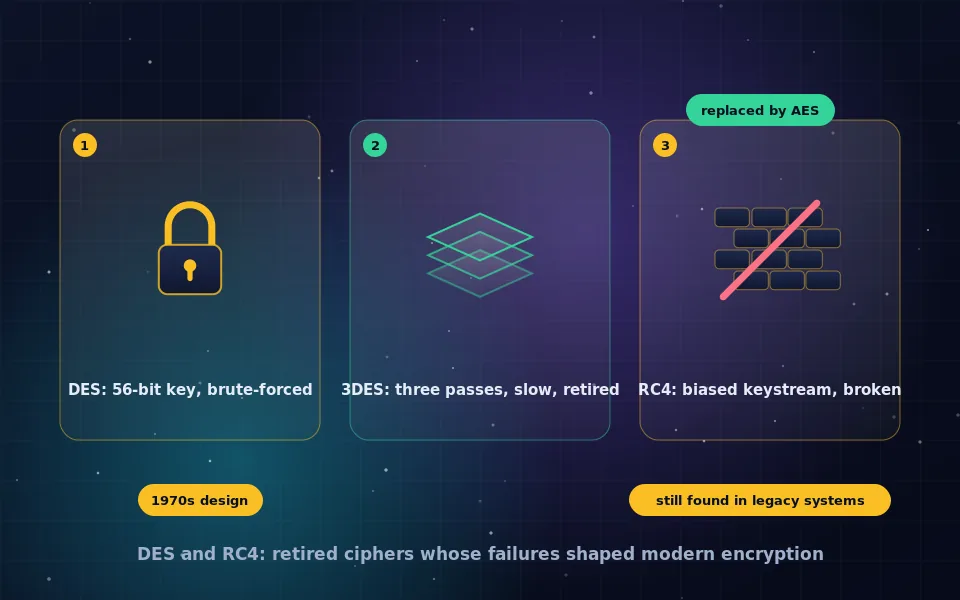
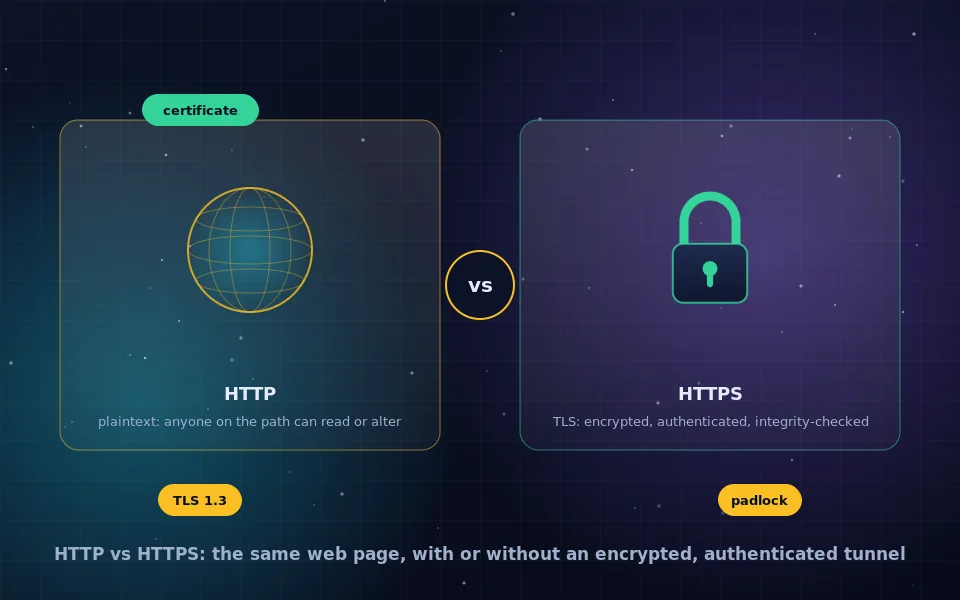
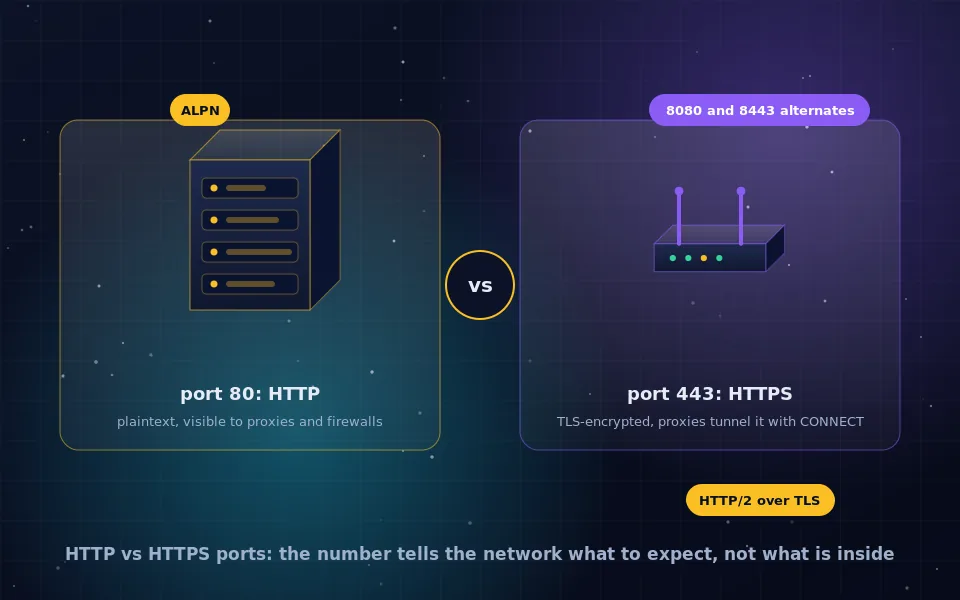
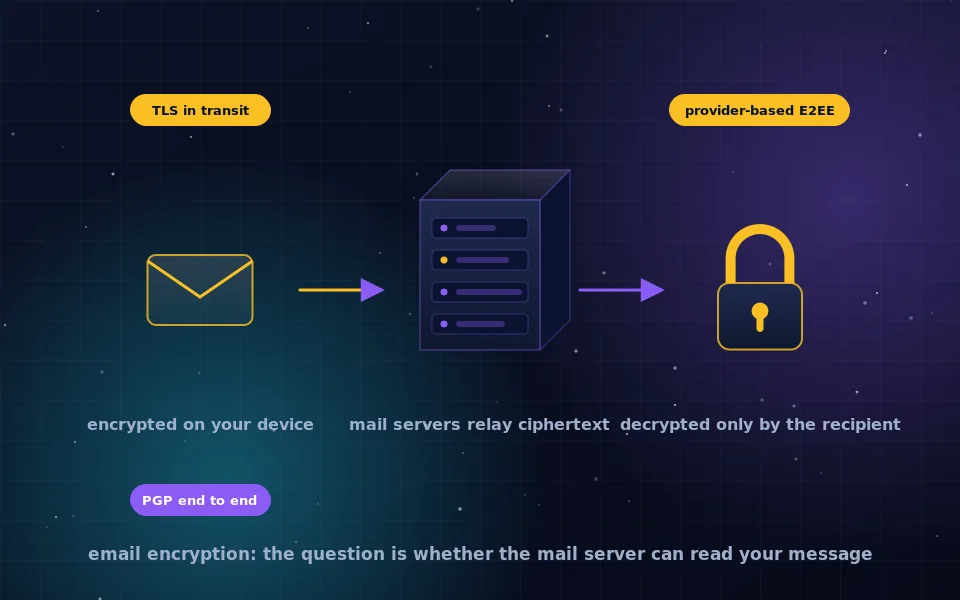
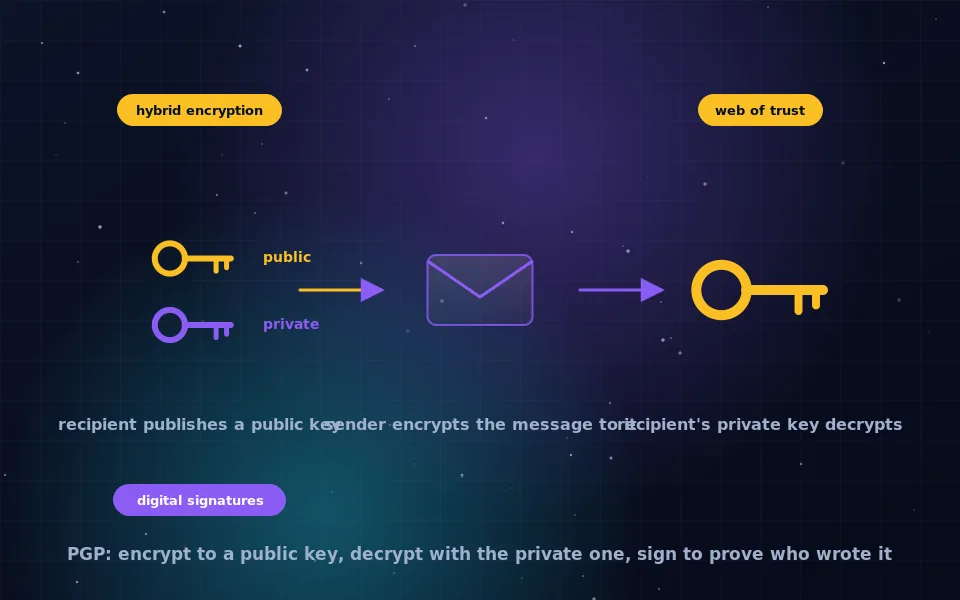
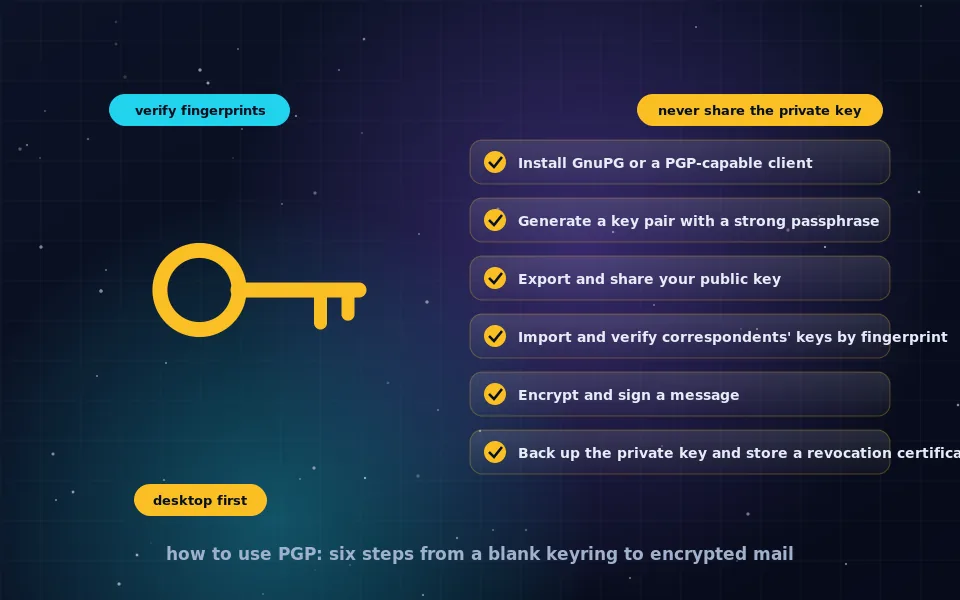
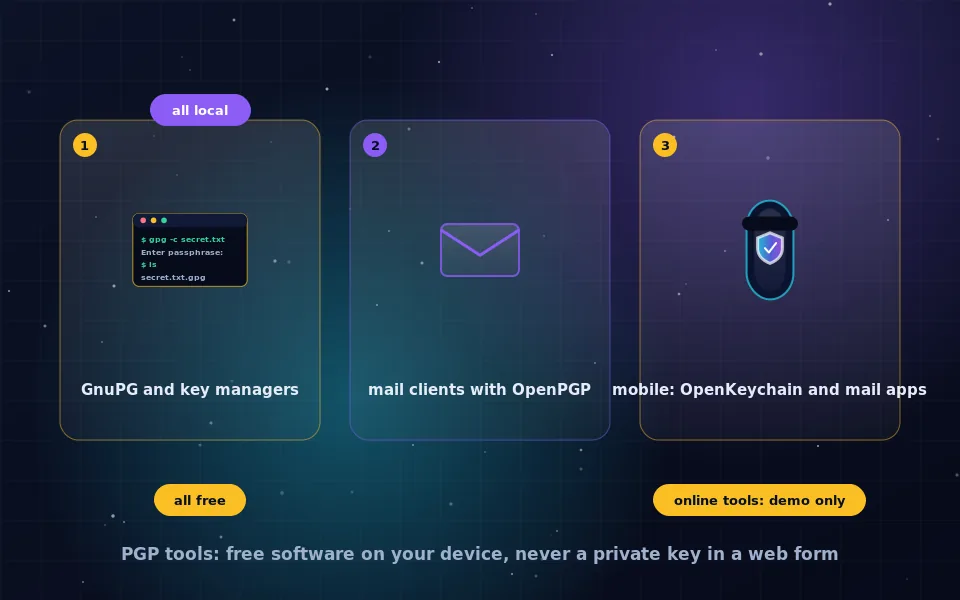
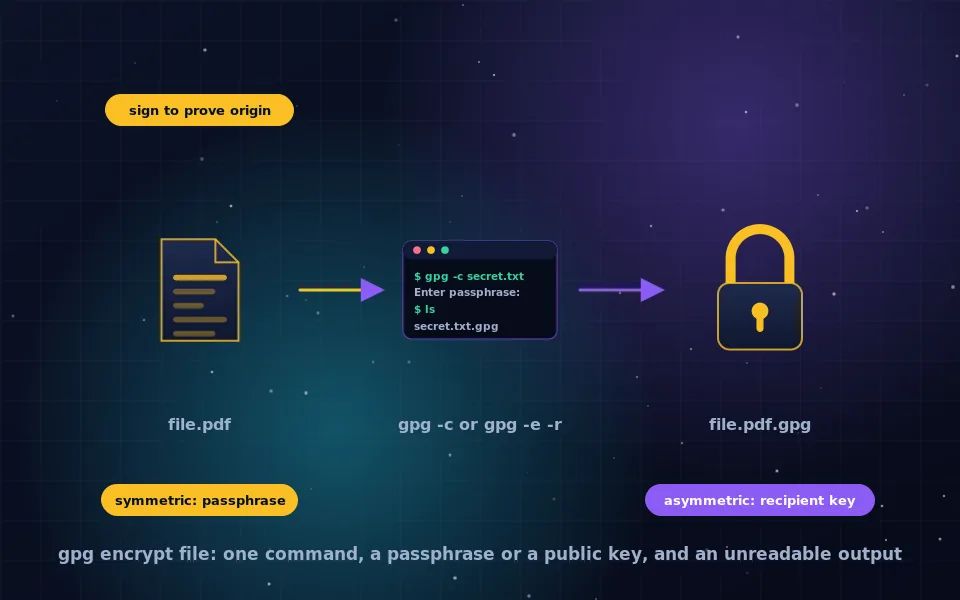
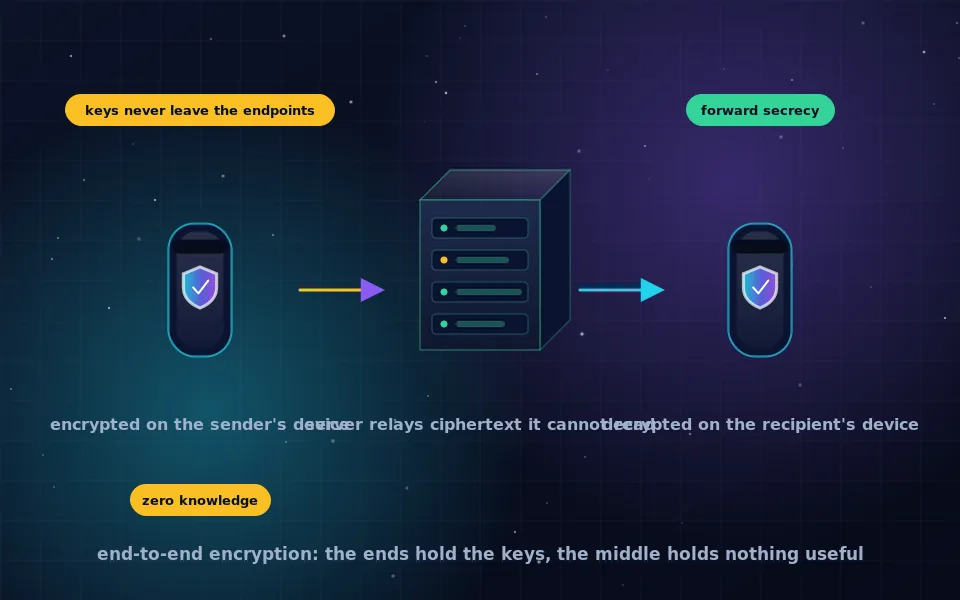
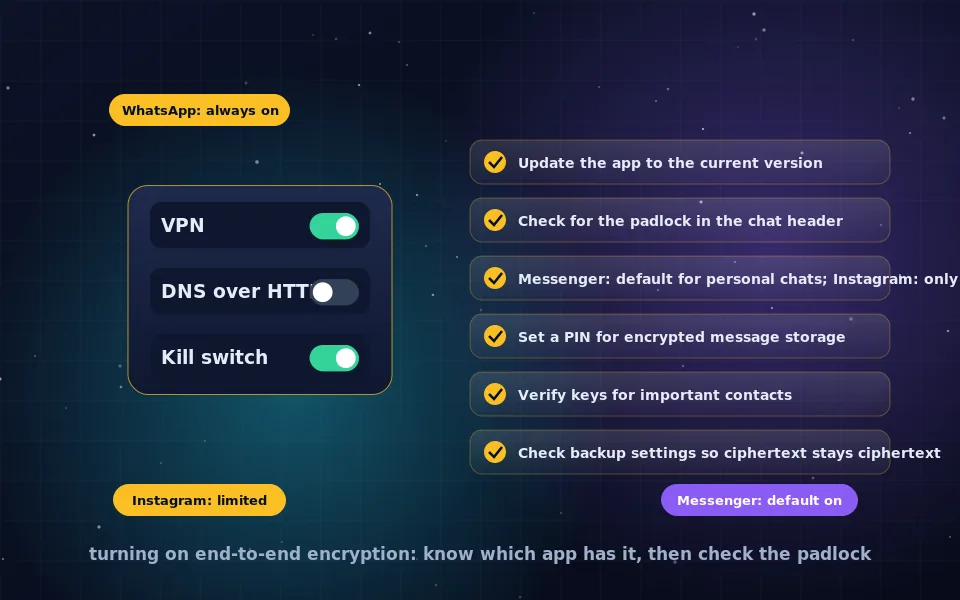
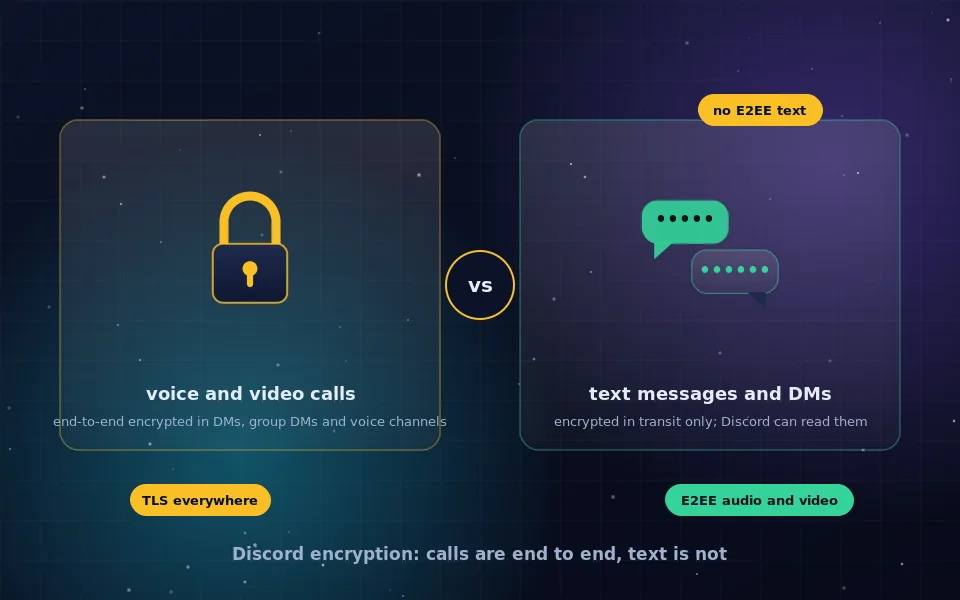
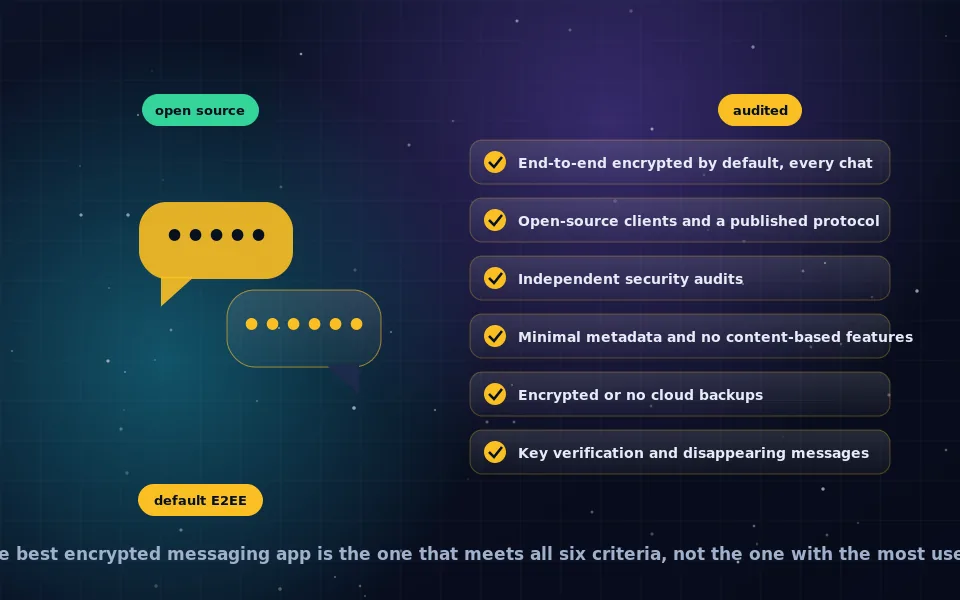
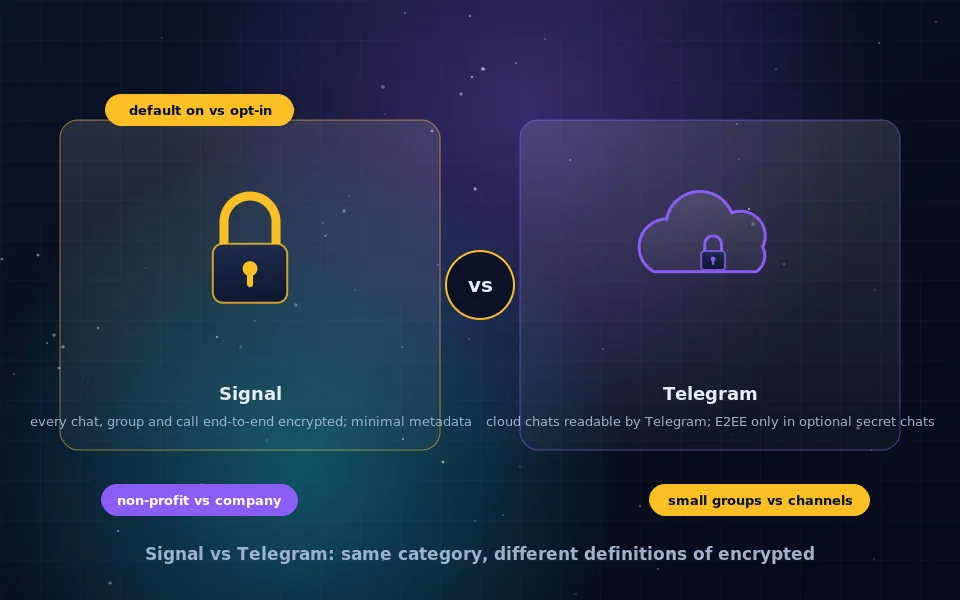
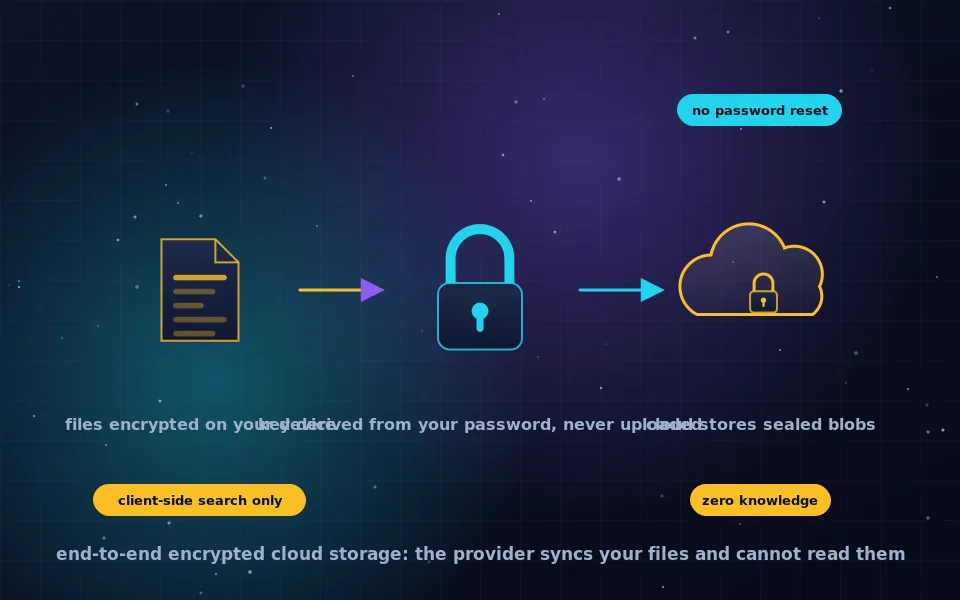
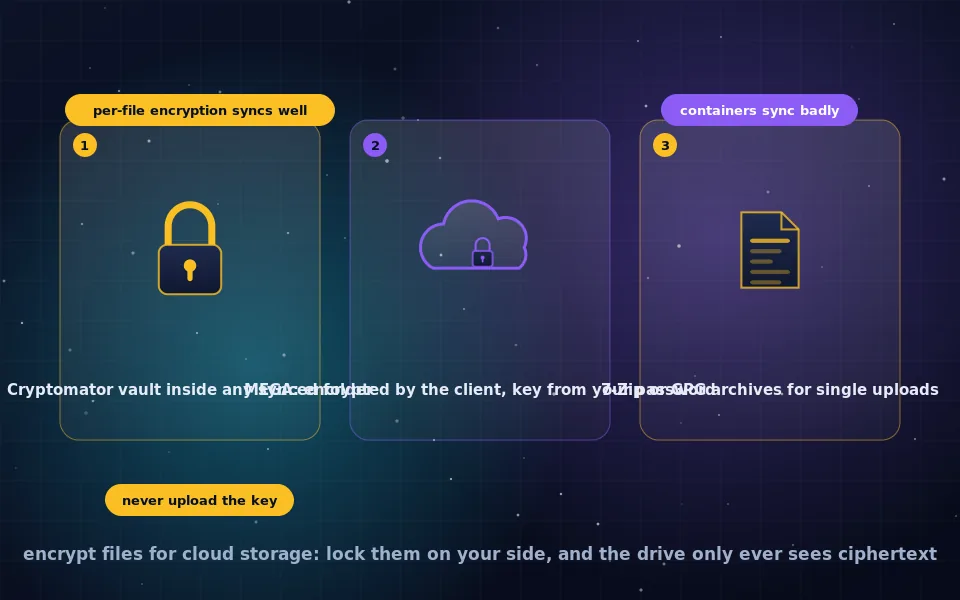
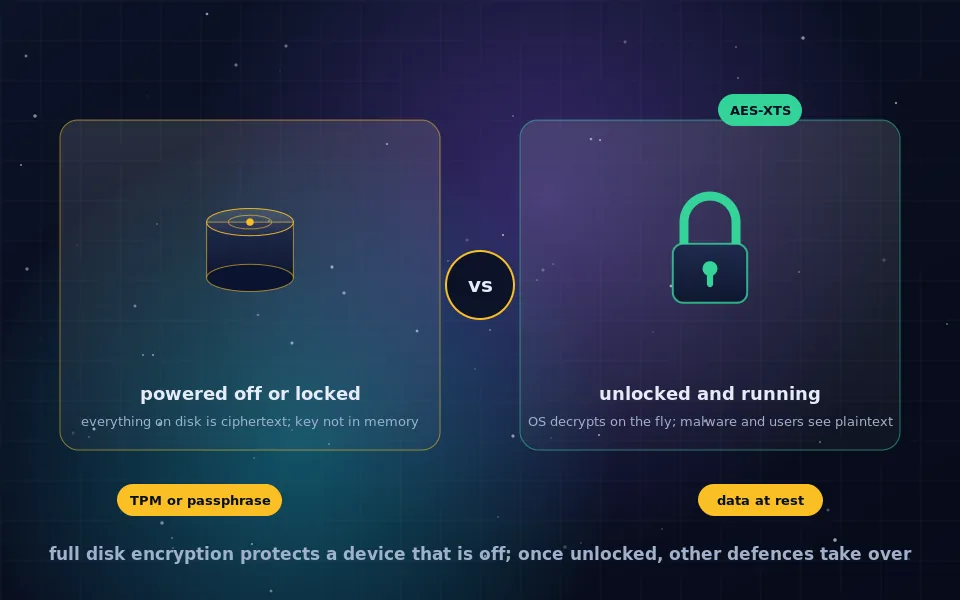
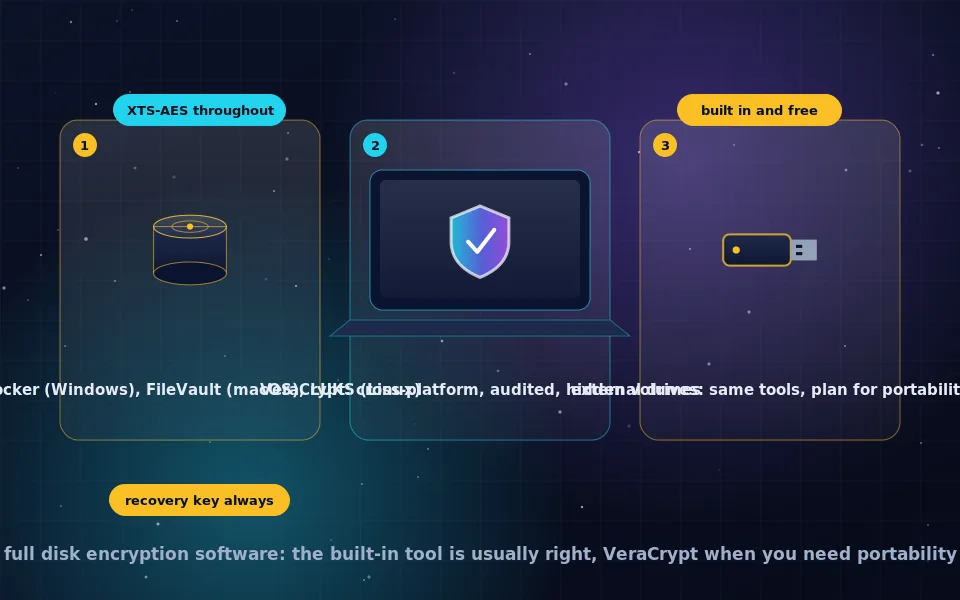
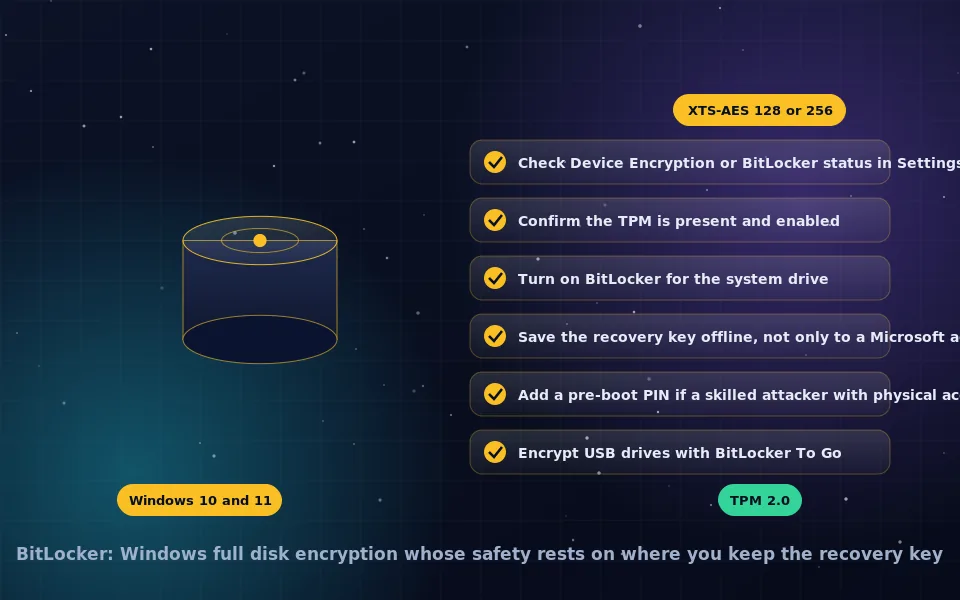
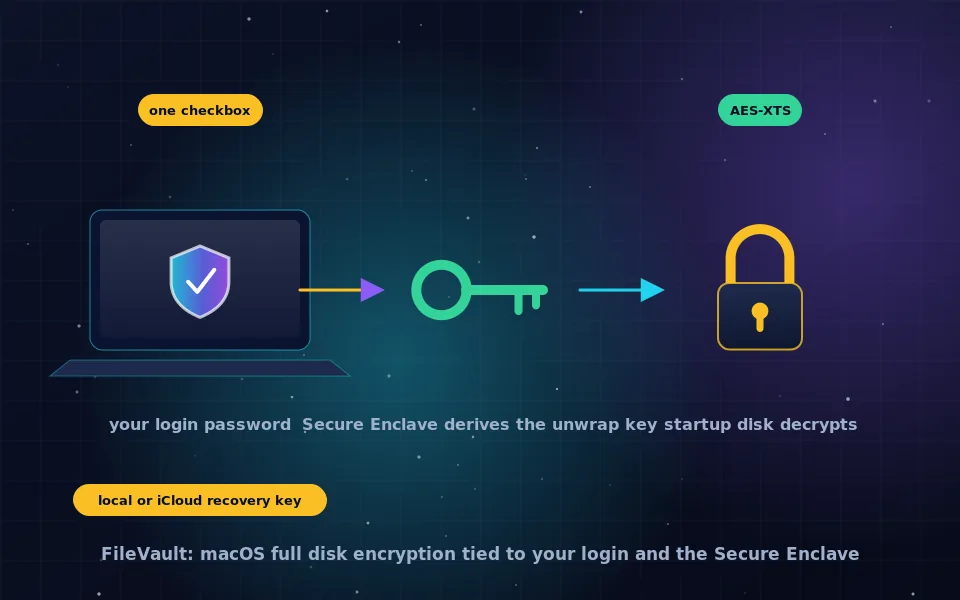
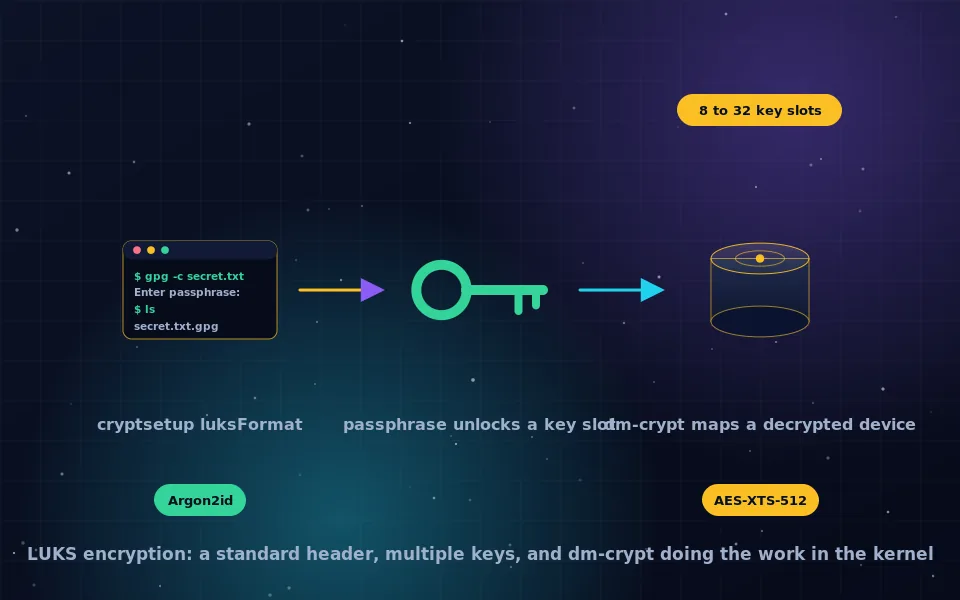
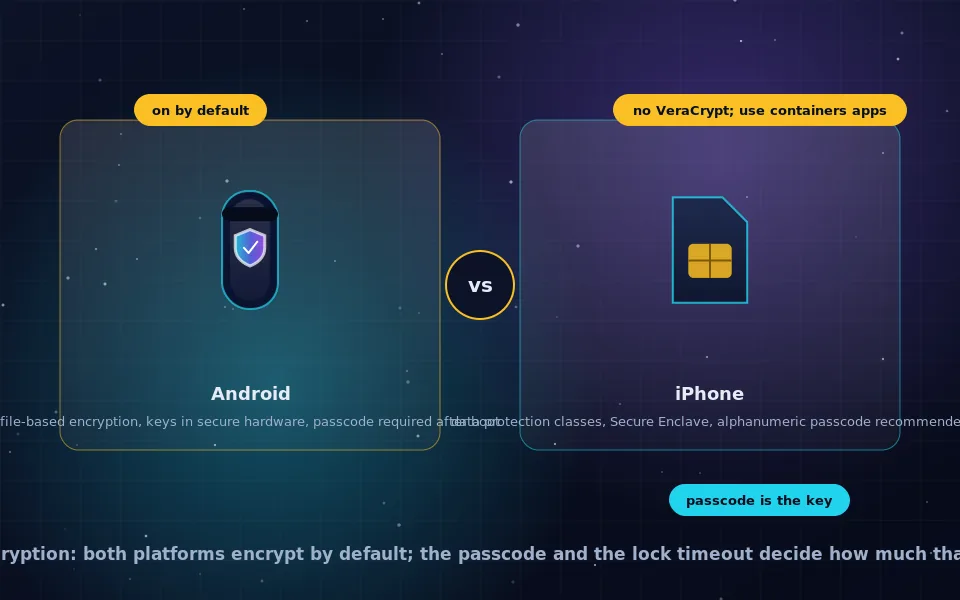
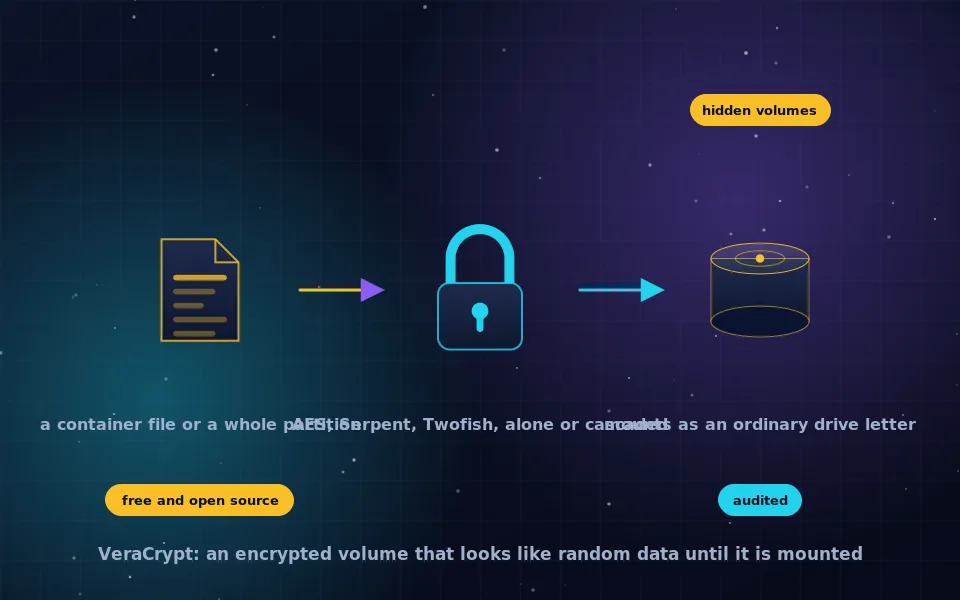
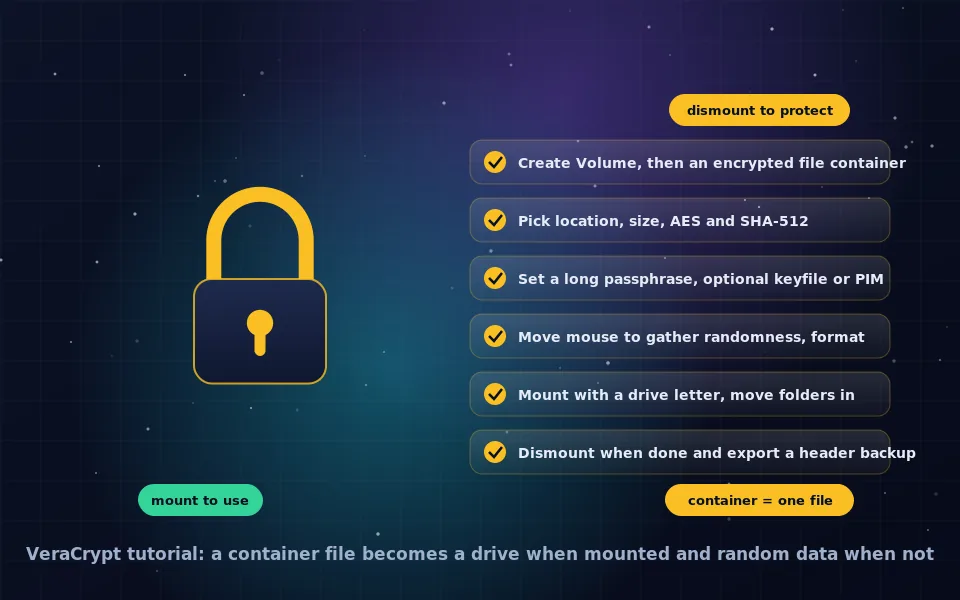
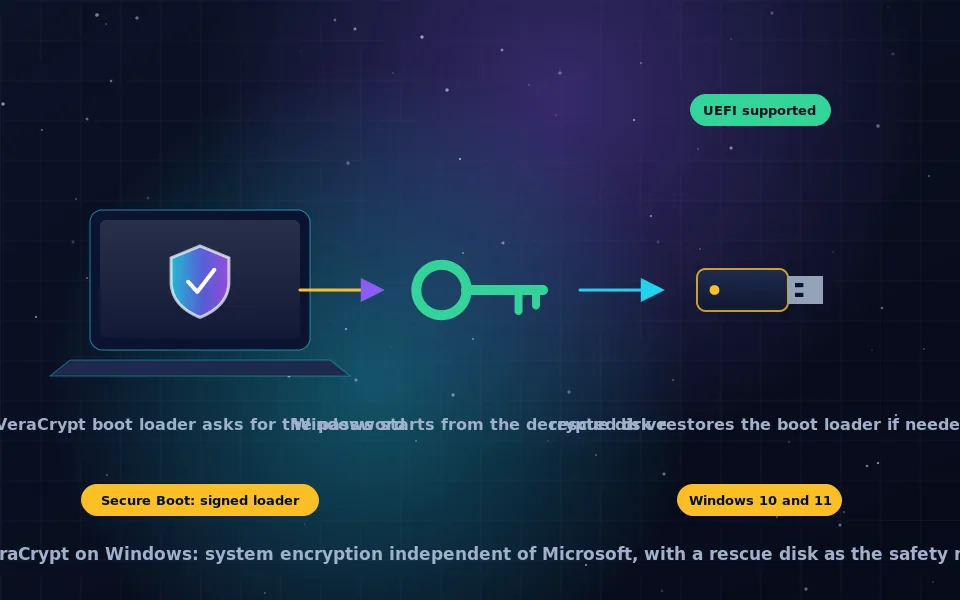
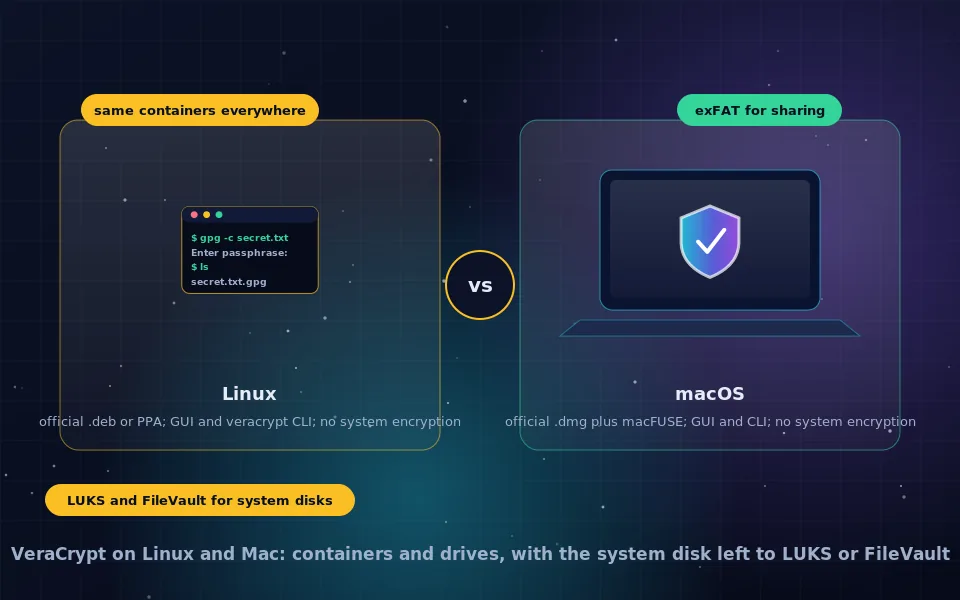
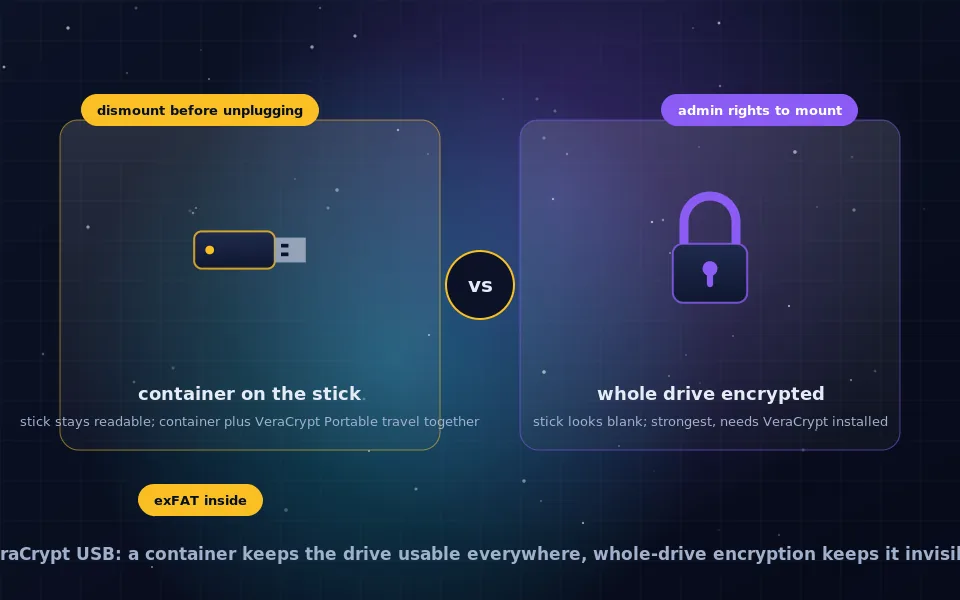
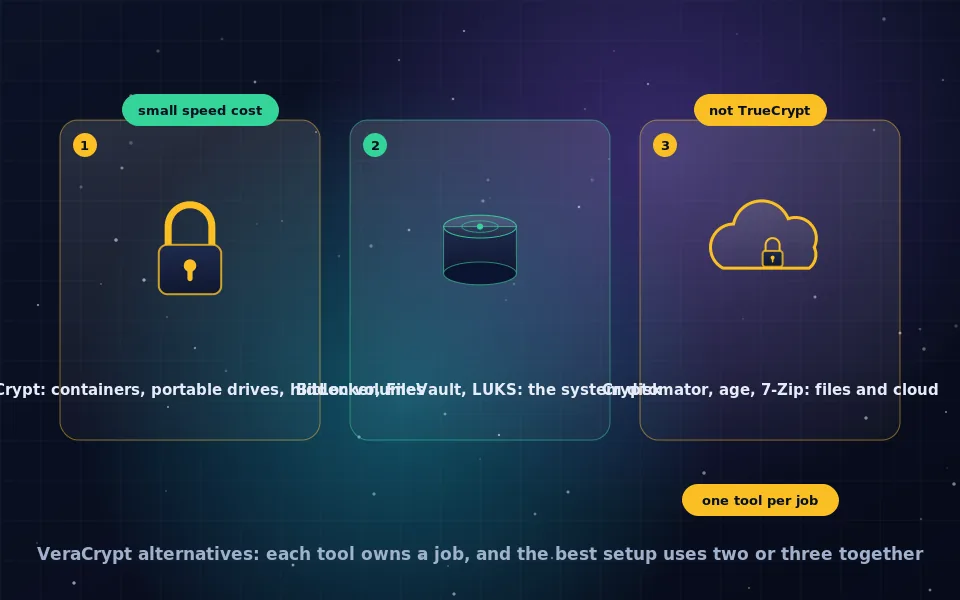
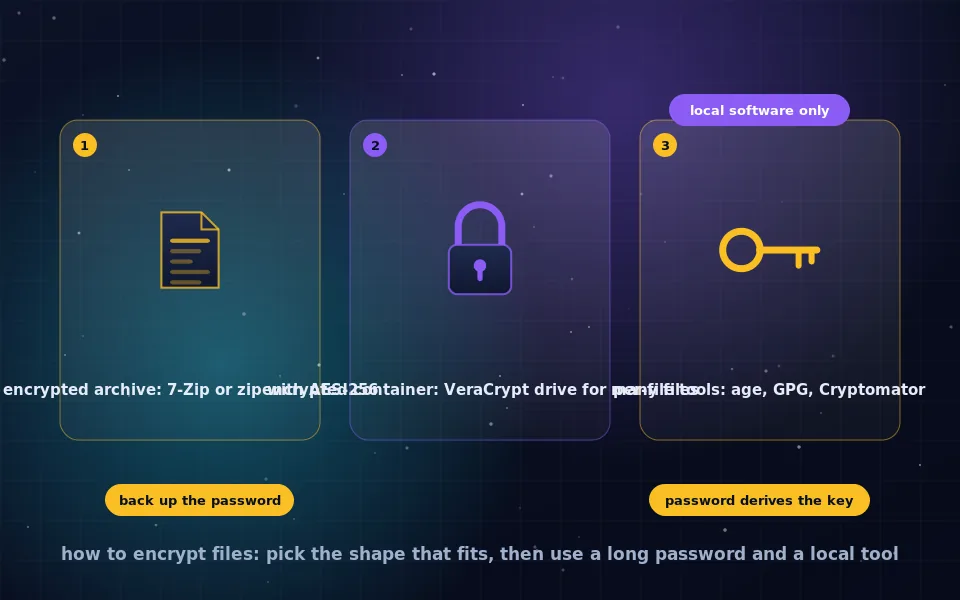
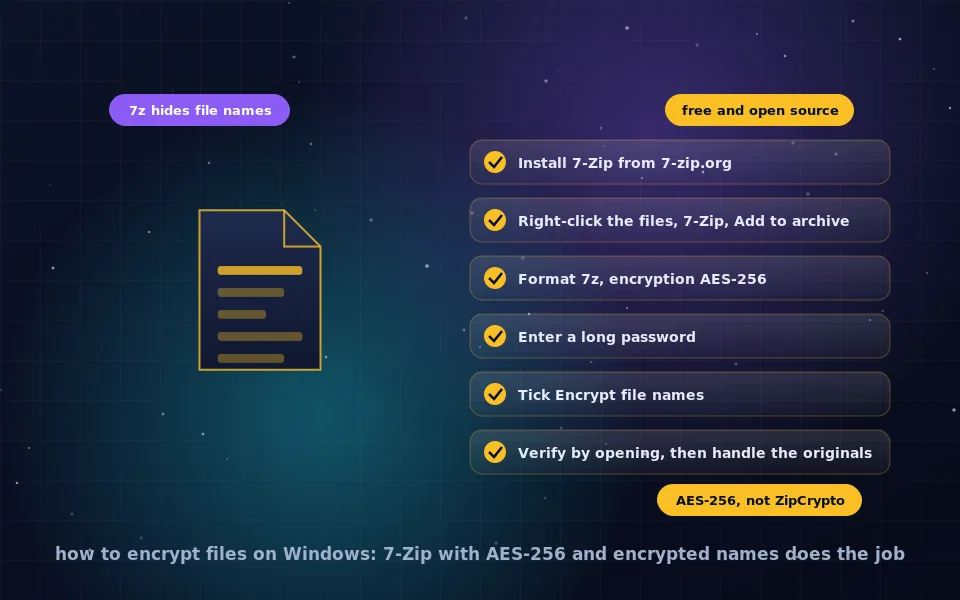
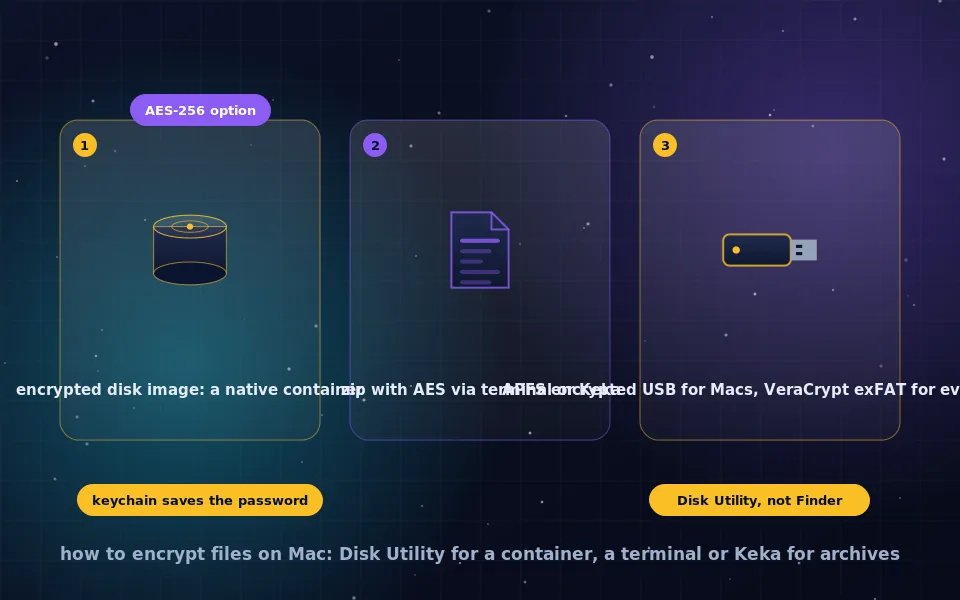
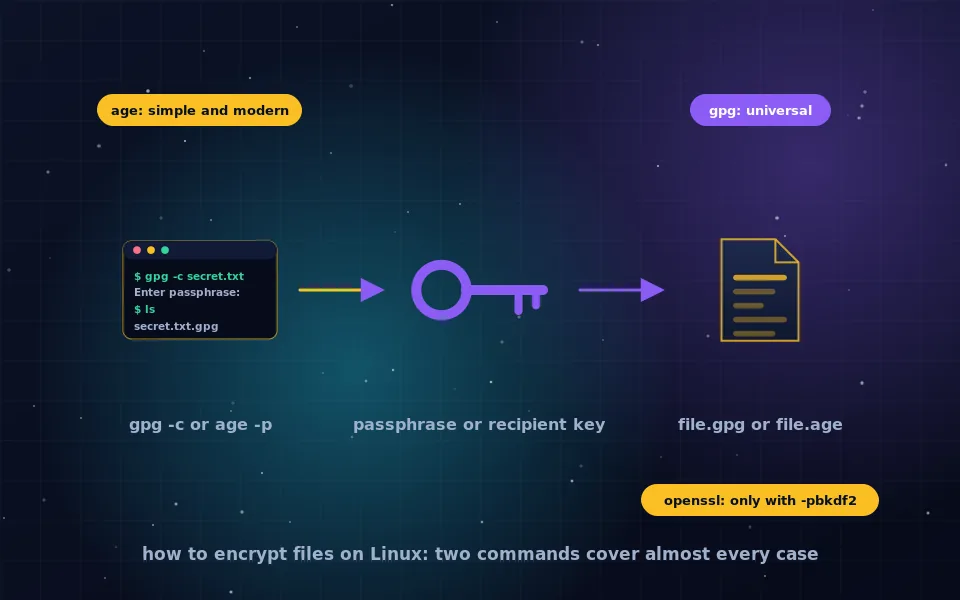
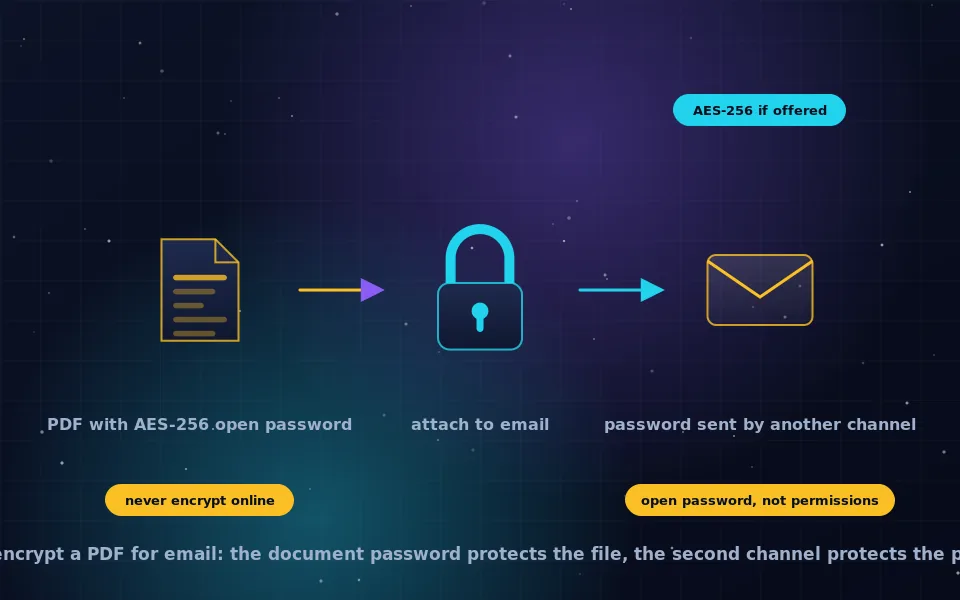
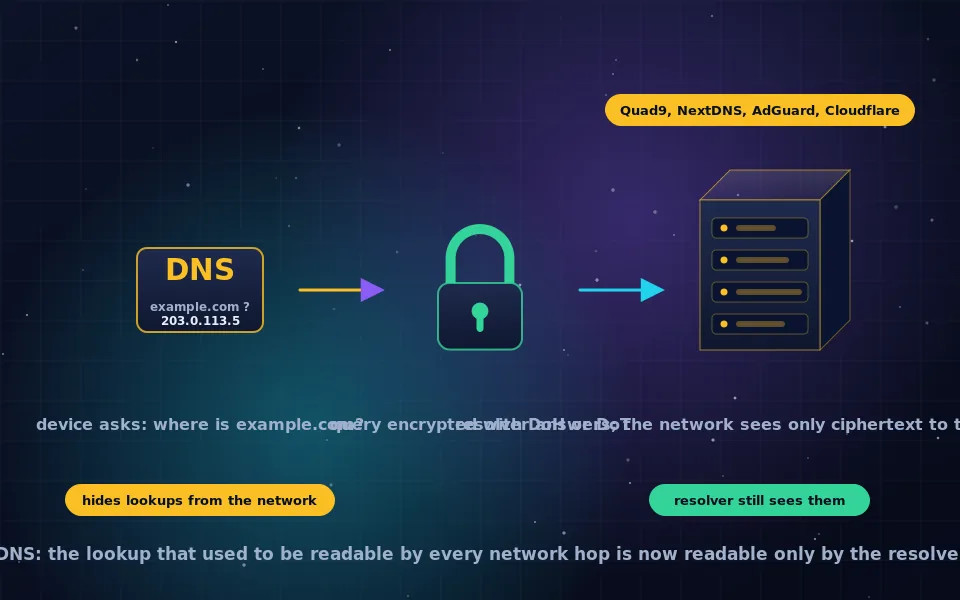
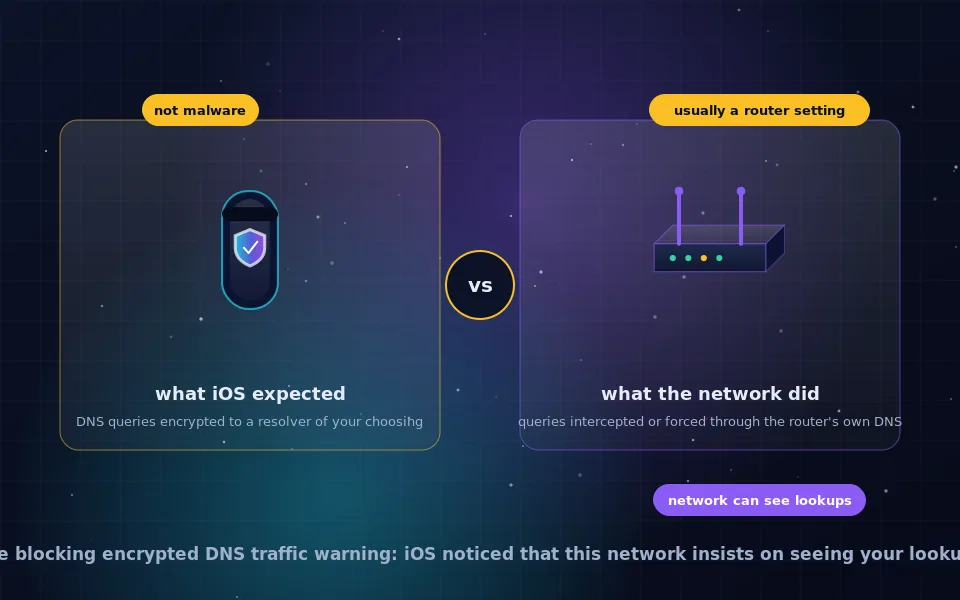
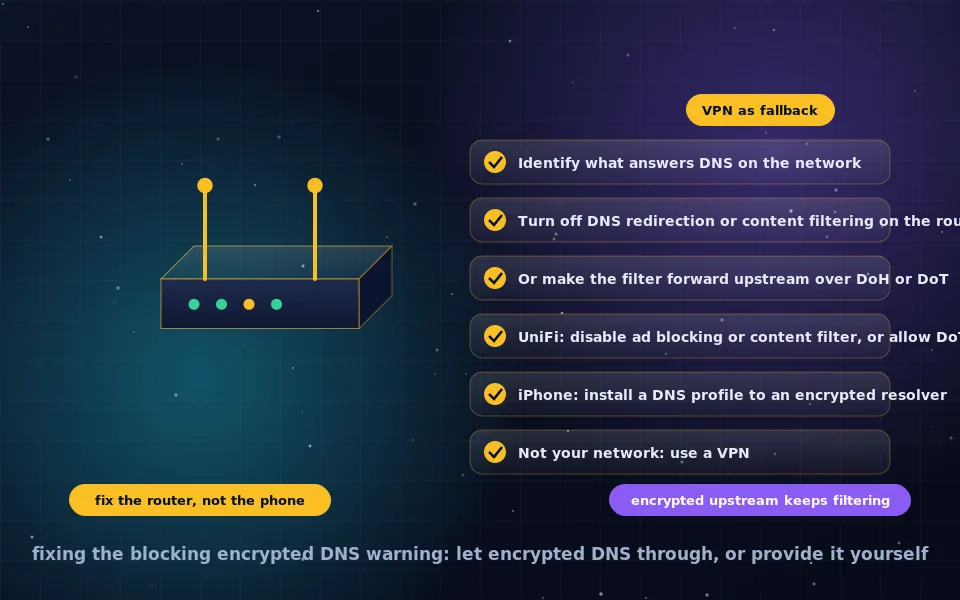
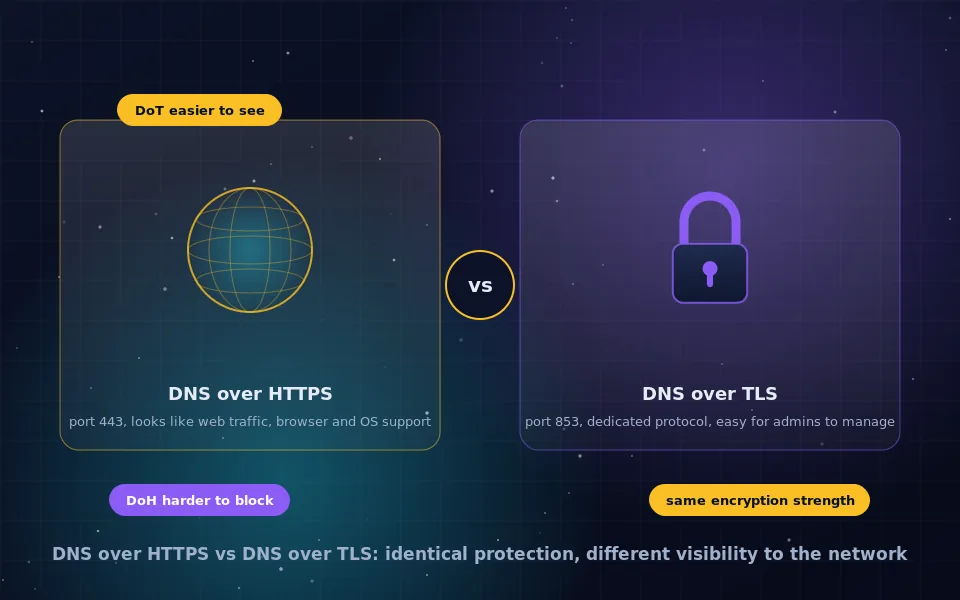
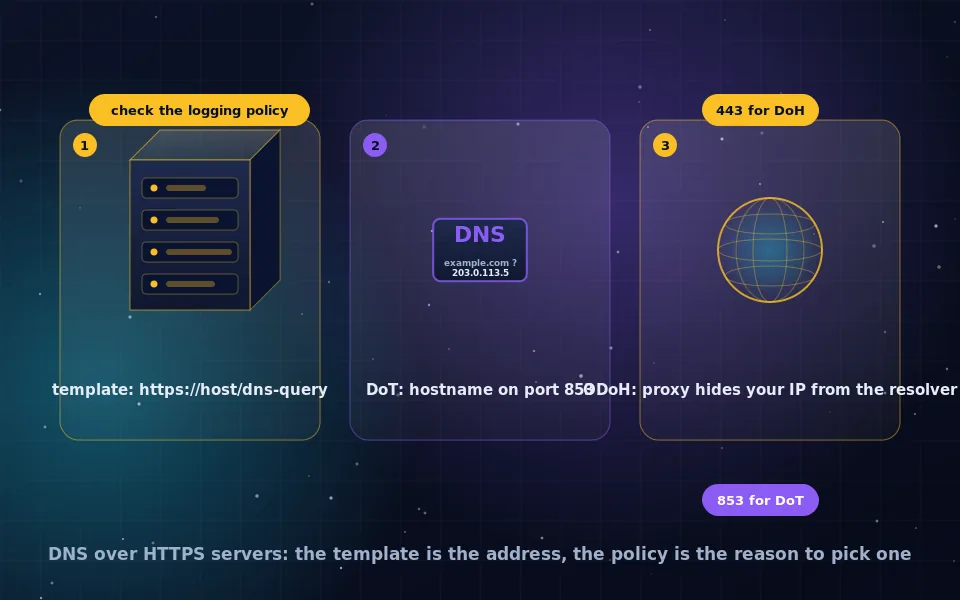
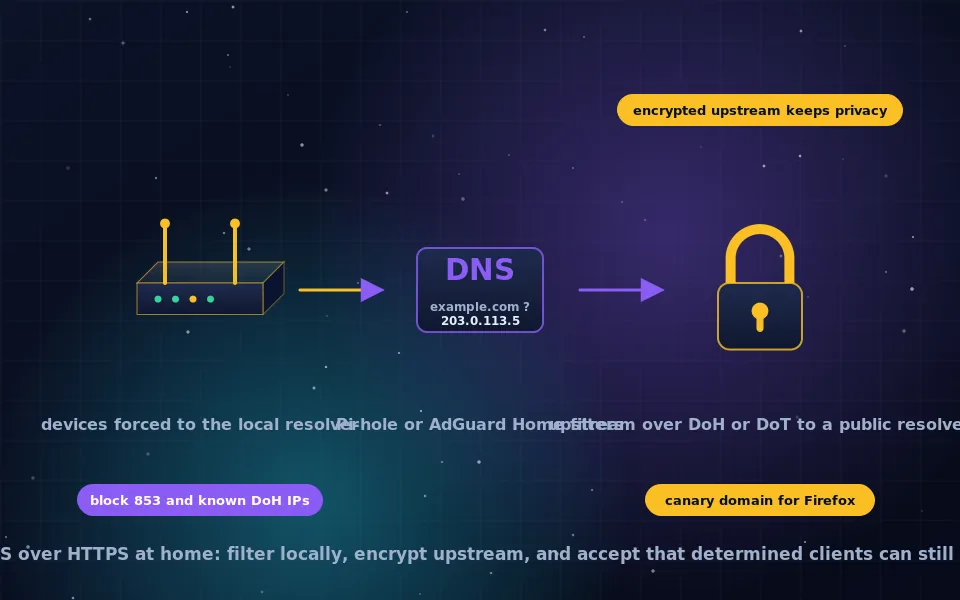
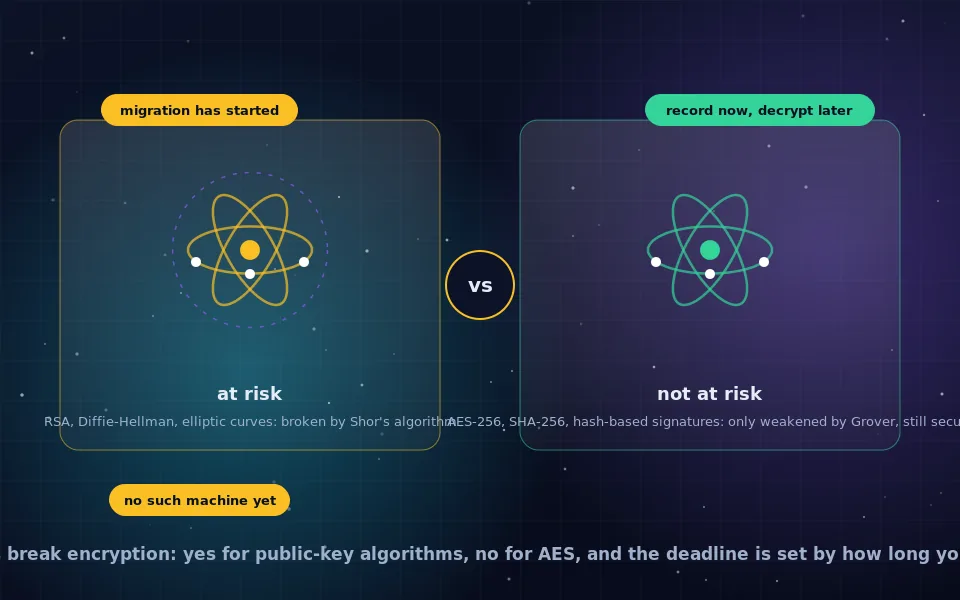
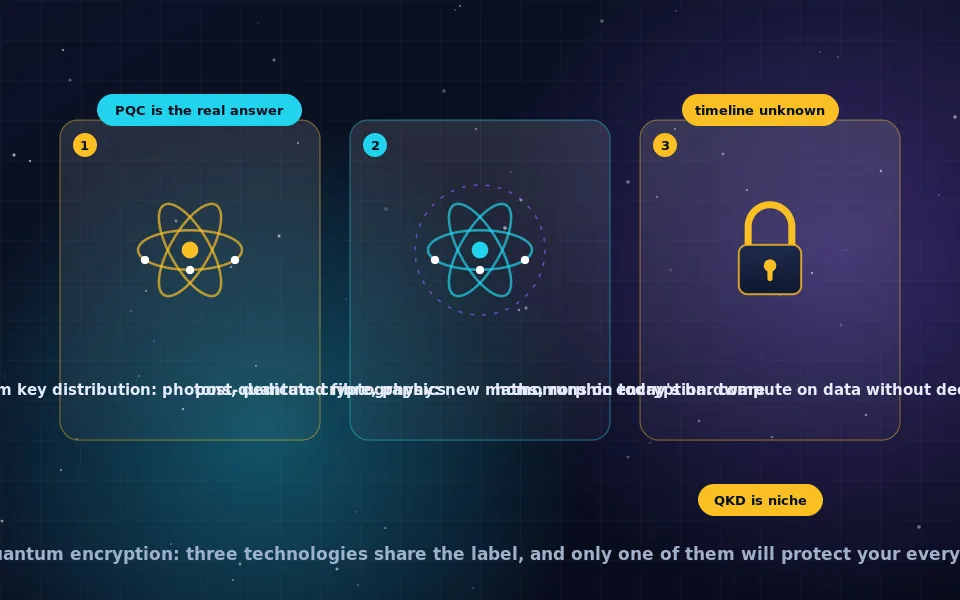
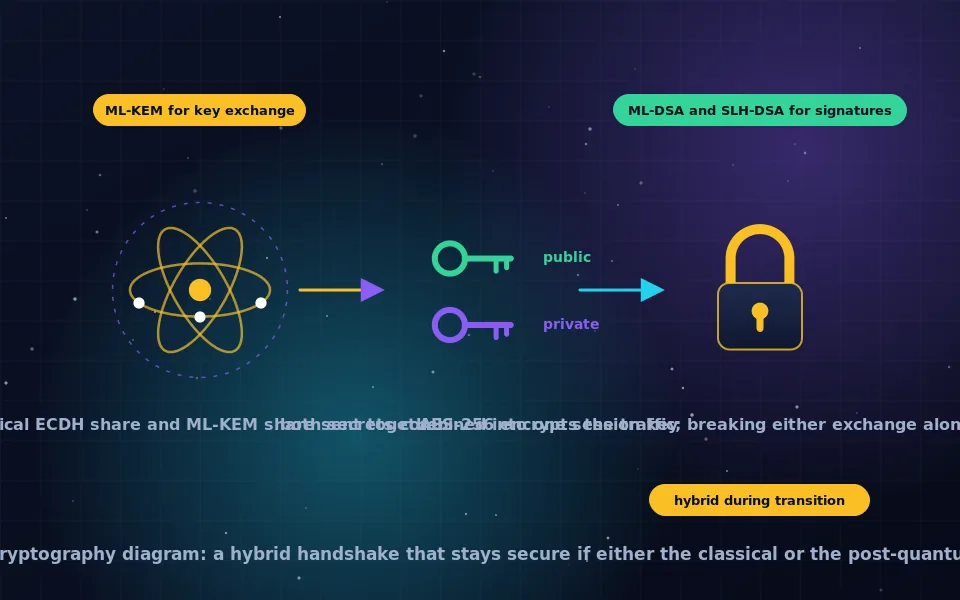
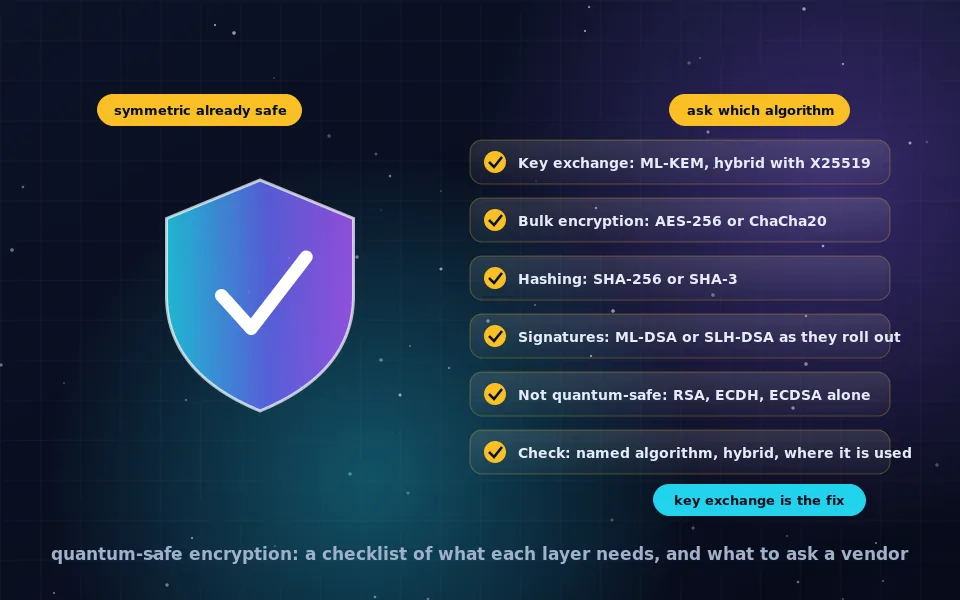
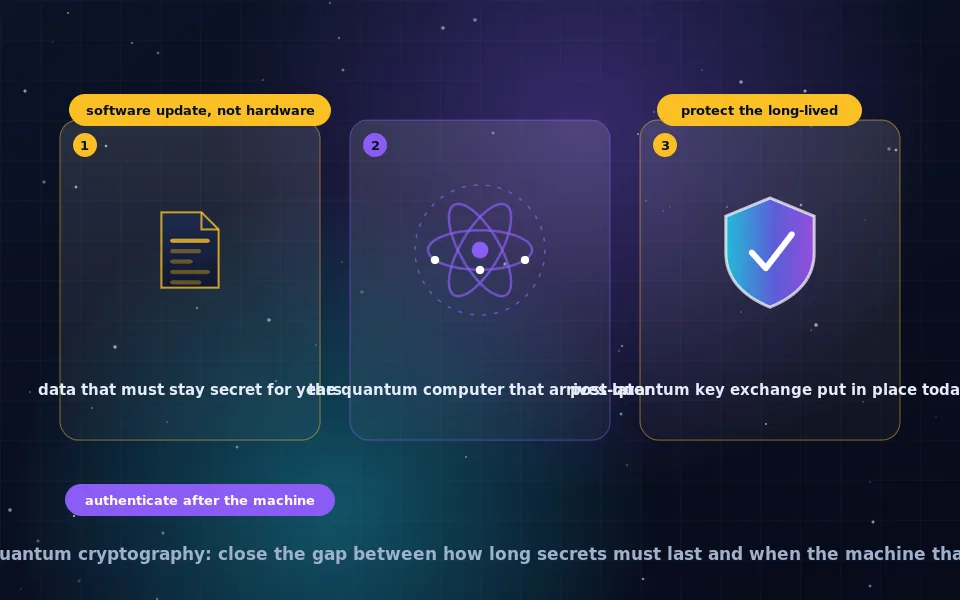
Start with Encryption basics if you want to understand what the word means and why a key matters more than the algorithm name. AES and ciphers and HTTPS and TLS cover the algorithms behind everyday labels such as AES-256 and the padlock in the browser. Email and PGP and Messaging and end-to-end encryption are about protecting communication, while Cloud storage, Full-disk encryption, VeraCrypt and Encrypting files are about protecting stored data on laptops, phones, USB drives and cloud accounts. Encrypted DNS explains the lookups that leak even when a page is HTTPS, and Quantum and post-quantum separates real timelines from headlines.
Related reading elsewhere on this site: are VPNs safe explains the encryption a VPN adds and the trust it moves, and the anonymity guides cover the tools that hide who is talking rather than what is said.
Frequently asked questions
I know nothing about encryption. Where do I start?
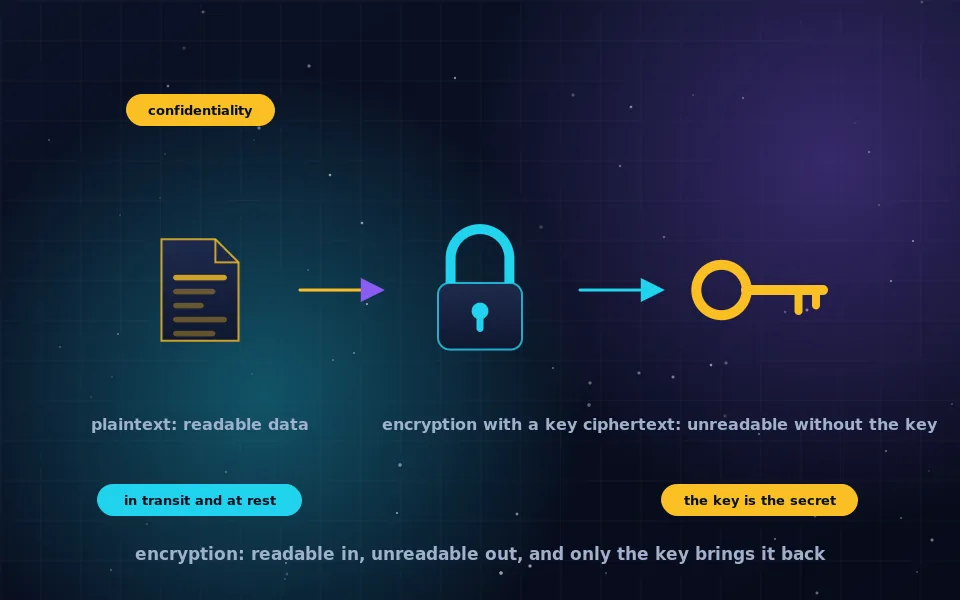
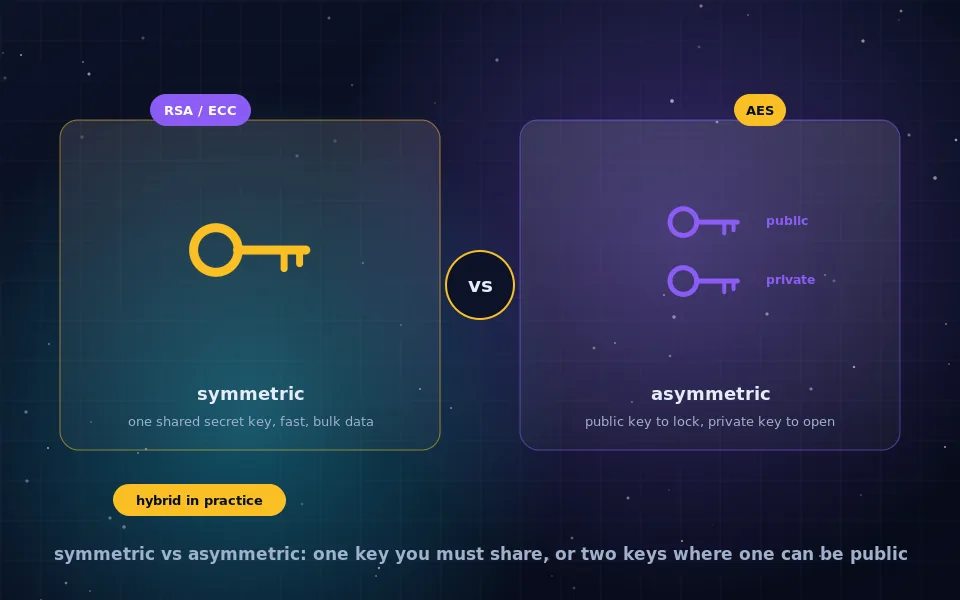
Start with the article on what encryption is, then read symmetric vs asymmetric encryption. Together they explain keys, algorithms and the two ways a key can be shared, which is all the theory the practical guides assume.
Which of these tools should an ordinary person actually use?
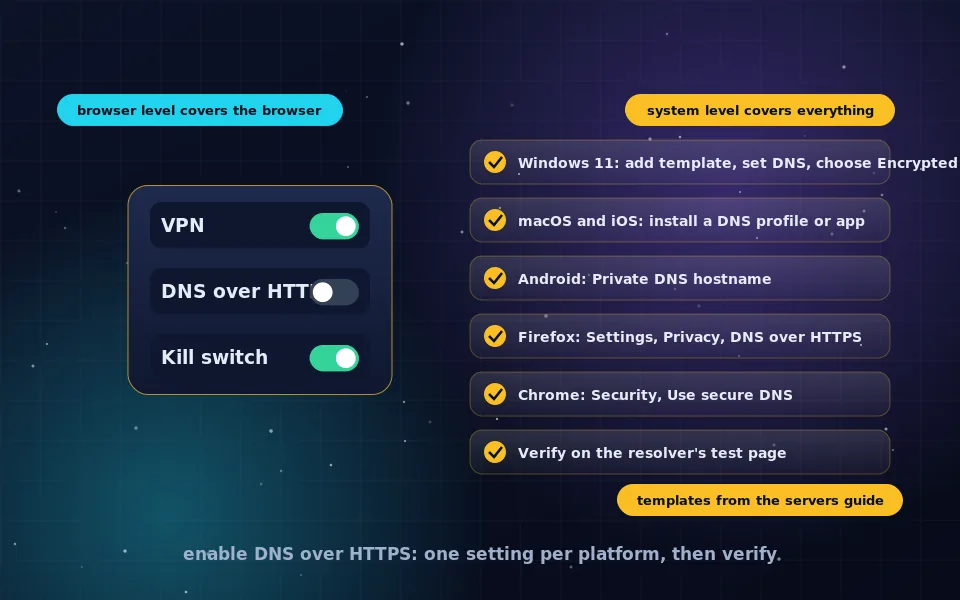
Turn on the full-disk encryption built into your operating system, use an end-to-end encrypted messaging app for private conversations, enable encrypted DNS in your browser or system, and encrypt any backup that leaves your house. Those four steps cover most real-world risks and each has a guide here.
Do these guides recommend paid products?
Almost every tool described here is free and open source, or already built into your operating system. Where a commercial product is mentioned, it is to explain how it works, and the page never carries affiliate links.
Last reviewed and updated on . Plain text version: /encryption.txt.