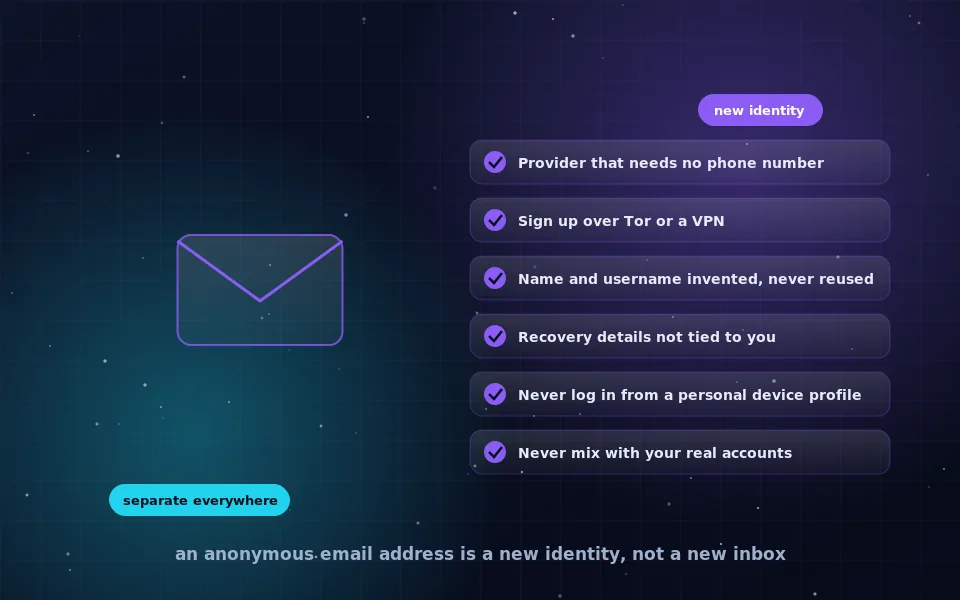
To create an anonymous email address, pick a privacy-focused provider that does not require a phone number, sign up while connected through Tor Browser or a trusted VPN, use an invented name and username that you have never used anywhere else, and then only ever access the account under those same conditions. The account is anonymous because nothing about it links to you, and that is a discipline rather than a setting.
People want an anonymous email address for ordinary reasons: reporting a problem at work without retaliation, contacting a journalist, keeping a hobby or health matter separate from a real name, or simply refusing to hand a personal address to every service that asks. This guide walks through the setup, then spends most of its length on the harder part, which is using the address in a way that does not quietly undo the anonymity.
Decide what "anonymous" needs to mean for you
Anonymity is relative to who might try to identify you. Before creating anything, decide which of these you need, because they require different levels of care.
- Anonymous to recipients. The people you write to should not learn your name. Almost any new account under a pseudonym achieves this.
- Anonymous to the provider. The email company itself should not be able to connect the account to you. This requires signing up and logging in without exposing your real IP address, device or other accounts.
- Anonymous to a determined investigator. Someone with legal power to demand records from the provider and your ISP should still not be able to link the account to you. This requires everything above, done consistently, forever.
Most people need the first or second. Design for the level you need, and do not confuse a fake display name with the third.
Choose a provider that does not require a phone
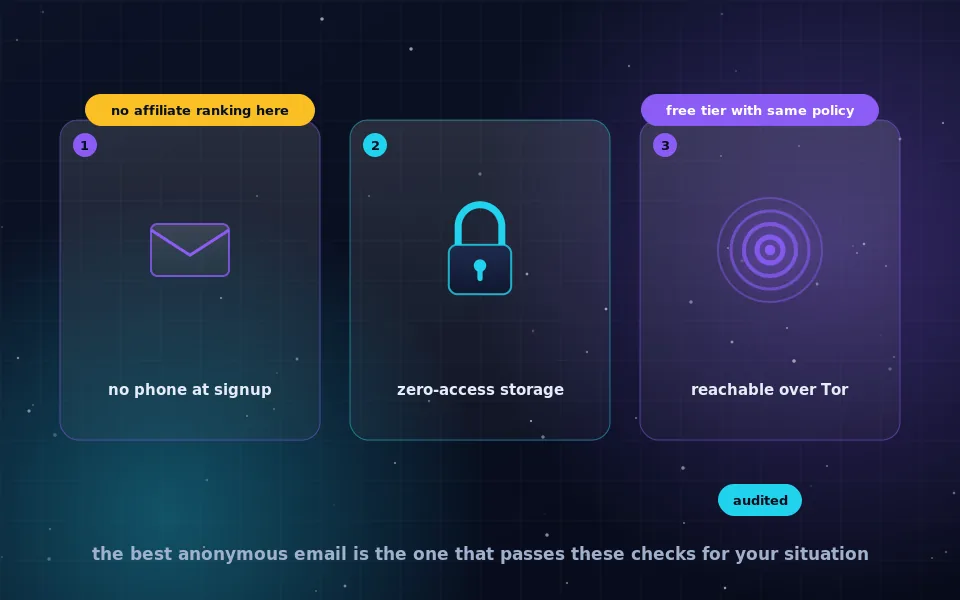
Mainstream webmail services usually demand a phone number at signup, which ties the account to a SIM card that is in turn tied to you. Privacy-focused providers generally offer a free tier that requires no phone number and no existing email address, and several accept signups over Tor.
What to look for in a provider:
- No mandatory phone or existing-email verification on at least one plan.
- A clear privacy policy describing what is logged at signup and login, ideally with a stated practice of minimal IP logging.
- End-to-end or zero-access encryption of stored mail, so the provider cannot read your inbox.
- A working onion service or at least no blocking of Tor connections.
- A way to pay for upgrades without a card in your name, if you ever need more than the free tier.
The article on anonymous email providers on this site compares the options in detail. Avoid providers that were created recently, have no published policy, or are advertised mainly on forums; an anonymous account is only useful if the provider is still around next year.
Set up the network and device before you sign up
The signup moment is when most anonymity is lost, because the provider records the IP address and browser that created the account. Prepare first.
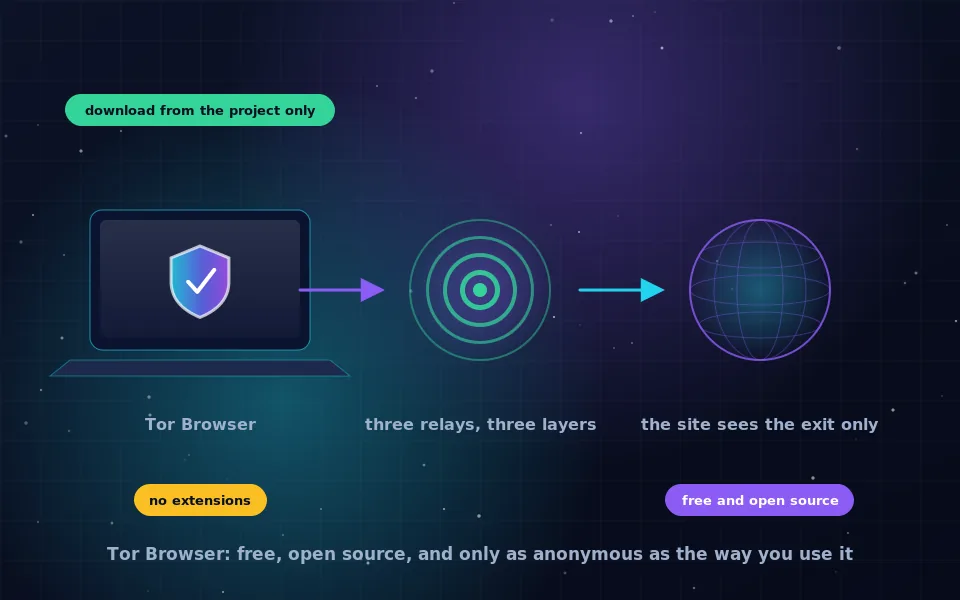
Open Tor Browser, or connect a trusted no-logs VPN if Tor is not an option for you. Tor is better for this purpose because no single company sees both your address and the provider. Do not use your everyday browser, even in private mode: it still shares your IP address and much of its fingerprint with your normal browsing. If you are in a situation where the stakes are high, use a separate device or a live operating system such as Tails, which the anonymity guides on this site describe.
Make sure you are not logged in to anything personal in the same browser session. Tor Browser starts clean each time, which is one reason to use it.
Create the account: a seven-step checklist
With the network ready, the signup itself is quick.
- Go to the provider's site through Tor Browser, using its onion address if one exists.
- Choose the free plan and a username that means nothing: not a nickname you have used before, not a reference to your interests, not a pattern you use for other accounts.
- Enter a display name that is equally unconnected, or leave it blank if allowed.
- Use a long, unique password and store it in a password manager entry that is not synced to an account under your real name.
- Skip recovery email and phone if you can. If a recovery address is mandatory, use another anonymous account created the same way, never a personal one.
- Complete any CAPTCHA and confirm the account. If the provider insists on phone verification for Tor signups, try again later or choose a different provider rather than entering your number.
- Log in once to confirm the mailbox works, then set the provider's own privacy options: disable remote image loading, turn off read receipts, and enable two-factor authentication with an authenticator app kept on the same separated footing.
Write down nothing that connects the new address to you. The password manager entry should hold the address and password only.
Habits that keep the address anonymous
The account is now anonymous. Every one of the following habits is a place where people lose that.
Always access the account the same way you created it: through Tor Browser or the same VPN, never from your normal browser, phone mail app or a work computer. A single login from your home IP address without protection gives the provider a record that a determined party could use.
Never mention anything in the messages that identifies you: your city, employer, schedule, other usernames, or details only you would know. Writing style is also a fingerprint; keep messages plain and short.
Never link the account to real ones. Do not forward mail to a personal address, do not use it as a recovery address for personal accounts, and do not sign up for services that have your real identity using it. Each link is a thread that leads back.
Never open attachments or click tracking links carelessly. A tracking pixel or link can reveal your IP address if you are not behind Tor at that moment, and an attachment can carry code that phones home.
Keep the identity separate in time as well. Do not log in to the anonymous account and your personal accounts within the same session or from the same network at the same moment, because correlation of timing is a common way to link identities.
Anonymous email on a phone
Phones are hostile to anonymity. The mail app is tied to the device, the device to the SIM card, and the SIM to you. If you must use an anonymous account on a phone, use the provider's website inside a Tor-enabled browser rather than a mail app, never add the account to the system mail settings, and accept that the phone's other apps and its network identifiers make this the weakest link in the setup. For anything sensitive, a laptop running Tor Browser or Tails is the safer environment.
What privacy educators and providers themselves say
The advice here is deliberately conservative, and it lines up with what the people who run these services and teach digital safety have said.
Privacy-focused email providers state in their own documentation that they cannot make an account anonymous on the user's behalf; their role is to log as little as possible, and the user's role is to avoid connecting the account to their identity through IP addresses, payment and behaviour.
Digital-rights organisations that publish guides for journalists and sources consistently rank operational habits above tool choice. Their case studies of failed anonymity almost always involve a single login from a home connection or a reused username, not a broken encryption scheme.
Security trainers who work with at-risk people emphasise compartmentalisation: one identity per purpose, one browser profile or device per identity, and no crossover. An anonymous email address is one compartment; the discipline is in never opening the wall between it and the rest of your life.
Do it properly once
Open Tor Browser now, choose a provider that does not ask for a phone number, and create the account using the checklist above. Then decide the one way you will always access it and stick to that. An anonymous email address made carefully and used consistently is a genuinely useful tool; one made carelessly is just a second inbox with your name on it in the provider's records.
Frequently asked questions
How do I create an anonymous email account without a phone number?
Choose a provider that does not require phone verification, connect through Tor Browser or a trusted VPN so the signup is not tied to your home IP address, invent a username and display name with no connection to you, and skip or invent recovery details. Several privacy-focused providers allow this on their free tiers.
Is Gmail anonymous if I use a fake name?
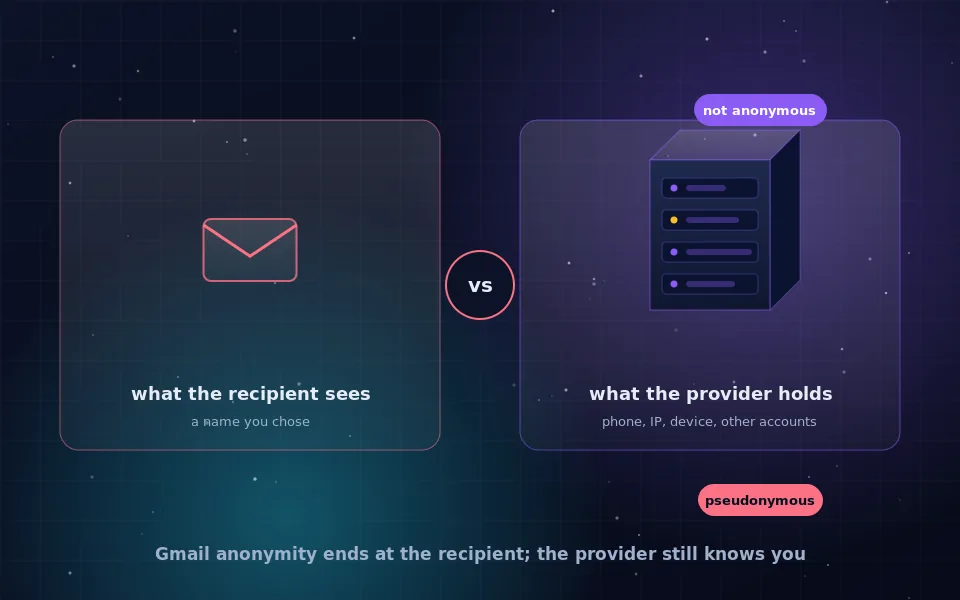
No. A fake name hides you from recipients, but the provider records your IP address, device and usually a phone number at signup, and links the account to any other account used on the same device or browser. It is a pseudonymous address, not an anonymous one.
What is the difference between anonymous and temporary email?
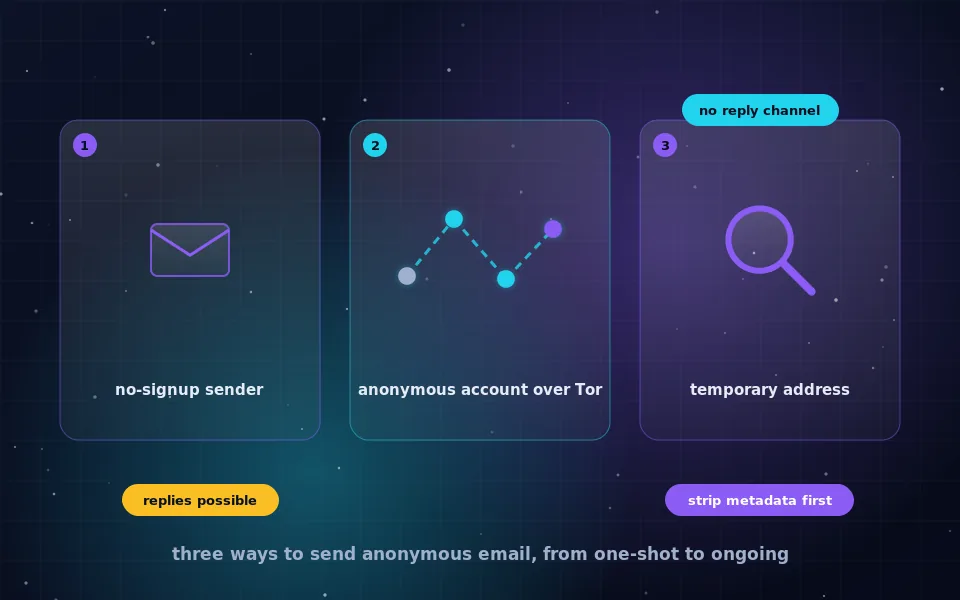
A temporary address exists for minutes or hours and is meant for one-off signups. An anonymous account is a lasting mailbox that you control but that is not linked to your identity. You need the second for ongoing correspondence.
Can an anonymous email be traced?
The provider can be compelled to hand over whatever it holds, which usually includes the IP address used at signup and login. If those were your home address, the account is traceable. If you always used Tor and never linked the account to anything real, there is far less to hand over.
Is it legal to create an anonymous email address?
In most countries, yes. Using a pseudonym online is legal and common. What is illegal is using any account, anonymous or not, to harass, defraud or threaten people. Anonymity protects your privacy; it does not change the law.
Last reviewed and updated on . Plain text version: /anonymity/create-anonymous-email.txt.