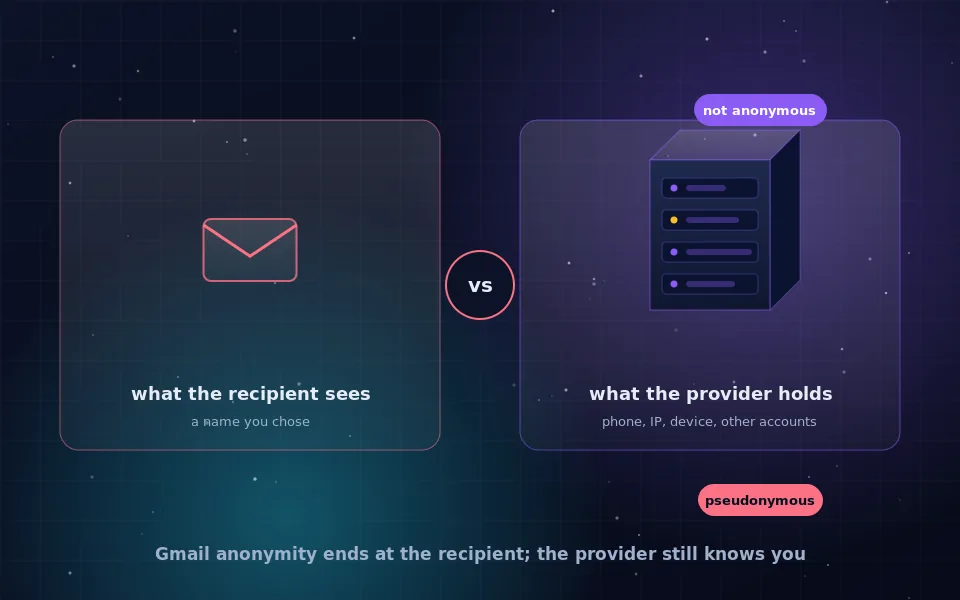
You can send an anonymous email in Gmail only in the limited sense that the recipient will not see your real name if you set up a separate account under an invented one. Google itself records the phone number used to verify the account, the IP address of every login and the device you use, and links the account to any other Google account on the same device or browser. For anonymity from the provider, Gmail is the wrong tool.
That distinction matters because most people asking how to send an anonymous email from Gmail have one of two situations in mind. In the first, they want to give feedback, contact a stranger or post to a list without their name attached, and the recipient is the only party they care about. Gmail can do that. In the second, they want nobody to be able to trace the message, including anyone who can ask Google for records. Gmail cannot do that, and pretending otherwise is how people get identified. This guide explains what Gmail records, the most careful way to set up and use a pseudonymous account, and where the line is.
What Gmail records about every account
Google's own account documentation and privacy policy describe what is collected, and it is more than most senders realise.
- Phone number, if verification was required at signup or later, and Google increasingly requires it.
- IP address at signup and at every login, retained for a period Google sets.
- Device identifiers and browser fingerprint for each session.
- Recovery email and phone, which are usually personal.
- Links to other Google accounts used on the same device or in the same browser, through shared cookies and device signals.
- Sent and received mail, contacts and metadata, which are stored in readable form on Google's servers and are subject to legal requests.
None of that is visible to your recipient. All of it is available to Google and, under legal process, to whoever can compel Google. An account that was created from your home connection, verified with your phone and opened on your personal laptop is anonymous to a recipient and fully identified to everyone else.
What the recipient sees
When you send from the Gmail website or the official app, the recipient sees the display name and address you chose, and message headers containing Google's mail servers. Your own IP address is not included, which is better than many desktop mail programs, where the sending computer's address can appear in a header line. So Gmail is reasonable for hiding your identity from the recipient, as long as the account itself does not carry your name and you never mention identifying details in the message.
Gmail's confidential mode, which sets an expiry and restricts forwarding, does not add anonymity. It changes what the recipient can do with the message, not who they can see sent it.
Setting up a pseudonymous Gmail account as carefully as possible
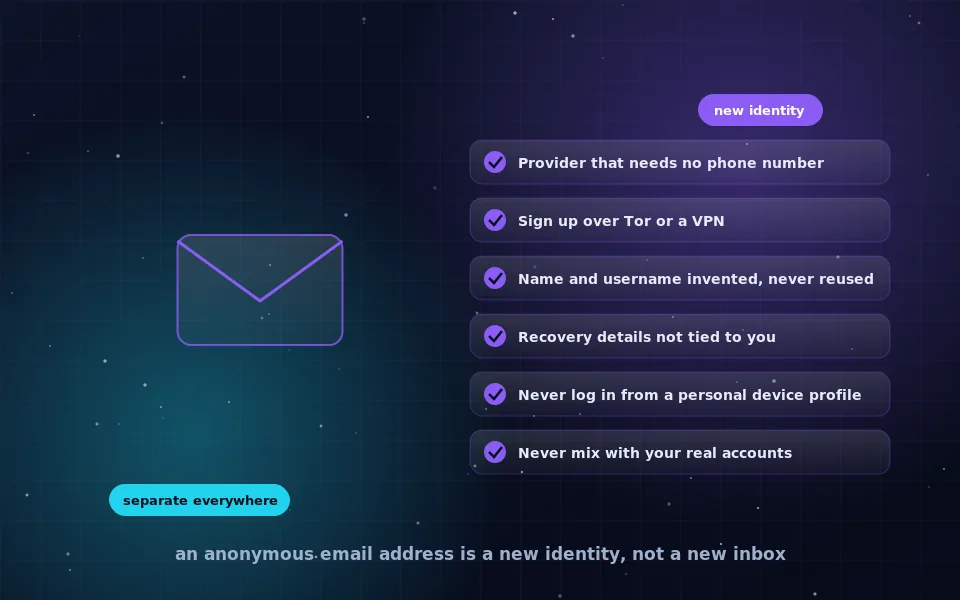
If Gmail is your only option, or the recipient is the only party you need to hide from, do it with care so the account is at least not trivially linked to your main one.
- Use a browser you never use for your personal Google account, ideally Tor Browser or a fresh browser profile with no history, or a separate device.
- Connect through Tor or a trusted VPN so the signup IP address is not your home connection.
- Choose a username and display name with no connection to your real identity or to other pseudonyms.
- If Google demands a phone number and you cannot proceed without one, stop and reconsider. Entering your own number ties the account to you permanently.
- Skip recovery email and phone, or use another separated account. Never enter a personal address.
- Decline all optional data sharing and personalisation settings during setup.
- Never open this account on a phone that has your personal Google account, and never in the same browser session as personal accounts.
Be aware that Google may lock or challenge accounts created through Tor or a VPN, and may demand phone verification later even if it did not at signup. Accounts created this way are fragile.
Using the account without linking it to you
The setup is only the beginning. Linking happens through use.
Always log in through the same protected route you used to create the account. A single login from your home network or your personal phone gives Google a record connecting the account to you. Do not add the account to a phone's mail app, because the phone's identifiers and its other accounts link everything on it. Do not send messages to or from your personal contacts, and do not import contacts. Do not use the account to sign in to other services, because each one records the same address with additional identifying data.
Keep the content clean of identifying details, and keep the writing plain. Recipients identify anonymous senders through what they say far more often than through headers.
Where Gmail anonymity stops
Two boundaries are worth stating plainly.
If the recipient forwards the message to Google with a complaint, or if a court or other legal authority asks Google to identify the account, Google can provide the signup phone number, login IP addresses and device information. If any of those point at you, the message is not anonymous.
If you have ever logged in to the pseudonymous account and a personal account from the same browser, device or IP address, Google's systems can associate them, and that association may appear in records or in account security prompts. The anonymity was undone at that moment even though nothing visible changed.
Gmail is designed to identify its users reliably, because that is what makes the rest of Google's products work. Asking it to do the opposite is asking against the grain of the product.
When to use something else
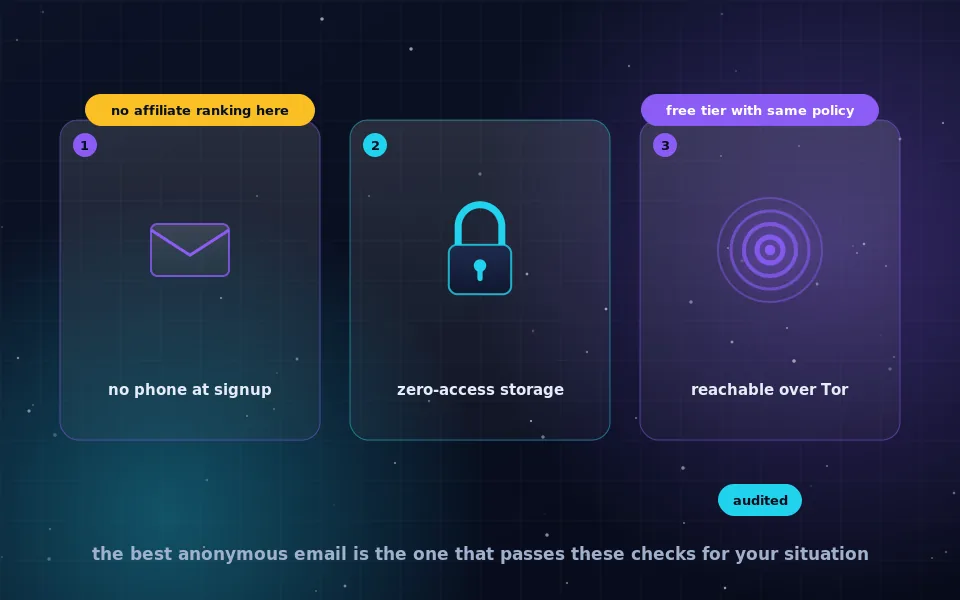
Use a privacy-focused email provider instead of Gmail when any of the following is true.
- You need to be anonymous to the provider, not just to the recipient.
- The recipient or their allies could obtain records through legal process.
- You need the account for a long time and cannot risk Google locking it or demanding a phone number later.
- You want stored mail to be encrypted so the provider cannot read it.
- You want to sign up and log in over Tor without being blocked.
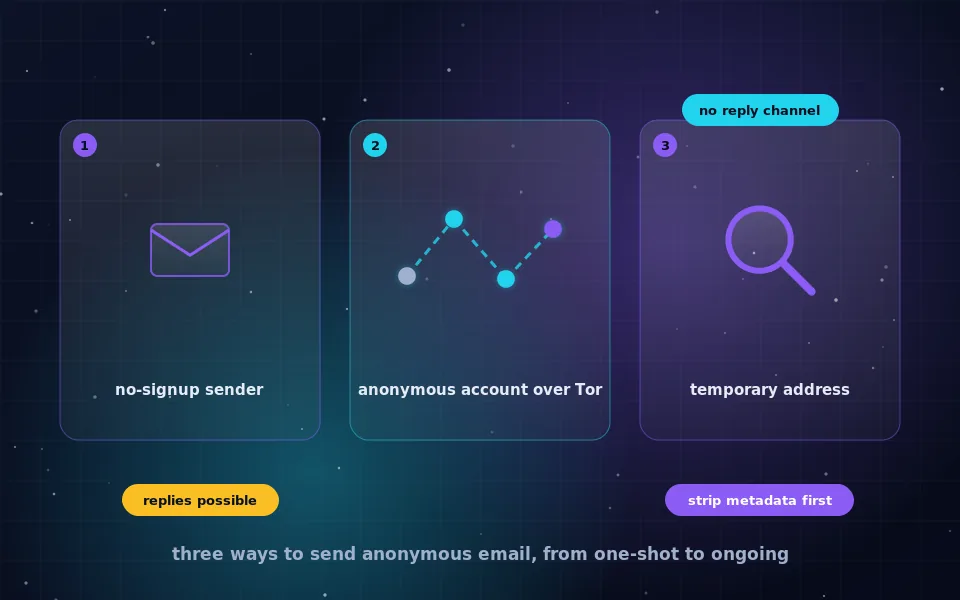
The guide on creating an anonymous email on this site walks through the process with a suitable provider, and the provider comparison explains what to look for. For a single anonymous message with no reply needed, the guide on sending anonymous email describes no-registration senders that involve no account at all.
What Google's own documents and privacy researchers indicate
The limits described here are not speculation; they follow from what Google publishes and what independent researchers have observed.
Google's privacy policy and account help pages describe the collection of IP addresses, device information and phone numbers, and its transparency reports show that it responds to a large volume of legal requests for account data each year. Those documents are the clearest statement that a Gmail account is identifiable to Google and to those who can compel it.
Privacy researchers who study cross-account linking have shown that shared devices, browsers and IP addresses are strong signals for associating accounts, and that large providers use such signals for security and fraud detection. That is why the guidance above insists on a separate browser and network for the pseudonymous account.
Digital-rights organisations that write guides for sources and whistleblowers recommend against using mainstream webmail for anything requiring real anonymity, and steer readers toward providers that allow phone-free signup over Tor. Their position matches the conclusion of this article.
Choose the right tool for the situation
If you only need the recipient not to know your name, a carefully separated Gmail account will do, and the steps above make it as clean as Gmail allows. If you need anyone else not to know, close Gmail, open Tor Browser and create an account with a provider built for the purpose. Knowing which of the two you need before you start is the whole decision.
Frequently asked questions
Can you send an anonymous email from Gmail?
You can send from a Gmail account that shows a name you invented, so the recipient does not learn who you are. Google still knows, because the account is tied to a phone number, the IP addresses you log in from and the device you use. That is pseudonymous, not anonymous.
Does Gmail show my IP address to the recipient?
Mail sent through the Gmail website or app carries Google's server addresses in the headers, not your own. If you send through a desktop mail program using SMTP, your IP address may appear in the headers, so use the web interface for pseudonymous mail.
Can I create a Gmail account without a phone number?
Sometimes. Google decides at signup whether to require phone verification based on signals it does not publish, and signups over Tor or a VPN are more likely to be challenged. If a number is demanded, the account is tied to that SIM card and is no longer anonymous to Google.
Is Gmail confidential mode anonymous?
No. Confidential mode sets an expiry on the message and limits forwarding and copying for the recipient. It does not hide the sender's identity from anyone and does not change what Google records.
What should I use instead of Gmail for anonymous email?
A privacy-focused provider that allows signup without a phone number, accessed only through Tor Browser. The guides on this site on creating an anonymous email and on choosing a provider explain the options.
Last reviewed and updated on . Plain text version: /anonymity/anonymous-email-gmail.txt.