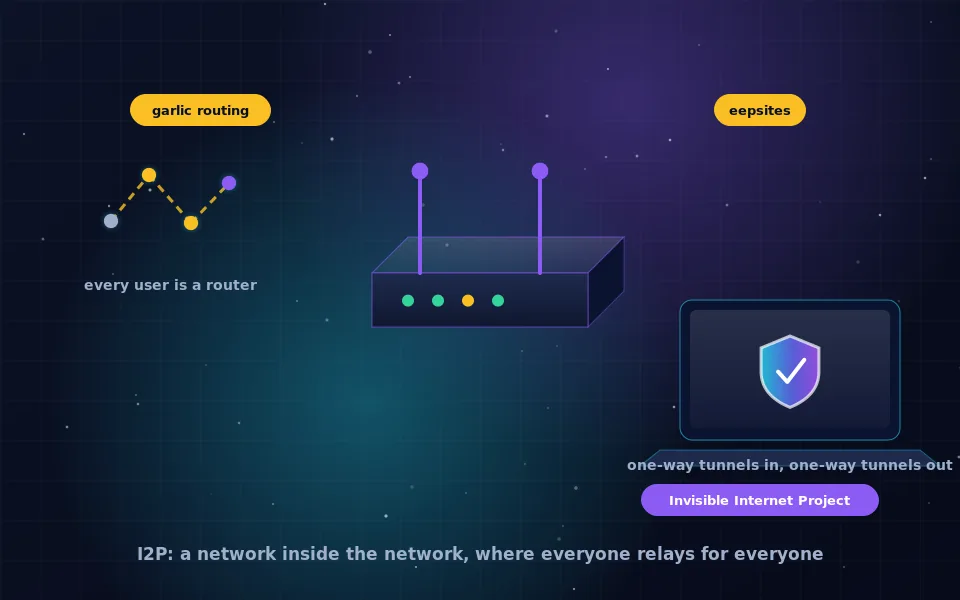
I2P, the Invisible Internet Project, is a free and open-source anonymous overlay network in which every participant runs a router that both sends its own traffic and relays other people's. It is built primarily for services hosted inside the network, called eepsites, rather than for anonymous access to the ordinary web, which is where it differs most from Tor.
People usually meet I2P after learning Tor and wondering what else exists. It is a genuinely different design with different strengths, and it rewards being approached on its own terms rather than as a Tor substitute. This guide explains what the network is and what the name means, how the I2P router and its tunnels work, why "I2P browser" is a configuration rather than a program, what the network is used for, how to install and start it, and what to expect from the experience.
What I2P is and what the name means
The Invisible Internet Project began in the early 2000s as an anonymous network layer: a way for programs to talk to each other without either side learning the other's IP address. Instead of building one application, its developers built a routing layer on which many applications could sit: websites, email, file sharing, chat, and more, all inside the network.
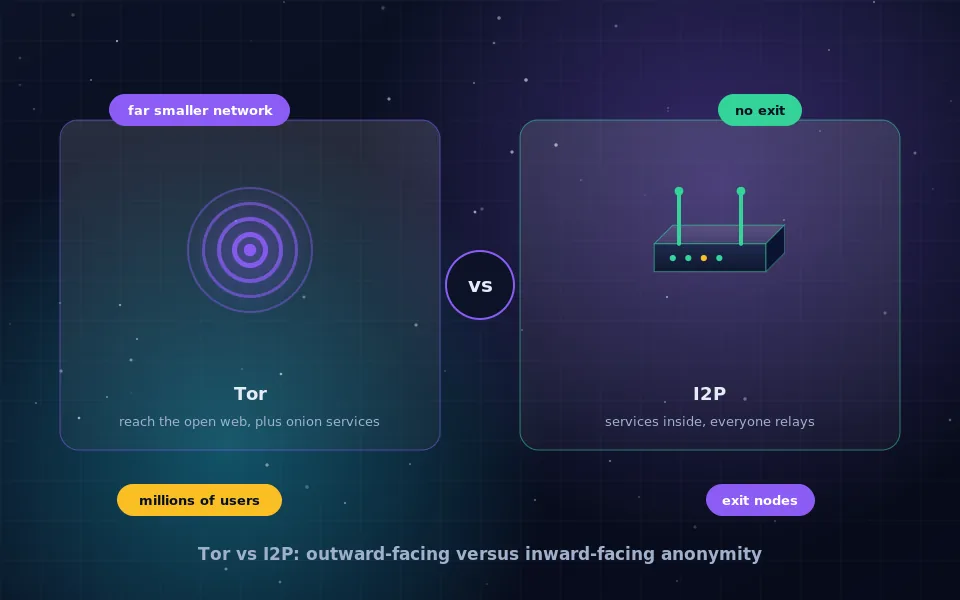
Two ideas define it. First, every user is a router. When you run I2P, your machine relays encrypted traffic for others as well as carrying your own, which makes the network grow with its users and makes participants hard to distinguish from relays. Second, the network is inward-looking. Services live inside I2P at addresses that reveal nothing about where they are hosted, and reaching the ordinary web is possible only through a small number of volunteer outproxies and is not the intended use.
The result is less a tool for browsing the internet anonymously and more a separate, anonymous internet.
How the I2P network and router work
Your I2P router builds tunnels through other participants' routers. Unlike Tor's circuits, I2P tunnels are unidirectional: you have inbound tunnels that others use to reach you and outbound tunnels you use to reach them, and traffic in each direction takes a different path. Tunnels are short-lived and rebuilt regularly.
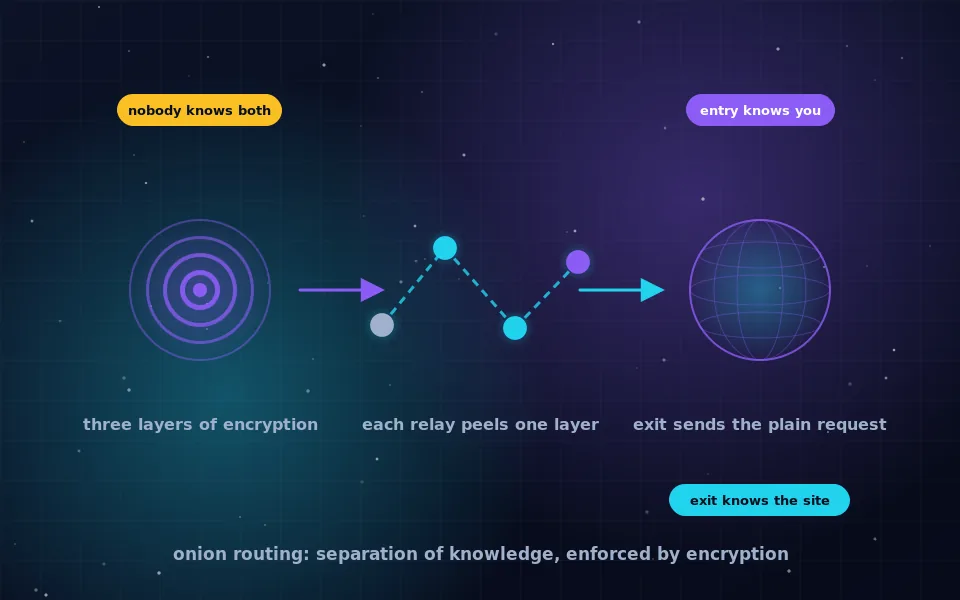
Messages are wrapped in layered encryption, as in onion routing, but I2P bundles multiple messages together in what the project calls garlic routing, so that an observer sees fewer, larger encrypted packages. Each router along a tunnel knows only its neighbours. Destinations are identified by cryptographic keys rather than addresses, and a distributed database inside the network maps those keys to the tunnels currently leading to them.
Because everyone relays, the network has no central directory that lists relays, no distinction between relay and user, and no equivalent of a Tor exit node for the general web. Those properties give I2P resistance to some kinds of analysis and blocking, and they also make it slower to start and more sensitive to how many people are online.
I2P browser: a setup, not a product
There is no official I2P browser in the sense of Tor Browser. The router exposes local proxy ports, and you point a web browser at them. The project supplies a preconfigured browser profile for Firefox on some platforms that does this and turns off features that would leak identity, and third parties have produced bundles. For most users the practical setup is a dedicated Firefox profile, separate from everyday browsing, configured according to the project's instructions.
That separation matters for the same reason it does with Tor. Anything you do in a browser that is also logged in to your real accounts is linked to you no matter how it is routed. Keep the I2P profile for I2P only, do not add extensions beyond what the project recommends, and do not use it for ordinary web browsing.
What I2P is used for
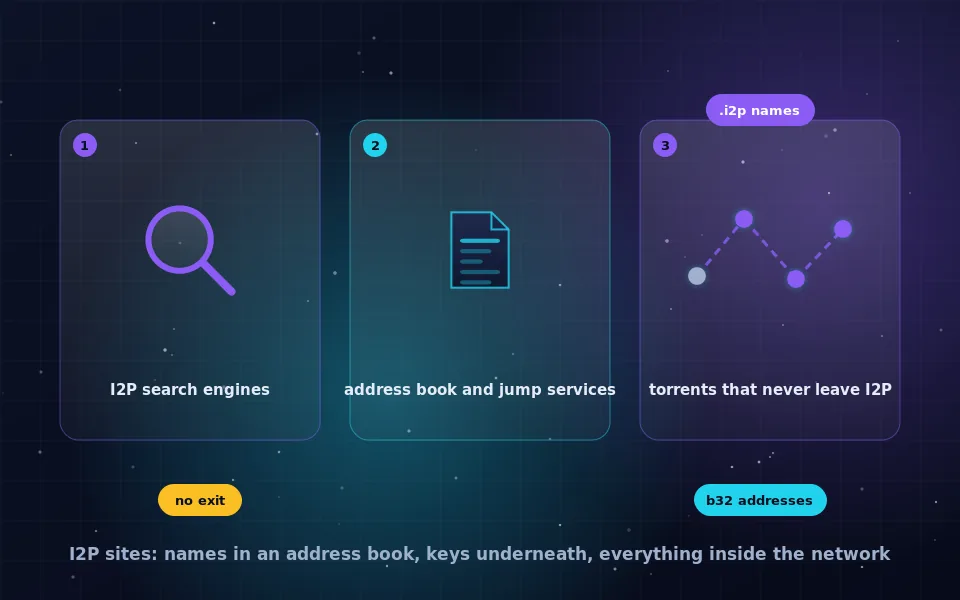
Inside the network you will find eepsites, which are ordinary websites hosted anonymously with .i2p addresses; forums and wikis; anonymous email systems that work only within I2P; file-sharing applications, including a torrent client built for I2P where traffic never leaves the network; and chat services. The separate guide on I2P sites on this site describes how to find them and what to expect.
I2P is well suited to hosting something anonymously and to anonymous peer-to-peer applications. It is poorly suited to reading the ordinary web anonymously, because outproxies are few, slow and run by volunteers you must trust with your traffic. If your goal is to browse normal websites anonymously, Tor Browser is the tool.
Installing and starting I2P: a six-step checklist
- Download the installer for your platform from the I2P project's own website. The main implementation runs on Java; a native implementation without Java exists for some systems and is also linked from the project's site. Verify the download using the signatures the project provides.
- Install and start the router. It opens a web-based router console in your browser, which shows network status, bandwidth and configuration.
- Wait. A new router needs time to find peers and build tunnels. The first start can take many minutes, and the network improves over the first hour and over the first few days as your router learns more peers. Leaving it running helps.
- Set your bandwidth limits in the console to something your connection can spare, because you are relaying for others. A generous share improves your own anonymity as well as the network.
- Configure a dedicated browser profile to use the router's HTTP proxy port, following the project's current instructions for your platform.
- Open the router console's home page and follow the links to the community sites listed there to confirm everything works.
If your network or router blocks I2P's ports, the console will report it and the project's documentation explains port forwarding and alternatives.
What to expect from the experience
I2P is slower to start and more variable than Tor, and its community is smaller. Sites inside it come and go; an address that worked last month may be offline this month. There is no equivalent of the polished, everything-configured experience of Tor Browser, and you will spend some time in the router console. In exchange, hosting a service anonymously is straightforward, peer-to-peer applications work well, and the network is resistant to the exit-node problems that Tor users know.
Treat I2P as a specialist tool. If you have a reason to be inside the network, it is the right one. If you do not, it is worth an afternoon of exploration and then an honest decision about whether it fits your needs.
What the project and researchers say
The description here follows the project's own technical documentation and the independent work that exists on I2P.
The I2P project's documentation is explicit that the network is designed for services inside it, that outproxy access to the ordinary web is a convenience rather than a goal, and that anonymity improves with a larger and more active network, which is why it asks users to leave routers running and share bandwidth.
Academic researchers who have studied I2P have generally concluded that its design choices, particularly unidirectional tunnels and universal relaying, give it different resistance properties from Tor, while also noting that it has received far less scrutiny than Tor and that its smaller user base is itself a limit on anonymity.
Long-time community members have described the network's culture as focused on hosting and peer-to-peer use, and have consistently advised newcomers to keep I2P separate from everyday browsing and to be patient during the first days as the router integrates.
Try it with the right expectations
Download I2P from the project, install it, and leave the router running for a day before judging it. Configure a separate browser profile, visit the sites linked from the router console, and read the I2P sites guide on this site to find more. If you want an anonymous place to host something or to share files, you will probably stay. If you wanted to browse the normal web anonymously, you will have learned what I2P is and can go back to Tor Browser without regret.
Frequently asked questions
What does I2P stand for?
Invisible Internet Project. It is a free, open-source anonymous network layer in which participants run a router that both uses and relays traffic, and in which services are hosted inside the network at addresses that do not reveal their location.
Is I2P a browser?
No. I2P is a network and a router program. You use an ordinary browser configured to send traffic through the local I2P router, or a browser profile the project provides for that purpose. There is no single official I2P browser in the way Tor has Tor Browser.
What is the difference between I2P and Tor?
Tor is designed mainly to reach the ordinary web anonymously and also hosts onion services. I2P is designed mainly for services hosted inside the network, with limited access to the ordinary web. Every I2P user relays traffic; Tor relays are run by a subset of volunteers. The comparison guide on this site goes into detail.
Is I2P safe to use?
The software is open source and has been developed for many years. Its anonymity depends on the size and behaviour of the network and on how you use it, and it has had less independent research than Tor. Use it with the same care as Tor: keep it updated, do not identify yourself, and separate it from your normal browsing.
Where do I download I2P?
From the I2P project's own website, which offers installers for Windows, macOS, Linux and Android, and a Java-free implementation for some platforms. Verify the download and avoid third-party sources.
Last reviewed and updated on . Plain text version: /anonymity/what-is-i2p.txt.