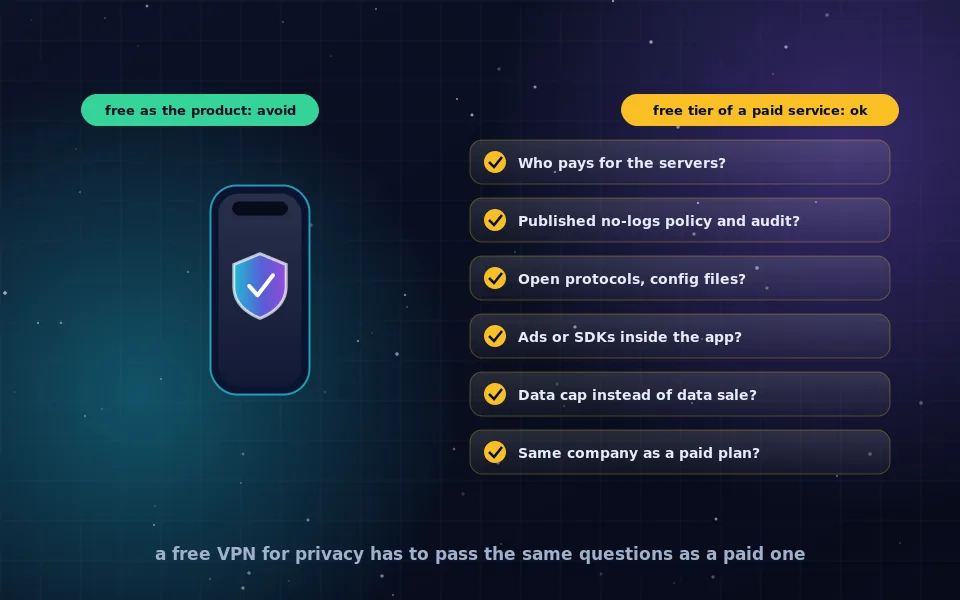
A free VPN protects your privacy only if it is the free tier of a paid service with a published, audited no-logs policy. A free VPN that has no paid product is funded by advertising or by selling data about your traffic, which is the opposite of privacy. Hiding your IP address from websites is easy; the question is who you are showing it to instead.
Free VPN searches are usually made by people with a real and reasonable goal: not being watched on public Wi-Fi, keeping an internet provider out of their browsing, or hiding an IP address from sites that log it. The problem is not the goal but the market. Running VPN servers costs money every month, and every free app has found a way to cover that cost. This guide explains the business models, gives you a checklist that separates safe free plans from harmful ones, covers what a free VPN on an iPhone actually does, and lists free alternatives that do specific jobs better than any VPN.
How free VPNs pay for their servers
There are only a few ways to run a free VPN, and you can usually tell which one you are looking at.
- A free tier of a paid service. The company sells subscriptions and offers a limited free plan as marketing. The free plan has the same privacy policy and infrastructure as the paid one but restricts speed, server locations or data volume. This is the only model where free and privacy coexist.
- Advertising inside the app. The app shows ads, which means an advertising SDK is running on your device with access to your identifiers, and often the VPN company sells attention data to the ad network. The tunnel may work, but the app itself is a tracker.
- Selling traffic data. Some free VPNs log browsing activity and sell aggregated or individual data to brokers. Their privacy policies often admit this in vague language about sharing with partners.
- Renting your connection. A few free VPNs turn your device into an exit node for other customers, so strangers' traffic leaves through your IP address. This is disclosed in terms of service that almost nobody reads.
- Bundled with something else. Browser vendors and security suites sometimes include a free VPN funded by their main business. These vary; judge them by the same checklist as any other.
If you cannot work out how a free VPN pays for itself, assume the answer is you.
The six-question checklist
Before installing any free VPN, answer these questions using the company's own website and the app store listing. Every "no" is a reason to stop.
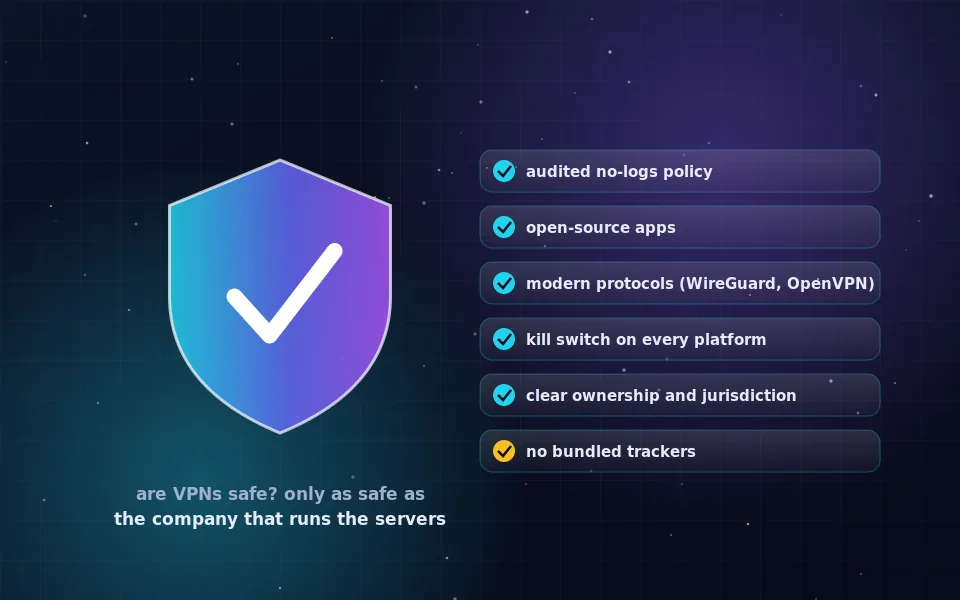
- Is there a paid plan from the same company, with the free plan clearly described as a limited version of it?
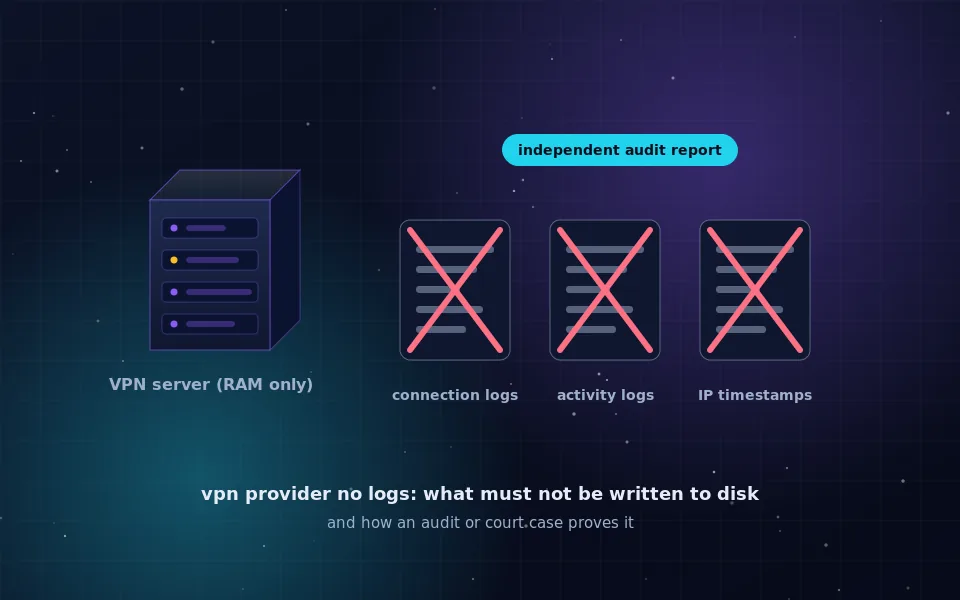
- Is there a written no-logs policy that says specifically what is not stored, and has an independent auditor examined it with a public report?
- Does the service use open protocols such as WireGuard or OpenVPN, and can you download configuration files to use without the app?
- Is the app free of advertising and third-party analytics SDKs? The app store's privacy label and permission list will tell you a lot.
- Are the free plan's limits expressed as data, speed or locations rather than as data collection?
- Does the company have a history, a real address and a record of how it responds to legal requests?
A free plan that passes all six is a limited tool, not a trap. A free app that fails two or more should not be on your device.
Free VPN to hide your IP address: what it really achieves
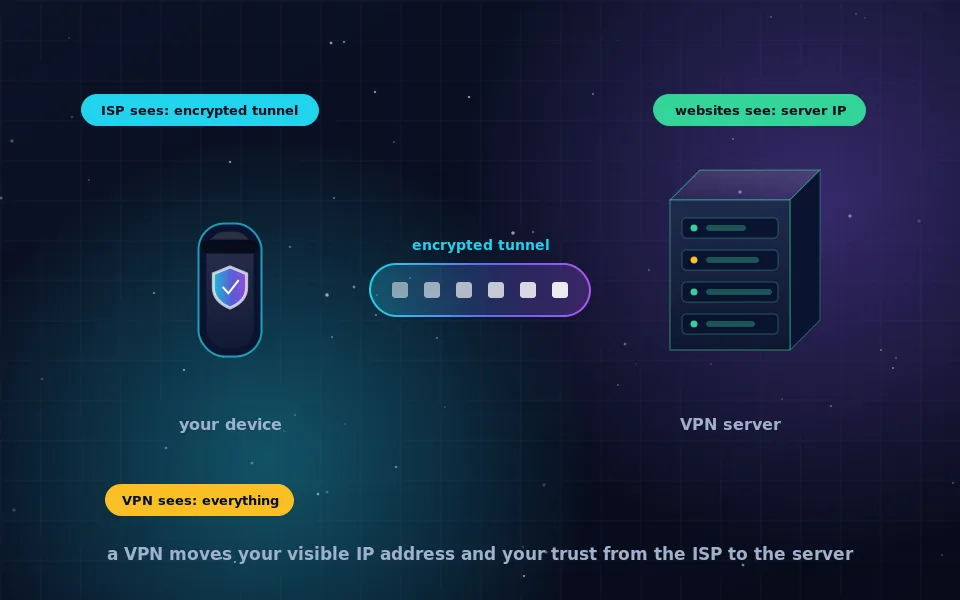
Any working VPN hides your IP address from the websites you visit. They see the VPN server's address, and the geolocation of that server rather than your town. If that is all you need, for example to stop a forum from tying posts to your home connection, a reputable free tier does the job.
What it does not do is make you anonymous. The VPN company sees your real IP address and every destination. If it logs, that record exists. Your browser still carries cookies, logins and a fingerprint that identify you regardless of the address. And a free tier with a small data cap will run out quickly if you route everything through it, at which point many apps silently stop protecting you or start nagging. For hiding your IP address from sites in a privacy-preserving way, Tor Browser is free, unlimited and designed for exactly that; the hide-your-IP guide on this site compares the options.
Free VPN for iPhone: what happens when you tap Allow
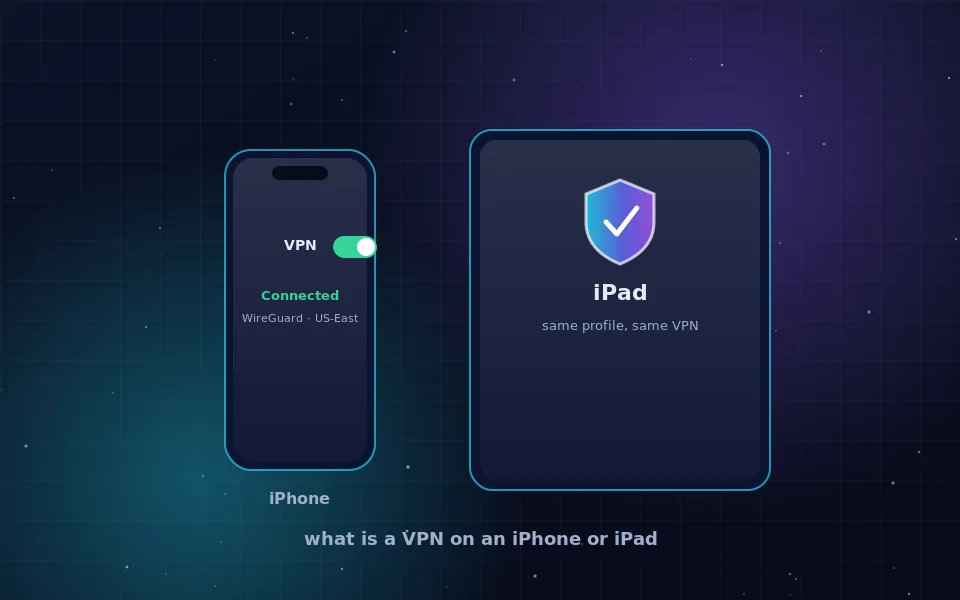
On an iPhone, installing a VPN app and tapping Allow adds a VPN configuration to iOS. From then on, when the app connects, iOS routes traffic through it and shows a small VPN badge. iOS guarantees that the app cannot see traffic when the VPN is off and that other apps cannot interfere with the tunnel. It does not guarantee anything about what the VPN company does with your traffic on its servers.
Two iPhone-specific points matter. First, the App Store privacy label describes what the app collects; a free VPN whose label lists identifiers, usage data and location linked to you is telling you the business model. Second, iOS has its own privacy features, including iCloud Private Relay for Safari on paid iCloud plans and encrypted DNS through configuration profiles, which may cover your actual need without a third-party VPN at all. The iPhone platform guide on this site explains what each does.
Free alternatives that do one job well
A VPN is a general tool, and several free tools do specific jobs better without introducing a company that sees everything.
- Tor Browser for anonymous browsing and hiding your IP address from sites. Slower, but free, unlimited and audited for years.
- Encrypted DNS to stop the network you are on from seeing which sites you look up. Built into Firefox, Chrome, Android, iOS, macOS and Windows 11; the encryption guides on this site cover setup.
- HTTPS, which is already on nearly every site and encrypts the page content from anyone on your network. A VPN adds little to that on a trusted network.
- A self-hosted WireGuard server on a machine you already run. It costs nothing extra and gives you a private tunnel to your home network, though not anonymity.
Combine these with a reputable free tier when you actually need a tunnel, and the case for a data-funded free VPN disappears.
Warning signs in the app itself
Once installed, a few behaviours identify a free VPN that is not on your side. It asks for permissions a tunnel does not need: contacts, location, photos, notifications used for ads. It shows advertising, particularly full-screen video ads before connecting. It has no visible settings for protocol, kill switch or DNS, suggesting there is little real VPN engineering behind it. It has millions of downloads and a developer with no website, no address and a name that is a slight variation of a well-known brand. And its reviews mention the connection dropping when the data cap is hit while the app keeps showing a connected icon. Any of these is a reason to uninstall.
What researchers and reviewers have found
Independent examinations of free VPN apps have been consistent enough over the years that the pattern is well established.
Academic studies of VPN apps on mobile app stores have found that a meaningful share of free apps requested permissions unrelated to networking, embedded third-party tracking libraries, and in some cases did not encrypt traffic at all despite claiming to. Those findings are the origin of the checklist above.
Consumer-protection reviewers who test VPNs commercially generally recommend only free tiers that belong to audited paid providers, and explicitly warn against apps whose only product is a free VPN. Their reasoning is the same as this article's: servers cost money and the money comes from somewhere.
Security researchers who examined VPN apps that rent out user connections observed that participants' home IP addresses were being used by unrelated parties, sometimes for abusive traffic, with the consent buried in terms of service. That model is the clearest example of "free" being paid for in a currency users did not realise they were spending.
What to install instead of guessing
If you need a VPN and cannot pay, pick the free tier of a provider that passes all six questions above, accept its limits, and verify it with a leak test. If your real goal is anonymity, install Tor Browser. If your real goal is stopping a coffee shop from watching your lookups, turn on encrypted DNS. Each of those takes ten minutes and none of them sells your browsing to pay the bills.
Frequently asked questions
Is there a genuinely free VPN that protects privacy?
Yes, in the form of free tiers offered by paid providers with audited no-logs policies. They limit speed, locations or data but keep the same policy as the paid plan. Standalone free VPN apps with no paid product are funded some other way, usually by your data or by ads.
Does a free VPN hide my IP address?
Any working VPN, free or paid, replaces your IP address with the server's from the point of view of websites. The question is what the VPN company does with your real address and your traffic on its side, which is where free apps differ most from reputable paid ones.
What is a free VPN for iPhone actually doing?
It installs a VPN configuration that routes your iPhone's traffic through the company's servers. iOS shows a VPN badge while it is active. Whether that is good for privacy depends entirely on the company; iOS itself only guarantees that the traffic is going where the app says.
Why do free VPN apps ask for so many permissions?
A VPN needs network access and nothing else. Requests for contacts, location, photos or advertising identifiers indicate the app is collecting data for a purpose other than the tunnel, and are a strong reason to uninstall it.
What is the safest free alternative to a VPN app?
For anonymity, Tor Browser is free and does more than a VPN. For encrypting DNS lookups on public Wi-Fi, encrypted DNS is free and built into most systems. For a general-purpose tunnel, the free tier of an audited paid provider is the realistic option.
Last reviewed and updated on . Plain text version: /vpn/free-vpn-for-privacy.txt.