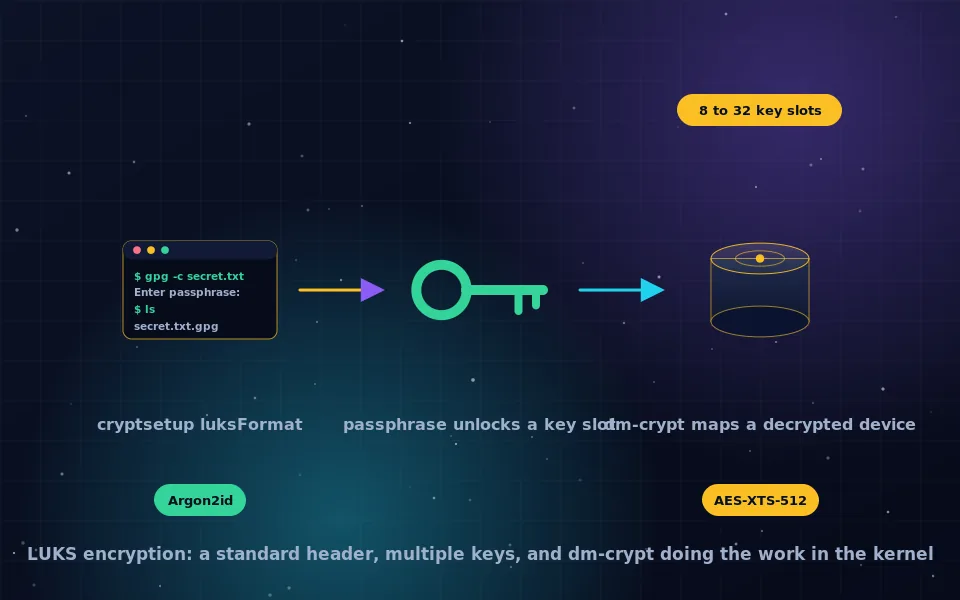
LUKS, the Linux Unified Key Setup, is the standard for encrypted volumes on Linux. It defines an on-disk header that stores the volume encryption key wrapped in up to 32 key slots, each unlocked by a different passphrase or key file, and it is implemented by the dm-crypt kernel module and managed with the cryptsetup command. By default LUKS2 encrypts with AES-XTS using a 512-bit key, equivalent to AES-256 for storage, and stretches passphrases with Argon2id. Ubuntu and Linux Mint enable it with an installer checkbox; Arch and Gentoo require running cryptsetup by hand.
Linux full disk encryption is mature and free, and its main challenge is that it exposes the machinery that other systems hide, which is also why it is the most transparent and flexible option. This guide explains what LUKS is and how it works with dm-crypt, what encryption it uses, how to enable it on Ubuntu, Mint, Arch and Gentoo, how to manage key slots and back up the header, and how to encrypt additional drives.
What LUKS is and how it relates to dm-crypt
Two components do the work. dm-crypt is a kernel module that presents an encrypted block device as a decrypted one, encrypting on write and decrypting on read using the device mapper framework. LUKS is the standard format for the header that sits at the start of an encrypted device and holds everything needed to unlock it: the cipher and mode, the key derivation parameters, and the key slots. cryptsetup is the userspace tool that formats, opens, closes and manages LUKS devices.
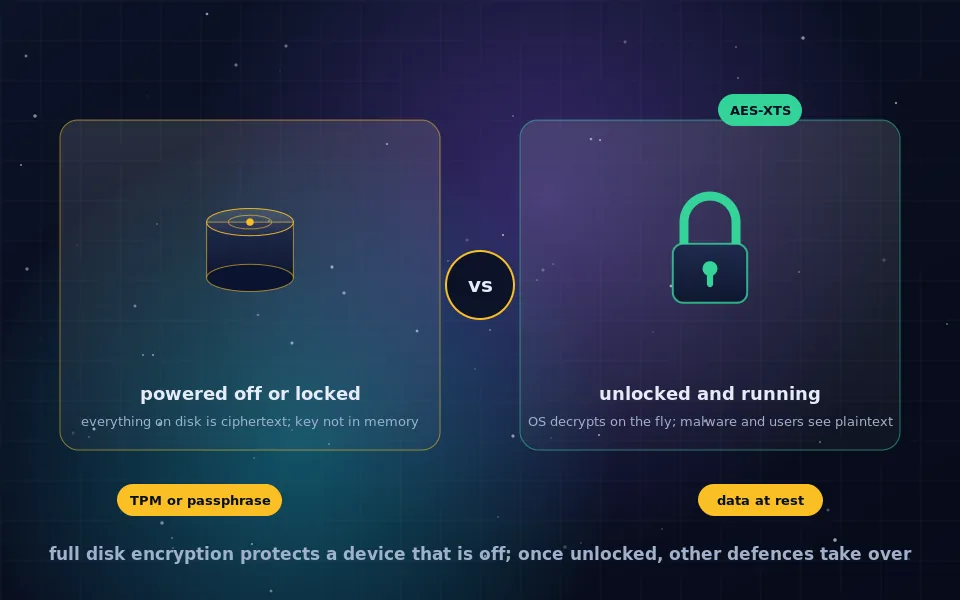
The design follows the full disk encryption model described in the guide on this site. A random volume key encrypts the data. Each key slot holds a copy of the volume key encrypted under a key derived from a passphrase or key file. Unlocking any one slot recovers the volume key. This means several passphrases can open the same disk, a passphrase can be changed without re-encrypting, and a lost passphrase is survivable if another slot exists. LUKS2, the current version, adds Argon2 key derivation, a JSON metadata area, integrity protection options and token support for hardware keys and TPMs.
What encryption LUKS uses
The cryptsetup defaults for LUKS2 on current distributions are AES in XTS-plain64 mode with a 512-bit key, which XTS splits into two 256-bit keys, giving AES-256 strength as the AES-256 guide on this site describes, with a SHA-256 hash and Argon2id for turning the passphrase into a key. Argon2id is memory hard, so brute-forcing a passphrase is expensive even on GPUs, and cryptsetup benchmarks the machine at format time to set the iteration and memory parameters to take about two seconds per attempt. Alternative ciphers, including Serpent, Twofish and AES-Adiantum for devices without AES hardware, are available through cryptsetup options, and LUKS1 with PBKDF2 remains supported for boot loaders that cannot read LUKS2.
Full disk encryption on Ubuntu and Linux Mint
Both installers make LUKS a checkbox.
Ubuntu. In the installation type step, choose Erase disk and install Ubuntu, click Advanced features, and select the encryption option. Recent releases offer LUKS with LVM, and some offer TPM-backed encryption on supported hardware that unlocks automatically like BitLocker. Set a passphrase when prompted. Ubuntu also offers a recovery key at this step on some versions; record it.
Linux Mint. Choose Erase disk and install Linux Mint, tick Encrypt the new installation for security, and set a passphrase. Mint's installer, like Ubuntu's, creates an unencrypted boot partition and a LUKS volume holding LVM with root and swap inside.
At each boot, the machine prompts for the passphrase before the system loads. The default installer setup encrypts everything except the small boot partition, which holds the kernel and initramfs needed to ask for the passphrase.
Encrypting an already installed system in place is not supported by the installers. Back up, reinstall with encryption, and restore.
Full disk encryption on Arch Linux
Arch has no graphical installer for this path, and its guided installer script offers encryption as an option. The manual procedure, documented in detail on the Arch wiki, is:
- Partition the disk with an EFI system partition and a root partition, optionally with a separate boot partition.
- Format the root partition:
cryptsetup luksFormat /dev/nvme0n1p2, confirming and setting a passphrase. - Open it:
cryptsetup open /dev/nvme0n1p2 cryptroot, which creates/dev/mapper/cryptroot. - Create a file system or LVM on the mapped device and mount it, then install the base system as usual.
- In the new system's mkinitcpio configuration, add the
encrypthook, orsd-encryptfor systemd-based initramfs, before the filesystems hook. - Add
cryptdevice=UUID=<uuid>:cryptroot root=/dev/mapper/cryptrootto the kernel parameters in the boot loader configuration. - Regenerate the initramfs and reboot.
Variants include encrypting the boot partition too with GRUB's LUKS support, using LVM on LUKS for multiple volumes, and unlocking with a key file on a USB stick.
Full disk encryption on Gentoo
Gentoo follows the same pattern with its own initramfs tooling. Partition, cryptsetup luksFormat the root partition, open it, build the file system or LVM inside, and install. Then either build an initramfs with dracut or genkernel including the crypt module, and pass rd.luks.uuid=<uuid> or the equivalent parameter to the kernel, or use the sys-fs/cryptsetup package's documented integration. The Gentoo wiki's full disk encryption articles cover each initramfs generator's exact configuration.
Managing key slots and backing up the header
Once a LUKS volume exists, cryptsetup manages its keys.
cryptsetup luksDump /dev/sdXshows the header, cipher, key derivation and occupied slots.cryptsetup luksAddKey /dev/sdXadds a passphrase or key file to a free slot. Add a second, long recovery passphrase during setup and store it offline.cryptsetup luksChangeKey /dev/sdXchanges an existing passphrase.cryptsetup luksRemoveKeyorluksKillSlotremoves one.cryptsetup luksHeaderBackup /dev/sdX --header-backup-file luks-header.imgsaves the header. A damaged header makes the volume unrecoverable, and a header backup restores it. Store the backup away from the disk, and understand that it also preserves any passphrase that was valid when the backup was made, so keep it as safe as the passphrase.cryptsetup luksErasedestroys all key slots, rendering the disk permanently unreadable, which is the fastest secure wipe.
Distributions integrate TPM and FIDO2 hardware key unlocking through systemd-cryptenroll, which adds a token to the LUKS2 header so the disk unlocks with a security key or automatically on measured boot.
Encrypting additional and external drives
For a second internal drive or an external one:
cryptsetup luksFormat /dev/sdX1on an empty partition.cryptsetup open /dev/sdX1 dataand create a file system on/dev/mapper/data.- Add a line to
/etc/crypttabto unlock it at boot with a passphrase or a key file stored on the encrypted root, and a matching/etc/fstabentry.
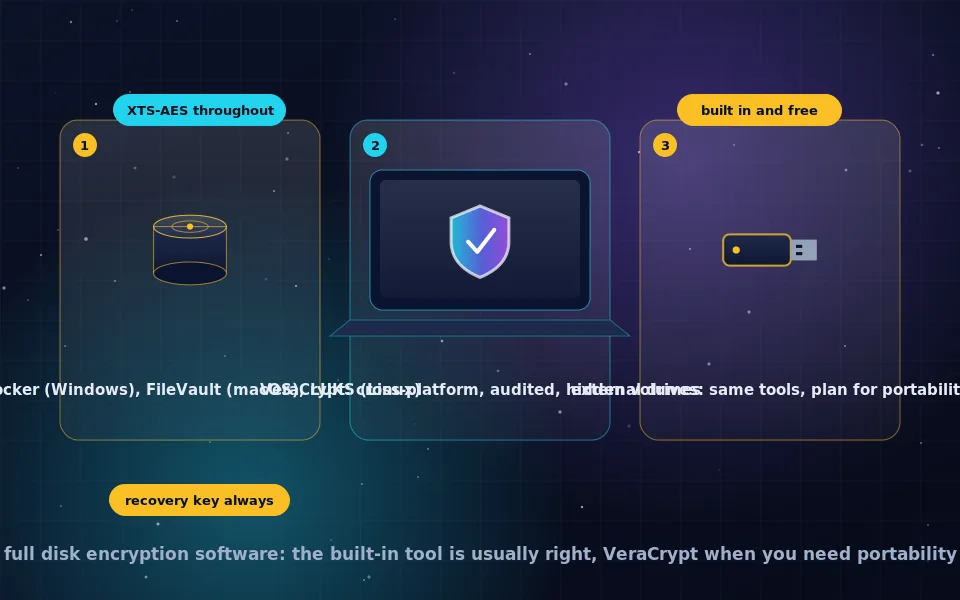
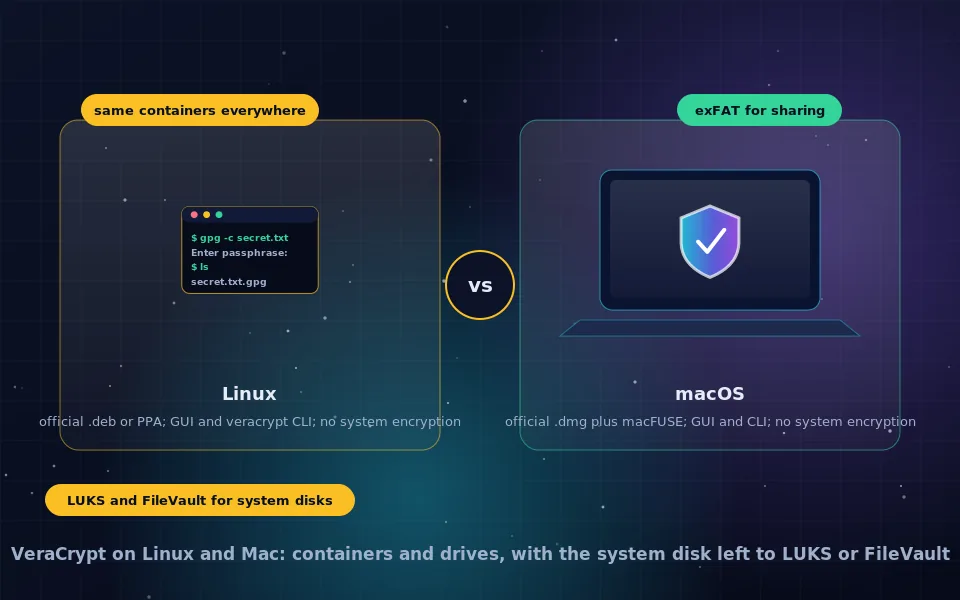
Desktop environments handle external LUKS drives automatically, prompting for the passphrase when plugged in, and the Disks utility offers a graphical way to create them. Drives that must open on Windows or macOS need VeraCrypt instead, as the cross-platform guide on this site explains.
A seven-point LUKS checklist
- Enable encryption at install time; the installers make it one checkbox on Ubuntu and Mint.
- Use a long passphrase; Argon2id slows guessing but cannot save a short one.
- Add a second recovery passphrase to a spare key slot and store it offline.
- Back up the LUKS header and store it separately.
- Confirm swap and hibernation partitions are inside the encrypted volume, since swap holds memory contents.
- Lock the screen and consider hibernation over sleep when the machine leaves you.
- Review
luksDumpoccasionally to confirm only expected key slots exist.
What the cryptsetup project and distributions say
The description above follows the tool's documentation and the distributions' guides.
The cryptsetup project documents the LUKS2 header format, the key slot model, the default AES-XTS-plain64 cipher with a 512-bit key, Argon2id key derivation with parameters benchmarked at format time, and the header backup and restore commands.
Distribution documentation for Ubuntu and Linux Mint describes the installer encryption option and the resulting LUKS-on-LVM layout, and the Arch and Gentoo wikis provide maintained step-by-step full disk encryption guides covering initramfs and boot loader configuration.
Linux security practitioners recommend adding a recovery key slot and backing up the LUKS header as the two steps that most often prevent permanent data loss, and note that LUKS provides no vendor recovery of any kind.
Encrypt at install, then protect the keys
Tick the encryption box on your next install, or follow the wiki on Arch or Gentoo, set a passphrase you will remember, and immediately add a recovery slot and back up the header. LUKS then does what full disk encryption should: a Linux machine that leaves your hands gives up nothing, and the keys remain entirely yours.
Frequently asked questions
What is LUKS encryption?
LUKS, the Linux Unified Key Setup, is the standard format for encrypted volumes on Linux. It defines an on-disk header that stores encrypted copies of the volume key in multiple key slots, each unlocked by a different passphrase or key file, and it is implemented by the dm-crypt kernel module and managed with the cryptsetup tool.
What type of encryption is utilized by LUKS?
By default, AES with a 512-bit key in XTS mode, which provides AES-256 strength for storage, with passphrases stretched by Argon2id in LUKS2. Other ciphers such as Serpent, Twofish and ChaCha20 are supported, and the key derivation parameters are tuned to the machine at format time.
How do I enable full disk encryption on Ubuntu or Linux Mint?
Choose the encryption option in the installer: on Ubuntu, Advanced features, then Erase disk and use LVM and encryption, or the newer encrypt option; on Mint, tick Encrypt the new installation. Set a strong passphrase. The installer creates a LUKS volume holding the system and asks for the passphrase at every boot.
How do I set up LUKS on Arch Linux or Gentoo?
Both require manual setup: partition the disk, run cryptsetup luksFormat on the root partition, open it with cryptsetup open, create the file system or LVM inside, install the system there, and configure the initramfs with the encrypt hook and the kernel command line with the cryptdevice parameter. Both distributions' wikis document the exact steps.
What happens if I forget my LUKS passphrase?
If no other key slot exists, the data is permanently unrecoverable. LUKS has no backdoor and no vendor escrow. Add a second passphrase or key file as a recovery slot when you set up, back up the LUKS header, and store both away from the machine.
Last reviewed and updated on . Plain text version: /encryption/luks-encryption.txt.