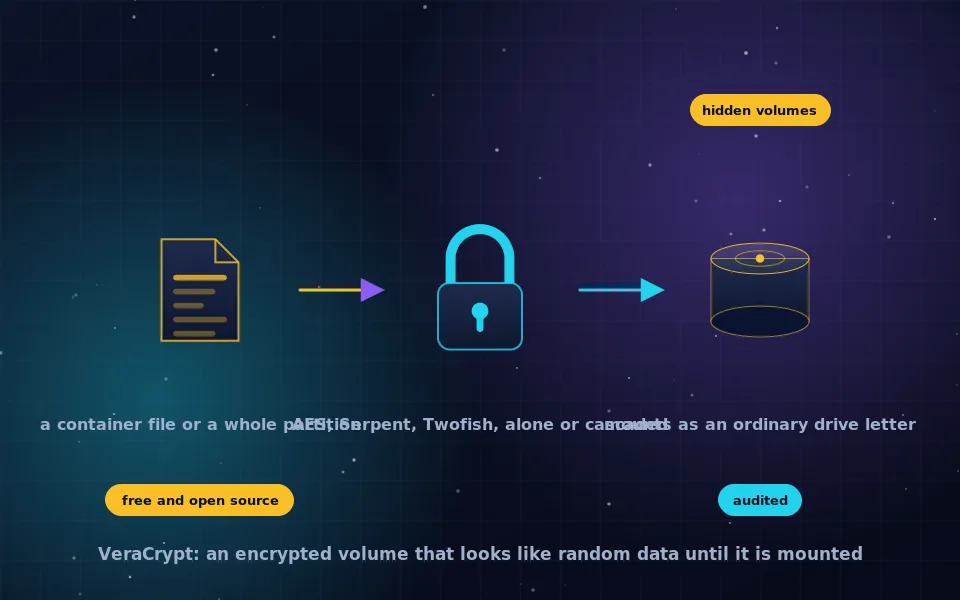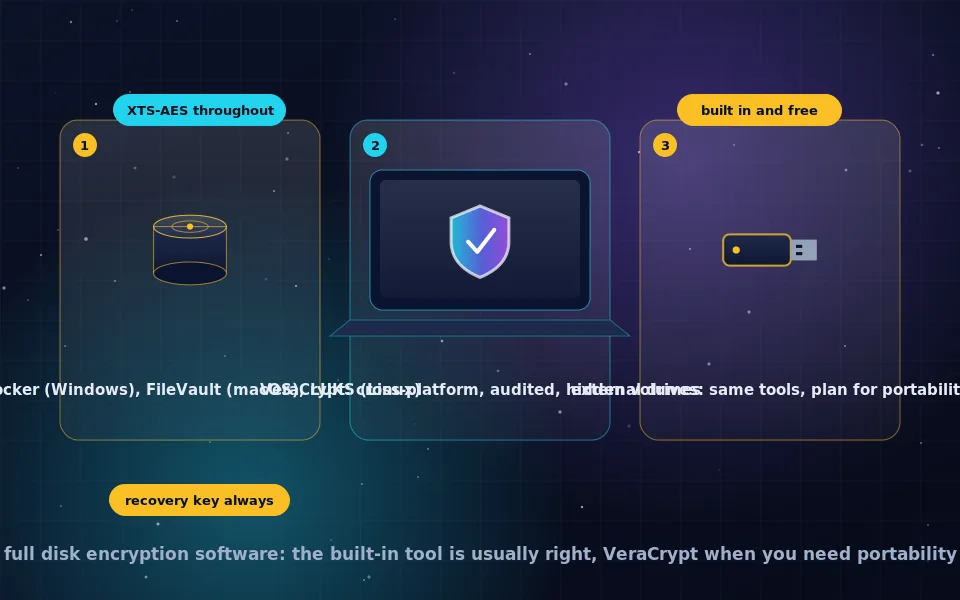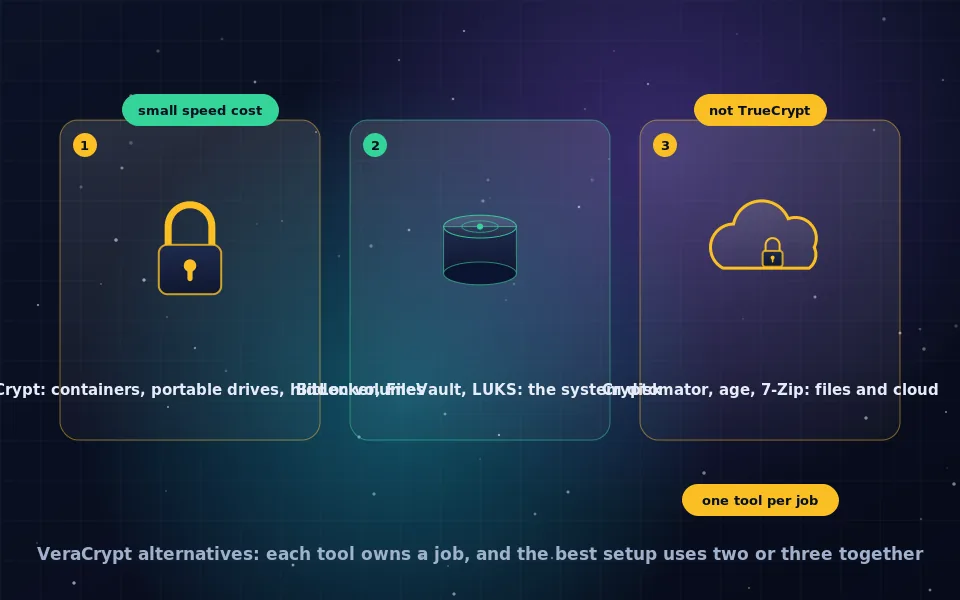
The best alternative to VeraCrypt depends on the task: BitLocker, FileVault and LUKS for a computer's system drive, Cryptomator for files that sync to cloud storage, and age or GPG for encrypting single files to send, while VeraCrypt itself remains the standard for cross-platform containers, portable drives and hidden volumes with no direct equivalent. TrueCrypt is not an alternative; it was discontinued with unfixed vulnerabilities and VeraCrypt is its maintained successor. VeraCrypt's performance cost is a few percent with AES on modern processors and more with cipher cascades or on FUSE-based platforms.
People search for VeraCrypt alternatives for different reasons: they want something simpler, something that works with cloud sync, something native to their operating system, or they wonder whether VeraCrypt itself is still the right choice after TrueCrypt. This guide compares VeraCrypt with each category of alternative, explains its performance characteristics honestly, matches tools to use cases, and shows how to check whether a disk is encrypted, which is often the actual question behind the search.
VeraCrypt versus BitLocker
BitLocker is Microsoft's full disk encryption for Windows, covered in the BitLocker guide on this site. The comparison comes down to a few differences.
- Openness. VeraCrypt is open source and independently audited. BitLocker is closed, though widely studied.
- Boot. BitLocker unlocks automatically through the TPM, protecting the disk with your Windows login unless you add a PIN. VeraCrypt asks for a passphrase at every boot and does not use the TPM.
- Keys. BitLocker offers to store recovery keys in a Microsoft account or Active Directory. VeraCrypt escrows nothing; you alone hold the passphrase and rescue disk.
- Features. VeraCrypt has hidden volumes and hidden operating systems, cipher cascades and cross-platform volumes. BitLocker has BitLocker To Go for Windows-readable removable drives and enterprise management.
- Friction. BitLocker is integrated with Windows updates. VeraCrypt system encryption occasionally needs its boot loader restored after a major update.
A common setup is BitLocker on the system drive for convenience and VeraCrypt containers for the most sensitive files and for drives that travel. The VeraCrypt Windows guide on this site covers using VeraCrypt for the system drive instead.
VeraCrypt versus TrueCrypt
TrueCrypt was the original and VeraCrypt began as a fork of it in 2013. TrueCrypt's developers abandoned it in 2014 with a warning about unfixed security issues, and the independent audit completed afterward found real weaknesses, including in the Windows driver. VeraCrypt fixed those findings, increased the key derivation iteration count enormously so that passphrase guessing is far slower, added ciphers and hash algorithms, kept up with operating system changes, and underwent its own audit. TrueCrypt volumes remain openable in VeraCrypt through its TrueCrypt mode, and VeraCrypt can convert them in place. There is no reason to run TrueCrypt today, and any remaining TrueCrypt volumes should be converted. The what-is-VeraCrypt guide on this site tells the history in more detail.
VeraCrypt versus LUKS
On Linux, LUKS is the native encrypted volume format, integrated with the kernel and the boot process, and covered in the LUKS guide on this site. It encrypts the system disk, which VeraCrypt cannot on Linux, performs better because it runs in the kernel rather than through FUSE, and supports multiple key slots, TPM and FIDO2 unlocking, and header backups. LUKS volumes are Linux only; Windows and macOS cannot open them without third-party tools. VeraCrypt's advantages on Linux are cross-platform volumes and hidden volumes. Linux users typically use LUKS for the system and any Linux-only drives, and VeraCrypt for drives shared with Windows or Mac.
VeraCrypt versus Cryptomator and per-file tools
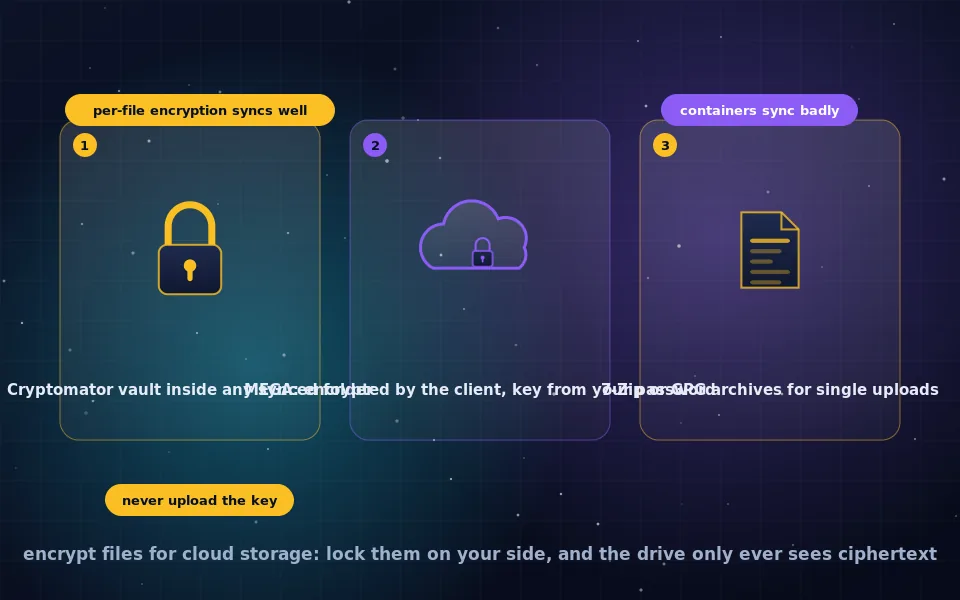
VeraCrypt encrypts a container as one large file, which cloud sync clients handle badly: small changes trigger large uploads and concurrent edits corrupt the volume. Cryptomator encrypts each file individually in a vault, syncs cleanly, and runs on phones, where VeraCrypt does not exist, as the cloud and phone guides on this site explain. Cryptomator lacks hidden volumes and whole-drive encryption, and its vault structure reveals approximate file counts and sizes. For files that live in Dropbox, Google Drive, OneDrive or iCloud, Cryptomator is the right tool; for a local archive of sensitive files, VeraCrypt is.
For encrypting individual files to send or store, age, GPG and 7-Zip archives are simpler than any container, and the file encryption guides on this site cover them. They do not replace VeraCrypt for a working set of files you open and edit regularly.
VeraCrypt performance
VeraCrypt includes a benchmark under Tools that measures every cipher on your machine. On a modern processor with AES hardware instructions, AES-XTS runs at several gigabytes per second, faster than most SSDs, so the practical overhead is a few percent of CPU time and no noticeable slowdown. Cascades such as AES-Twofish-Serpent run at roughly a third of AES speed because each cipher is applied in turn, and may bottleneck a fast NVMe drive. On macOS and Linux, VeraCrypt works through FUSE, which adds overhead relative to LUKS or FileVault running in the kernel. Mounting takes a second or more because of deliberately slow key derivation, and a high PIM makes it longer. For everyday use with AES, VeraCrypt does not slow down a computer in any way most people can perceive.
Choosing by use case
| Need | Best tool |
|---|---|
| Encrypt the Windows system drive simply | BitLocker |
| Encrypt the Windows system drive with open source and no escrow | VeraCrypt |
| Encrypt a Mac or Linux system drive | FileVault or LUKS |
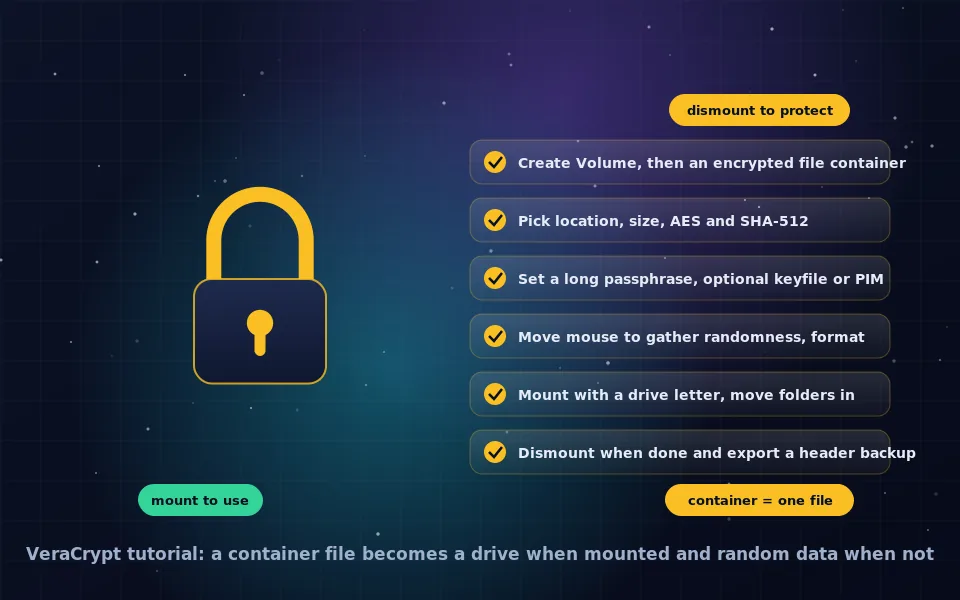
| A local encrypted archive of sensitive files | VeraCrypt container |
| Files that sync to cloud storage | Cryptomator |
| A USB drive for Windows only | BitLocker To Go or VeraCrypt |
| A USB drive for Windows, macOS and Linux | VeraCrypt with exFAT |
| Deniable encryption under coercion | VeraCrypt hidden volume |
| Encrypt one file to send | age, GPG or 7-Zip |
| Encrypted files on a phone | Cryptomator; EDS for VeraCrypt containers on Android |
How to check whether a hard drive is encrypted
Before choosing any tool, confirm what is already in place.
- Windows. Open Control Panel, BitLocker Drive Encryption, or Settings, Privacy and security, Device encryption. In an administrator terminal,
manage-bde -statusreports each volume's conversion status and protection. If VeraCrypt system encryption is active, its password prompt appears at boot and System, Properties in VeraCrypt shows it. - macOS. System Settings, Privacy and Security, FileVault shows on or off. Disk Utility shows external volumes as APFS (Encrypted) when they are.
- Linux.
lsblk -flists partitions with their file system type;crypto_LUKSindicates a LUKS volume.sudo cryptsetup status <name>details an open one. - Any platform. A VeraCrypt-encrypted whole drive or partition appears as unallocated or unformatted space and the operating system may offer to format it. A VeraCrypt container is simply a large file that no application opens.
- Phones. Android shows the state under Settings, Security, Encryption; iPhones show Data protection is enabled under passcode settings, as the phone encryption guide on this site describes.
A five-point decision list
- Encrypt the system drive with the native tool unless you need VeraCrypt's openness or hidden operating system.
- Use VeraCrypt for local containers and portable drives that cross platforms.
- Use Cryptomator, not VeraCrypt, for anything that syncs to the cloud or lives on a phone.
- Retire any TrueCrypt volumes by converting them to VeraCrypt.
- Prefer AES alone over cascades unless you accept the speed cost knowingly.
What audits, vendors and the community report
The comparison above follows the tools' documentation, audit reports and community experience.
The audits of TrueCrypt and VeraCrypt are public; the TrueCrypt audit identified vulnerabilities that were never fixed in TrueCrypt, and the VeraCrypt audit's significant findings were addressed in a subsequent VeraCrypt release.
Microsoft, Apple and the cryptsetup project document their disk encryption tools' integration with hardware security chips and boot processes, and the VeraCrypt project documents that its system encryption is Windows only and that it does not use the TPM.
Cryptomator's developers describe per-file encryption as the design suited to cloud synchronisation and contrast it with container-based tools, and VeraCrypt's own documentation and benchmark utility characterise AES performance on modern processors as exceeding typical storage throughput.
One tool per job
Nothing replaces VeraCrypt for what it does best, and nothing makes it the right tool for everything. Put the native encryption on your system disk, VeraCrypt on the container and the travelling drive, Cryptomator on the cloud folder, and you have covered every place your files live with the tool designed for it. The individual guides on this site take each from here.
Frequently asked questions
What is the best alternative to VeraCrypt?
It depends on the job. For the system drive, BitLocker, FileVault or LUKS. For files that sync to cloud storage, Cryptomator. For encrypting single files to send, age or GPG. For a cross-platform container or portable drive with hidden volumes, there is no direct alternative and VeraCrypt remains the standard.
VeraCrypt vs BitLocker: which is better?
BitLocker is simpler, uses the TPM for automatic unlock, and integrates with Windows; VeraCrypt is open source, audited, works across platforms, offers hidden volumes and never escrows keys. For a Windows system drive with minimal friction, BitLocker; for vendor independence or portability, VeraCrypt. Many people use both.
VeraCrypt vs TrueCrypt: should I still use TrueCrypt?
No. TrueCrypt was discontinued in 2014 with known unfixed vulnerabilities. VeraCrypt is its actively maintained successor, fixes the audit findings, uses far stronger key derivation, and can open and convert old TrueCrypt volumes. Convert any remaining TrueCrypt volumes to VeraCrypt format.
Does VeraCrypt slow down your computer?
Slightly. With AES and a processor supporting AES-NI, which all modern CPUs do, encryption throughput exceeds most drives' speed and the overhead is a few percent at most. Cipher cascades roughly halve or third the speed. On macOS and Linux, FUSE adds overhead compared with native disk encryption. VeraCrypt's built-in benchmark shows the numbers for your machine.
How do I check if my hard drive is encrypted?
On Windows, open Manage BitLocker or Settings, Device encryption, or run manage-bde -status in an administrator terminal. On macOS, check FileVault in Privacy and Security. On Linux, run lsblk -f and look for crypto_LUKS. A VeraCrypt-encrypted drive shows as unformatted or unallocated space to the operating system.
Last reviewed and updated on . Plain text version: /encryption/veracrypt-alternatives.txt.