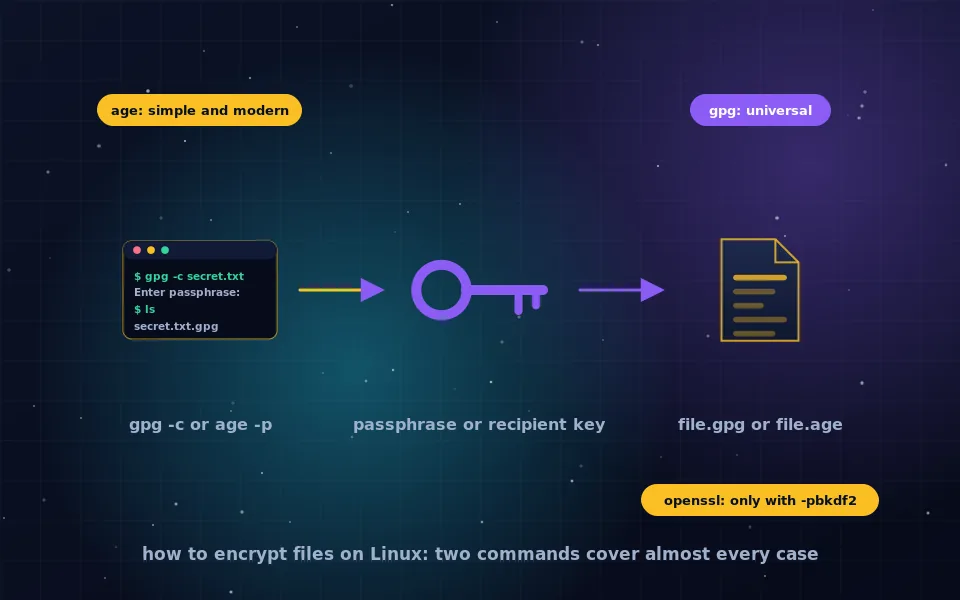
To encrypt files on Linux, use gpg -c filename for passphrase encryption or age -p -o filename.age filename with the age tool; both produce a single encrypted file with a modern cipher and authenticated encryption, and both decrypt with one command. OpenSSL can encrypt files with openssl enc -aes-256-cbc -pbkdf2 -iter 600000 -salt, but only those flags make it acceptable, and it still lacks authentication, so gpg or age are better defaults. Text files encrypt the same way, and editors with GnuPG integration let you edit them without writing plaintext to disk.
The Linux command line offers more ways to encrypt a file than any other platform, which is both its strength and its hazard, because several of the obvious commands have unsafe defaults. This guide covers gpg and age as the recommended tools, OpenSSL used correctly and why it is a poor default, encrypting and editing text files, archives for cross-platform sharing, graphical tools, and containers for larger working sets.
gpg: universal and flexible
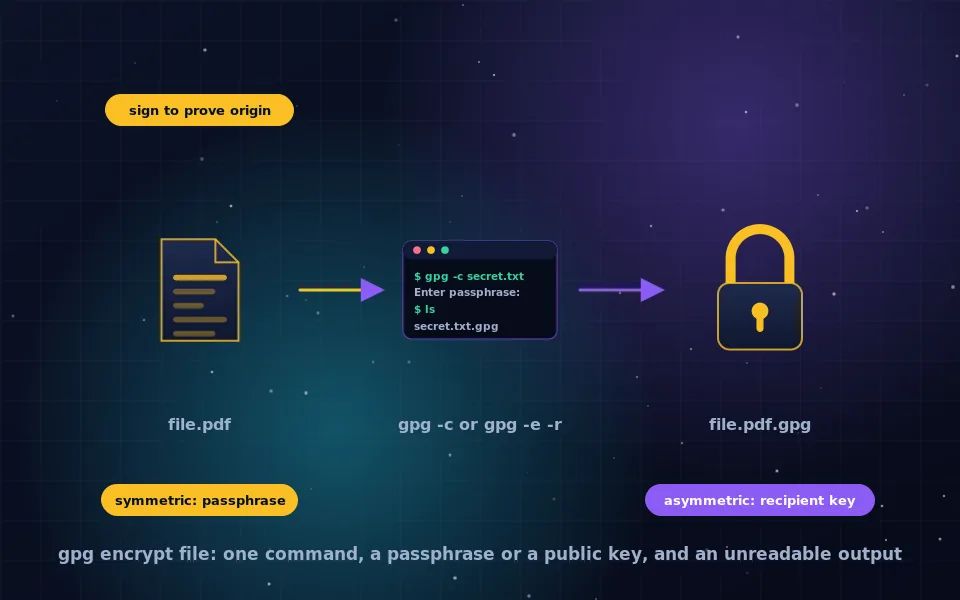
GnuPG is installed on almost every Linux system. It encrypts files two ways.
With a passphrase, called symmetric encryption:
gpg -c document.pdf
You are prompted for a passphrase, and document.pdf.gpg is created; the original remains. Decrypt with:
gpg -o document.pdf -d document.pdf.gpg
GnuPG defaults to AES-256 for symmetric encryption with iterated and salted key derivation, and its OpenPGP format includes an integrity check so tampering is detected. Add --cipher-algo AES256 to be explicit on older versions. Passphrases are cached by gpg-agent for a period, which is convenient and worth knowing about on shared machines.
To a recipient's public key, so no passphrase travels:
gpg -e -r recipient@example.com document.pdf
The recipient decrypts with their private key. This requires exchanging and verifying keys, which the PGP guides on this site explain, and it is the right method for sending files to someone regularly. The GPG file encryption guide on this site covers signatures, ASCII armour and further options.
age: simple and modern
age, pronounced with a hard g, is a newer tool designed to do file encryption with no options to get wrong. Install it from your distribution's repositories, where it is packaged for Debian, Ubuntu, Fedora, Arch and others.
With a passphrase:
age -p -o document.pdf.age document.pdf
age prompts for a passphrase or generates a strong one for you. Decrypt with:
age -d -o document.pdf document.pdf.age
To a recipient, using age's own short keys or an SSH public key:
age-keygen -o key.txt
age -r age1... -o document.pdf.age document.pdf
age -d -i key.txt -o document.pdf document.pdf.age
age uses ChaCha20-Poly1305 with scrypt for passphrases, is authenticated, has a tiny format, and cannot be misconfigured into weak encryption. For personal file encryption on Linux it is the tool most security engineers now recommend first, with gpg reserved for compatibility with the wider PGP world.
OpenSSL: correct usage and why it is a poor default
The openssl enc command is often the first search result for encrypting files on Linux, and copied commands frequently omit the flags that make it safe.
openssl enc -aes-256-cbc -pbkdf2 -iter 600000 -salt -in document.pdf -out document.pdf.enc
openssl enc -d -aes-256-cbc -pbkdf2 -iter 600000 -salt -in document.pdf.enc -out document.pdf
-pbkdf2 with a high -iter count derives the key from your password slowly; without -pbkdf2, OpenSSL uses a legacy single-iteration derivation that makes brute force fast. -salt is the default in modern versions and harmless to state. The iteration count must match on decryption.
Even used correctly, openssl enc has no authentication: a modified ciphertext decrypts to garbage without warning, and CBC mode has the properties discussed in the AES modes guide on this site. OpenSSL's authenticated GCM mode is not supported by enc. The command is fine for compatibility with a script that already uses it; for new work, use age or gpg.
Encrypting text files
A text file encrypts with the same commands. The complication is editing: decrypting to disk, editing and re-encrypting leaves the plaintext recoverable from the file system and possibly in editor swap files and backups.
- Vim with the vim-gnupg plugin opens
.gpgand.ascfiles transparently, decrypting into memory and encrypting on save, and disables swap and backup files for them. Vim's built-in-xencryption should be avoided unless the cryptmethod is set to a modern option, and even then the plugin approach is cleaner. - Emacs includes EasyPG, which does the same for
.gpgfiles with no configuration. - Any editor can be used by decrypting into a tmpfs directory such as
/dev/shm, which lives in RAM, editing there, re-encrypting, and removing the temporary file, accepting that the editor's own backups may still land elsewhere. - Encrypted notes applications, covered in the notes guide on this site, handle this for people who prefer a graphical tool.
Archives for sharing with other systems
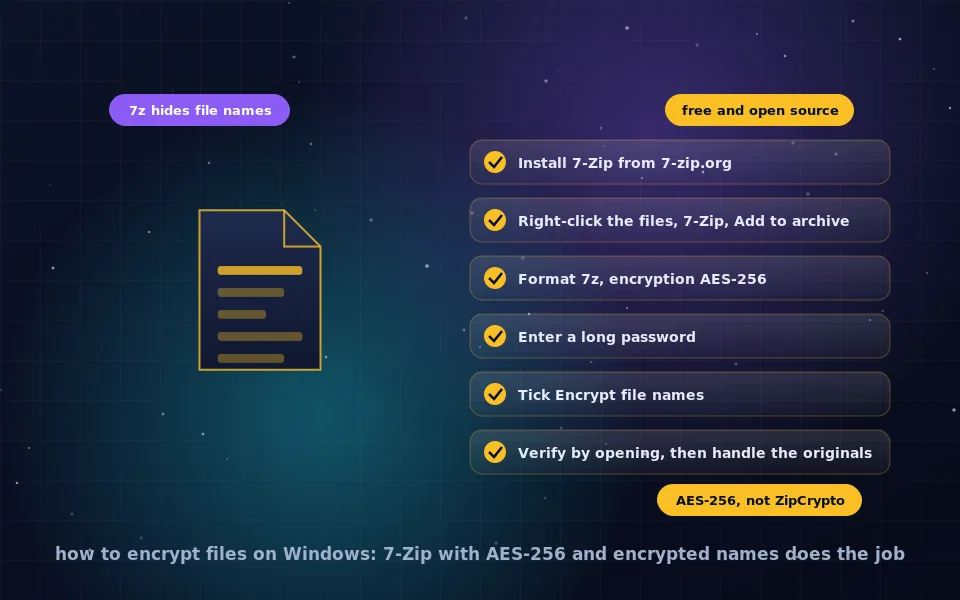
For files a Windows or Mac user must open, a 7z archive with AES-256 is the interoperable choice:
7z a -p -mhe=on archive.7z folder/
-p prompts for a password, -mhe=on encrypts file names. Install p7zip-full or 7zip from your repositories. For plain zip with AES, 7z a -tzip -p -mem=AES256 archive.zip folder/ works, with the compatibility limits described in the Windows guide on this site. Avoid zip -e, which uses the broken legacy ZipCrypto scheme.
Graphical tools
Most desktop environments integrate file encryption. GNOME's file manager, with the Seahorse and nautilus extension packages installed, offers Encrypt in the right-click menu using your GnuPG keys or a passphrase. KDE's Dolphin has similar integration through Kleopatra. The Archive Manager and Ark applications create 7z archives with passwords. Kleopatra, described in the PGP tools guide on this site, provides a full GnuPG interface.
Containers for a working set
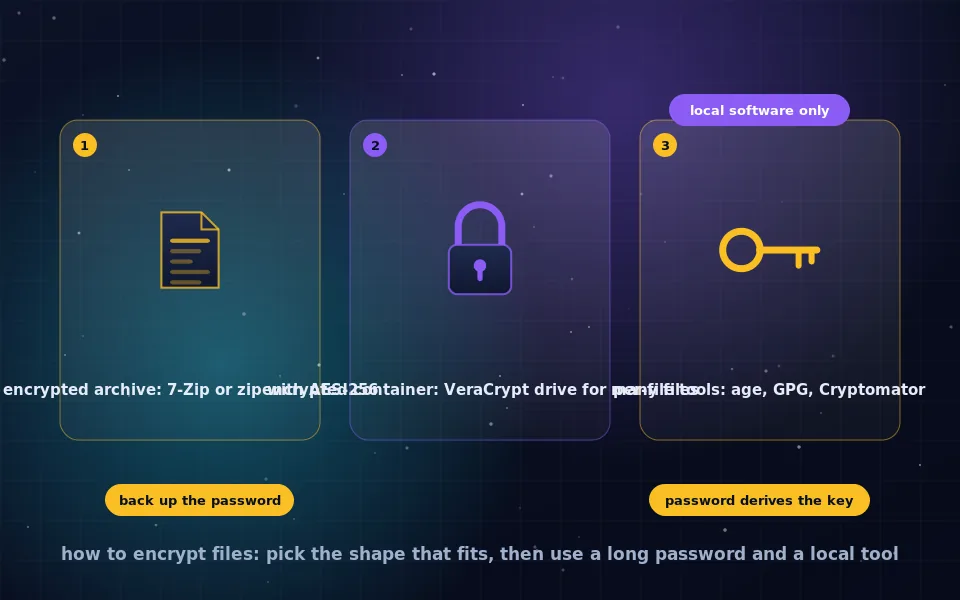
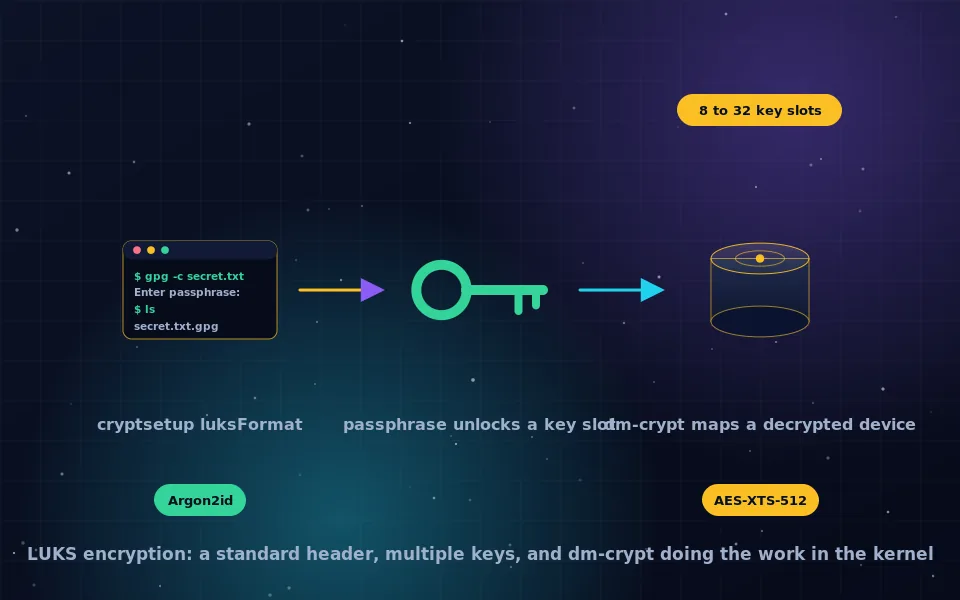
Encrypting and decrypting individual files suits sending and archiving. For a directory of files you use daily, a container is more practical: a LUKS container file created with cryptsetup and mounted as a native encrypted volume, as the LUKS guide on this site describes, or a VeraCrypt container that also opens on Windows and macOS, covered in the VeraCrypt Linux guide. gocryptfs and Cryptomator provide per-file encrypted directories suited to cloud sync, as the cloud guide explains. And LUKS full disk encryption protects everything when the machine is off, without replacing any of the above for files that leave it.
A seven-point Linux checklist
- Default to age or gpg for encrypting files.
- If OpenSSL is unavoidable, always include
-pbkdf2 -iterwith a high count. - Encrypt file names in archives with
-mhe=on. - Never use
zip -eor Vim's legacy-xfor sensitive data. - Edit encrypted text with an editor plugin or in tmpfs to avoid plaintext on disk.
- Prefer public-key encryption to a recipient over sending passwords.
- Use LUKS for the disk, and a container or per-file directory for a working set.
What the tool authors and security engineers say
The commands above follow the tools' documentation and the assessments of practitioners.
The GnuPG documentation describes symmetric encryption with AES-256 and iterated, salted key derivation, public-key encryption to recipients, and the integrity protection built into the OpenPGP format.
The age specification and documentation describe its authenticated ChaCha20-Poly1305 encryption, scrypt passphrase derivation, and its explicit goal of having no unsafe options; the OpenSSL documentation notes that enc without -pbkdf2 uses a deprecated key derivation and that the command does not provide authenticated encryption.
Security engineers who review file encryption practice recommend age or gpg over ad hoc OpenSSL commands, warn about plaintext left by editors and temporary files, and identify the legacy ZIP encryption scheme as unsuitable for any sensitive data.
Two commands, and use them everywhere
Learn age -p and gpg -c, and you can encrypt any file on any Linux system in seconds. Add an editor plugin for text, 7z with -mhe=on for archives that cross to Windows, and a LUKS or VeraCrypt container for the files you work on daily, and the command line becomes the most capable encryption toolkit on any platform.
Frequently asked questions
How do I encrypt a file on Linux from the command line?
Run gpg -c filename to encrypt with a passphrase, producing filename.gpg, and gpg filename.gpg to decrypt. Or install age and run age -p -o filename.age filename, decrypting with age -d -o filename filename.age. Both use strong modern ciphers and are available in every major distribution's repositories.
How do I encrypt files with OpenSSL?
Use openssl enc -aes-256-cbc -pbkdf2 -iter 600000 -salt -in file -out file.enc, and decrypt with the same command plus -d, swapping in and out. The -pbkdf2 flag is essential; without it OpenSSL derives the key with a fast, weak method. OpenSSL enc also lacks authentication, so gpg or age are better choices.
What is the best tool to encrypt files on Linux?
age for simplicity and safe defaults, gpg for compatibility and public-key encryption to recipients, 7z or zip with AES for archives that Windows users will open. For a set of files you work with regularly, a LUKS or VeraCrypt container, and for cloud folders, Cryptomator. All are free and in standard repositories.
How do I encrypt a text file on Linux?
Encrypt it like any file with gpg -c or age -p. To edit without leaving plaintext on disk, use an editor with encryption support: Vim's gnupg plugin or Emacs's EasyPG open .gpg files transparently, encrypting on save. Alternatively decrypt to a RAM-backed tmpfs directory, edit, re-encrypt, and remove the temporary copy.
Are files on Linux encrypted by default?
Only if you enabled full disk encryption with LUKS at install time, which protects the whole disk when the machine is off. Individual files are not encrypted when copied to a USB drive, uploaded or emailed. File encryption with gpg or age protects a file wherever it goes.
Last reviewed and updated on . Plain text version: /encryption/encrypt-files-linux.txt.