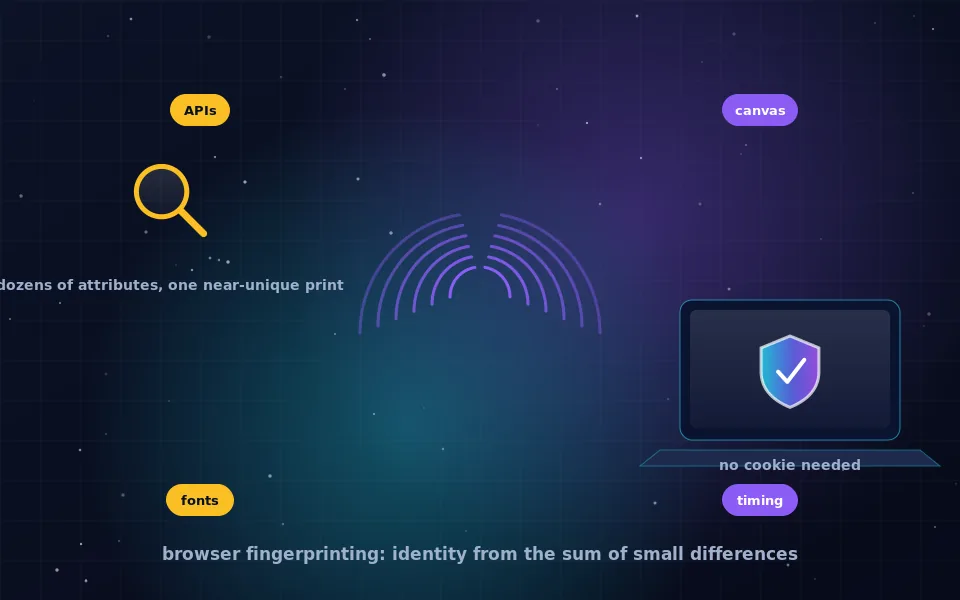
Browser fingerprinting is a tracking technique that identifies your browser by collecting dozens of its observable characteristics, such as screen size, installed fonts, how it renders graphics, its time zone and which features it supports, and combining them into an identifier that is stable across visits and unique or nearly unique among all browsers. It requires no cookie, survives private mode, and is unaffected by a VPN, because it measures the browser rather than the connection.
Fingerprinting matters to anonymity because it defeats the defences most people rely on. Deleting cookies, blocking third-party cookies, using private windows and changing your IP address all leave the fingerprint unchanged. This guide explains how fingerprinting works, the main techniques in use, what a fingerprinting attempt looks like in practice, why it is effective, how browsers have responded, and how the arrival of large language models has made it easier to turn anonymous traces into identified people.
How a fingerprint is built
A web page can ask your browser many questions through JavaScript and through the way it requests resources. Each answer alone is shared by millions of users. Together they narrow the field fast.
Your screen resolution and colour depth, your operating system and browser version, your language and time zone, the list of fonts your system has installed, which audio and video formats you support, how many CPU cores you have, how much memory, whether you have a touchscreen, which browser extensions alter page behaviour, and the exact way your graphics hardware draws a hidden image. Twenty attributes with a handful of common values each yield far more combinations than there are people online.
A tracker hashes the collected values into a single identifier. When the same identifier appears on another site that embeds the same tracker, it is the same browser. Research projects that have measured this on real users have found that most browsers are unique or nearly so, and that the fingerprint remains stable long enough to be useful for tracking.
The main fingerprinting techniques
Techniques evolve, but the following are the workhorses.
- Canvas fingerprinting. The script draws text and shapes onto a hidden canvas element and reads the resulting pixels. Differences in graphics hardware, drivers, fonts and anti-aliasing produce slightly different images on different machines, and the image data becomes part of the fingerprint.
- WebGL fingerprinting. Similar, using 3D rendering, and also reading the graphics card and driver names the browser exposes.
- Font enumeration. Measuring whether particular fonts are installed by rendering text and checking dimensions, or through font APIs. Installed fonts vary enormously between systems.
- Audio fingerprinting. Generating a sound through the audio API and measuring how the browser processes it, which varies by hardware and software.
- Navigator and screen properties. User agent string, platform, languages, hardware concurrency, device memory, screen size, pixel ratio, touch support.
- API and feature detection. Which browser features exist and how they behave, which reveals the browser and version even when the user agent is spoofed.
- Timing and behaviour. How quickly certain operations run, and in advanced cases how you move the mouse and type, which is sometimes called behavioural biometrics.
- Network-level attributes. TLS handshake characteristics and HTTP header ordering, observed by the server rather than by scripts.
A commercial fingerprinting library will use most of these at once.
What a browser fingerprinting attempt looks like
A fingerprinting attempt is a script reading attributes that the page does not need. A news article has no reason to draw a hidden canvas, enumerate your fonts, or generate a silent sound. When a script does, it is fingerprinting.
Several browsers now detect and count these attempts. Firefox's protections dashboard and Brave's shields report blocked fingerprinting attempts on each site, and both browsers publish lists of known fingerprinting scripts that they block or neutralise. When you see a message that a site attempted fingerprinting, it means a script on that page, usually a third-party tracker, tried to read fingerprinting attributes and the browser intervened. Such attempts are extremely common on sites that carry advertising.
Why fingerprinting is effective
Cookies are a stored identifier: delete them and the site starts from nothing. A fingerprint is a derived identifier: the site recomputes it from your browser on every visit, so there is nothing to delete. It is passive from the user's perspective, needs no permission, and works in private mode, because private mode changes storage rather than the browser's characteristics.
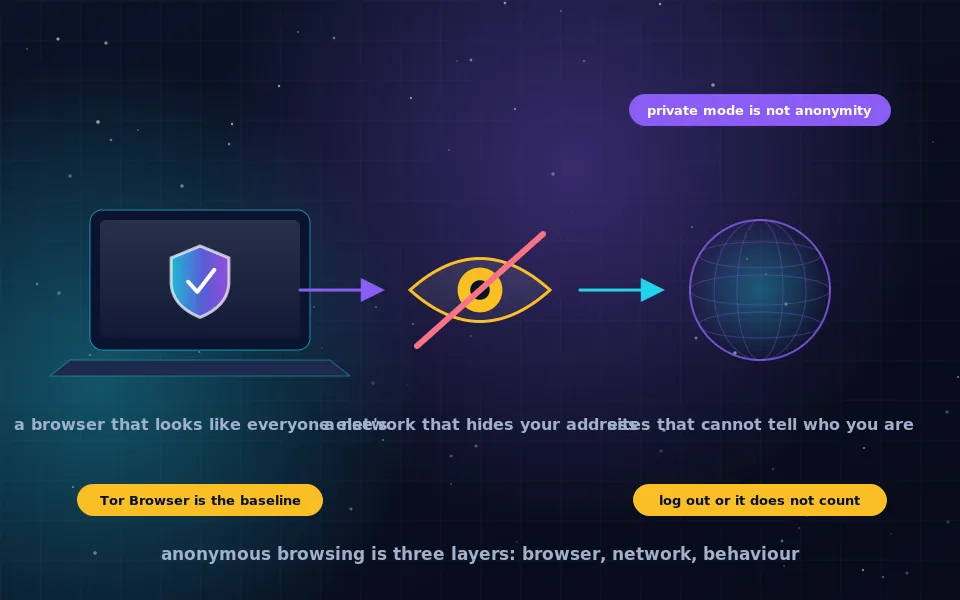
Fingerprinting also links across contexts. A tracker embedded on many sites computes the same fingerprint on each and joins your visits into one history. If any site in that set knows who you are, because you logged in, the whole history is attached to your identity. And because the fingerprint is independent of the connection, a VPN changes nothing about it; the same browser arriving from a different address is recognised immediately.
How browsers defend against it
Two strategies exist, and they are opposites.
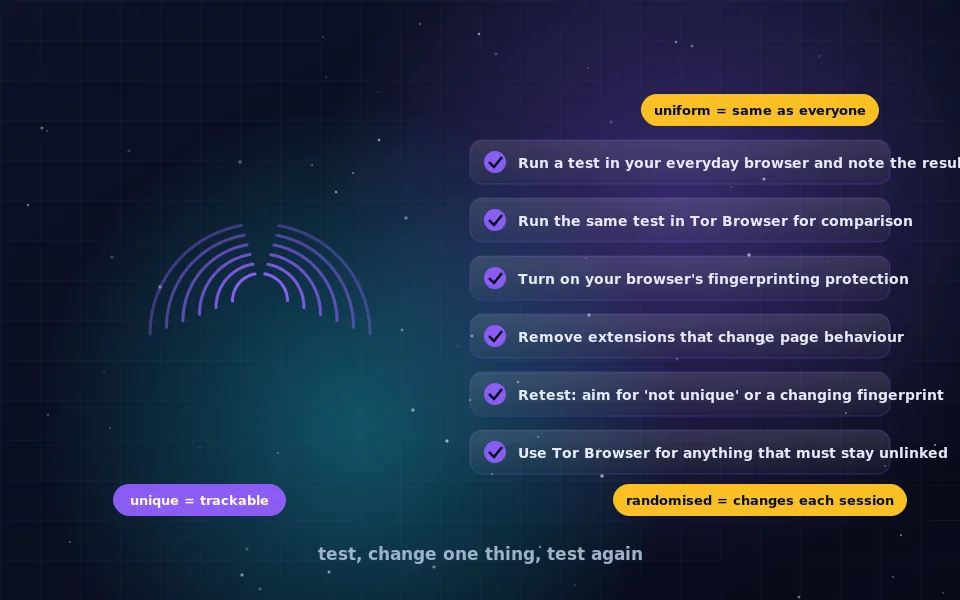
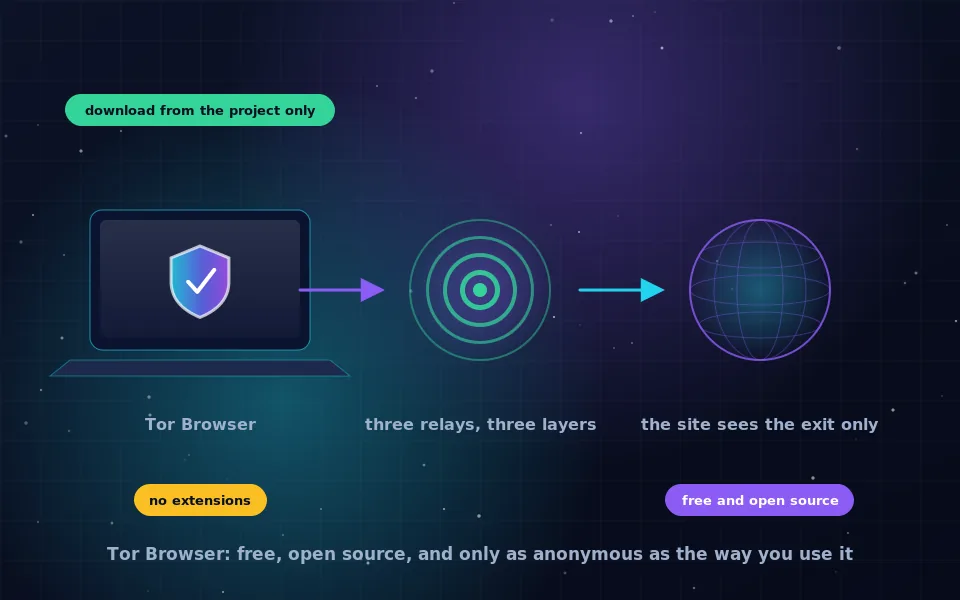
Uniformity. Make every user's browser report the same values so that fingerprints are shared by millions and useless. This is Tor Browser's approach: fixed window sizes, a standard font set, blocked or normalised APIs, and no extensions. It works only if users do not customise, which is why the Tor Project is insistent about that.
Randomisation and blocking. Return slightly different values each session for canvas, audio and similar APIs so that the fingerprint changes and cannot be tracked, and block known fingerprinting scripts. Brave takes this approach by default; Firefox blocks known fingerprinters and offers stronger resistance modes. Mainstream browsers without these features are largely exposed, though some have begun limiting the most identifying APIs.
Extensions that block scripts prevent most fingerprinting by preventing the scripts from running, at the cost of breaking sites, and can themselves add to the fingerprint by altering page behaviour in detectable ways. The testing guide on this site shows how to check what your setup actually reveals.
Large-scale deanonymization and language models
Fingerprinting identifies a browser. Turning that into a person traditionally required a login or a data broker. Recent research on large-scale online deanonymization with LLMs describes a different route: language models can compare writing style, topics and stated details across anonymous and identified text at a scale that used to require a human analyst per case, matching anonymous posts to named authors with meaningful accuracy.
The consequence for anonymity is that the content you produce is now a fingerprint too, and one that can be processed in bulk. A separate browser and a hidden IP address protect the technical layer; what you write, how you phrase it and what you reveal about yourself are matched by systems that read everything. This strengthens the advice throughout the anonymity guides on this site: keep anonymous writing short, plain and free of details, and do not carry your usual voice into an anonymous identity.
What researchers and browser makers have found
The account above reflects published research and browser vendors' own statements.
Large-scale studies of browser fingerprinting, collecting fingerprints from hundreds of thousands of volunteers, have found that a large majority of browsers are uniquely identifiable from attributes available to any web page, and that canvas and font attributes contribute the most entropy.
Browser vendors that have built fingerprinting protections, including Mozilla, Brave and the Tor Project, have published design documents explaining the uniformity and randomisation strategies and acknowledging that mainstream browsers remain widely fingerprintable.
Researchers investigating deanonymization with language models have reported that stylometric and content-based matching across platforms scales far beyond what earlier manual methods could achieve, and have called for users and platforms to treat text itself as identifying data.
Take it seriously, then test yourself
Fingerprinting is the reason "I cleared my cookies" and "I use a VPN" are not answers to "can they track me". Use a browser designed against it for the browsing you want unlinked, Tor Browser above all, and read the testing guide on this site to see what your everyday browser gives away. Then remember that your writing is a fingerprint too.
Frequently asked questions
What is browser fingerprinting?
It is a tracking technique that identifies a browser by collecting many of its characteristics, such as screen size, installed fonts, graphics rendering, time zone and supported features, and combining them into an identifier that is stable and often unique. It needs no cookie and works across sites.
What is a browser fingerprinting attempt?
It is a script on a web page reading attributes that have no purpose for the page itself, such as drawing hidden graphics to measure rendering or enumerating fonts, in order to build an identifier. Some browsers detect and report these attempts in their privacy dashboards.
Can fingerprinting identify me personally?
On its own it identifies a browser, not a name. But if that browser ever logs in to an account, or its fingerprint is matched with one collected on a site that knows you, the identifier becomes personal. Fingerprints are also linked across sites by the trackers that collect them.
Does a VPN stop browser fingerprinting?
No. A VPN changes your IP address and nothing about your browser. Your fingerprint is identical before and after connecting, so a tracker recognises the same browser regardless of the address it arrives from.
How do I stop browser fingerprinting?
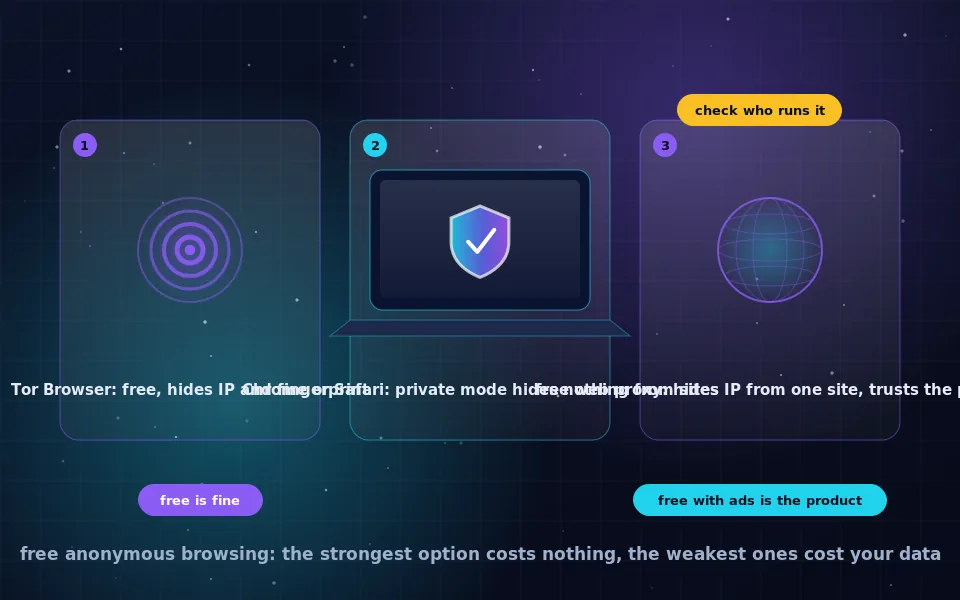
Use a browser designed to make users look alike, which is Tor Browser, or a browser that randomises or blocks fingerprinting APIs. Extensions that block scripts help partially. The testing guide on this site explains how to check your own exposure.
Last reviewed and updated on . Plain text version: /anonymity/browser-fingerprinting.txt.