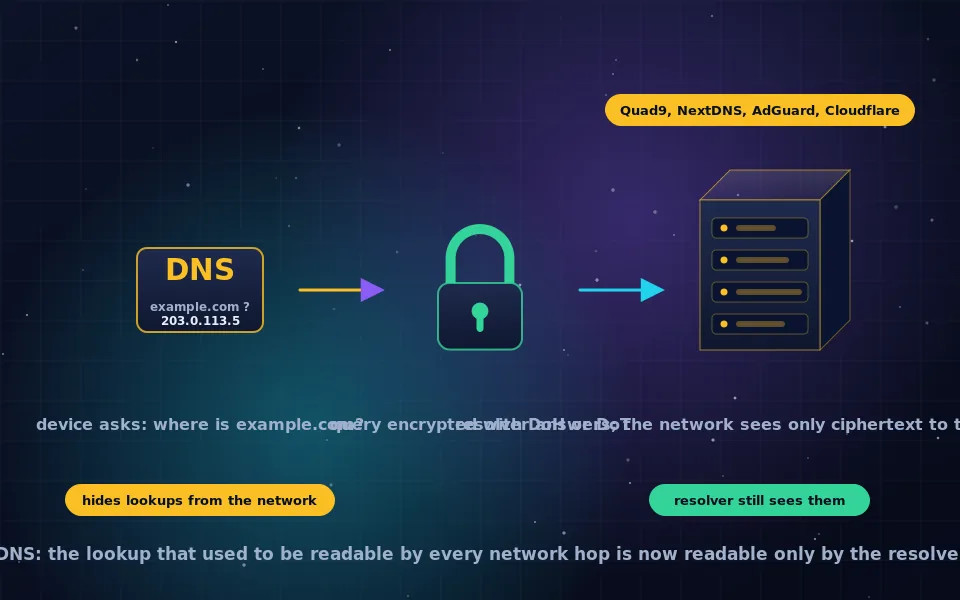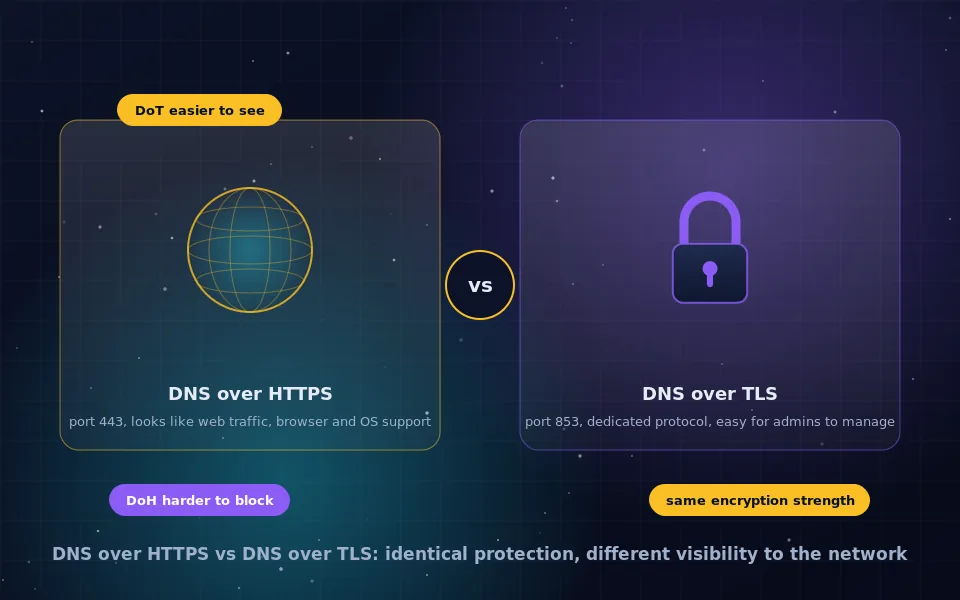
DNS over HTTPS, DoH, sends the DNS lookups that translate domain names into IP addresses as encrypted HTTPS requests on port 443 to a resolver, instead of as plain-text packets on port 53, so that your ISP and any network you use cannot read or alter them and they blend in with ordinary web traffic. You should enable it in most circumstances; the exceptions are when you rely on a local DNS filter, need internal corporate names, or are on a managed network. DNS over TLS provides the same encryption on a dedicated port, 853, which makes it easier for network administrators to see and manage and easier for hostile networks to block.
DoH has become the default encrypted DNS protocol on personal devices because browsers adopted it first, and the debate around it has generated more confusion than clarity. This guide explains what DoH is and how it works, what it protects and what it does not, the arguments for enabling it and the situations where you should not, the difference between browser-level and system-level DoH, and a direct comparison with DNS over TLS.
How DNS over HTTPS works
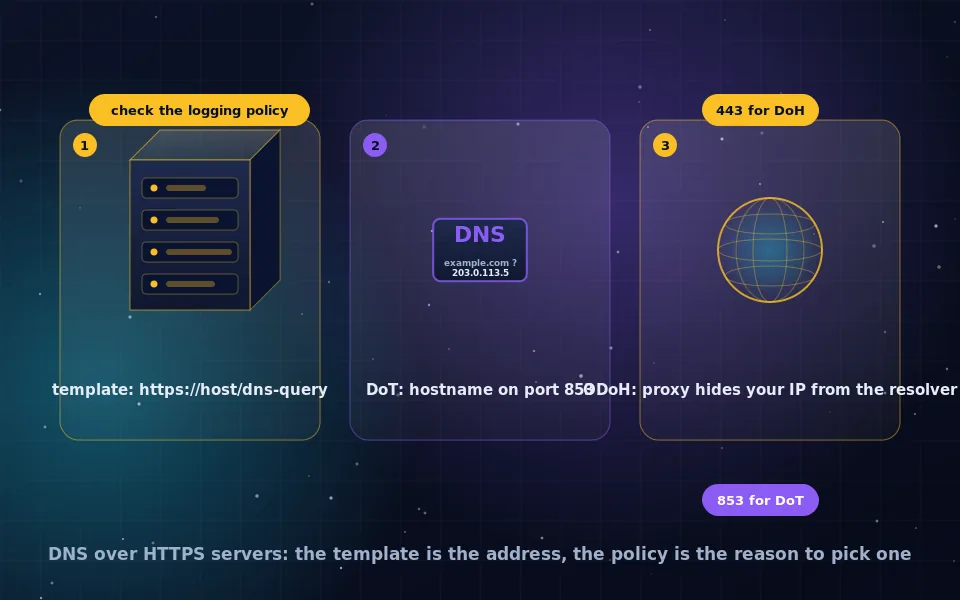
Ordinary DNS sends a small query over UDP to a resolver and gets an answer back, all in plain text, as the encrypted DNS guide on this site describes. DoH replaces that with a web request. Your browser or operating system opens an HTTPS connection to a resolver's DoH endpoint, a URL such as one ending in /dns-query, verifies the resolver's TLS certificate, and sends the DNS query as the body or a parameter of an HTTP request. The resolver answers inside the same encrypted connection. The connection stays open and carries subsequent queries, and with HTTP/2 or HTTP/3 many queries can be in flight at once.
To the network, this is an encrypted connection to some server on port 443, the same as every website you visit. Nothing distinguishes the DNS inside from a web page, which is the property that makes DoH both privacy protecting and, from a network administrator's perspective, hard to control. The HTTPS and TLS guides on this site explain the encryption underneath.
What DoH protects and what it does not
DoH hides which domains you look up from everyone between your device and the resolver: the coffee shop router, your ISP, a hostile network. It prevents them from tampering with answers to block or redirect sites. It shifts that visibility to the resolver, so the resolver's policies matter, as the servers guide on this site discusses.
It does not hide the IP addresses you connect to afterward, nor the server name in the TLS handshake unless Encrypted Client Hello is in use, so a network can still infer many destinations. It does not make you anonymous and it does not replace a VPN or Tor for hiding destinations. It is a specific fix for a specific leak.
Should you enable DNS over HTTPS?
The case for turning it on is strong for most people.
- It removes a plain-text record of your browsing from every network you use, at no cost.
- It defeats DNS-based redirection and manipulation by networks and ISPs.
- It lets you choose a resolver whose privacy policy you accept, rather than defaulting to your ISP.
- It is supported everywhere and works on public Wi-Fi where plain DNS is most exposed.
The situations where you should leave it off, or configure it to fall back, are specific.
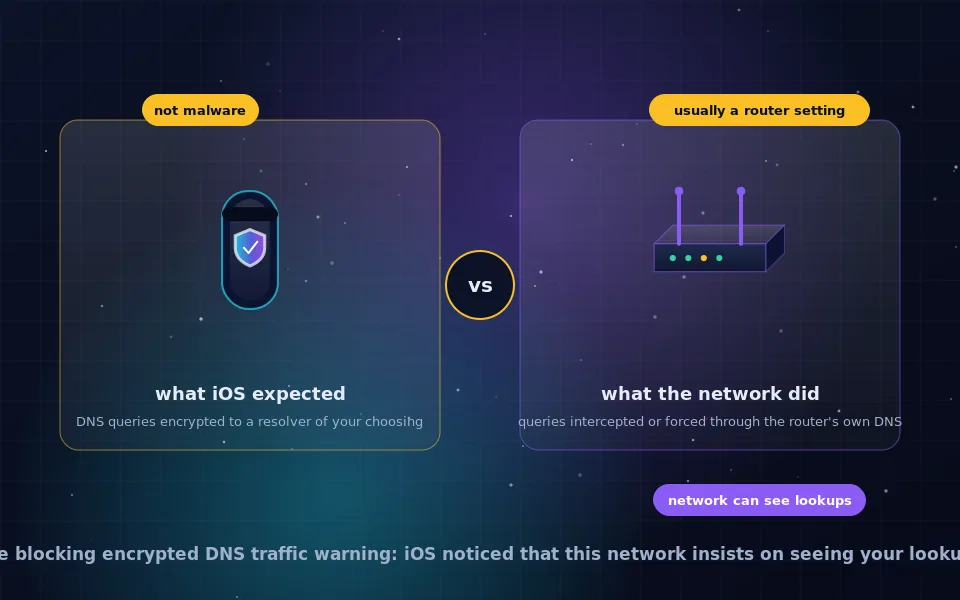
- You run a home DNS filter. Pi-hole, AdGuard Home and similar tools work by answering your devices' DNS. A browser using DoH to a public resolver bypasses the filter, so ads and trackers return. The fix is either to disable DoH on that network, to point DoH at your own filter if it supports serving DoH, or to make the filter use encrypted upstream so the whole network benefits, as the fixing guide on this site describes.
- You need internal names. Corporate networks resolve internal hostnames through their own DNS; DoH to a public resolver cannot find them. Enterprise browsers and operating systems detect managed environments and disable DoH, and browsers' automatic modes fall back for names that fail.
- You are on a network that requires its own resolver. Some networks block outside DNS entirely. DoH will fail and the browser falls back or errors depending on mode.
- You object to concentrating DNS with a few large resolvers. A fair concern about the ecosystem, addressed by choosing a smaller resolver or running your own with encrypted upstream, not by staying on plain DNS.
If none of these apply, turn it on.
Browser DoH versus system DoH
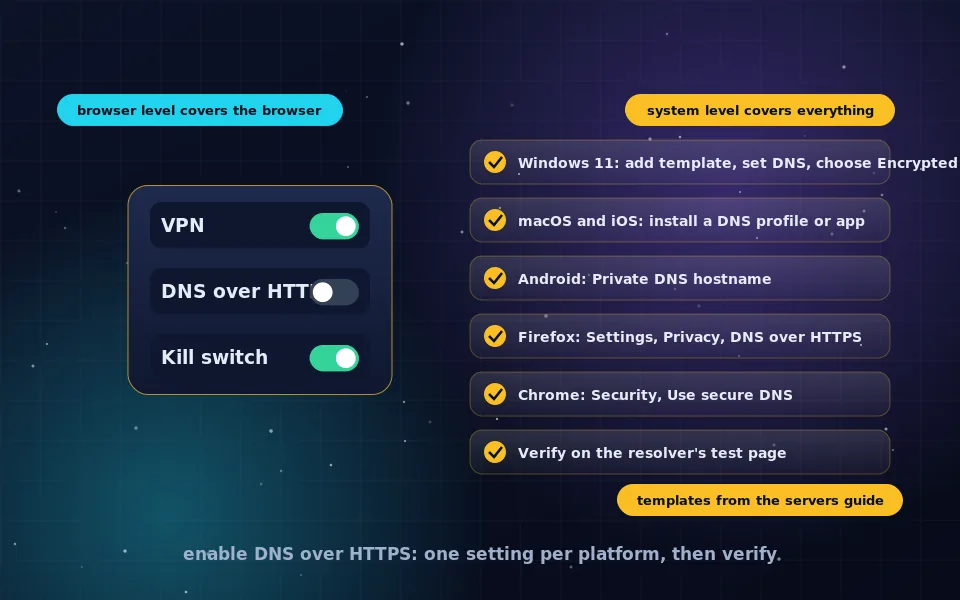
Browsers were first to ship DoH, and Firefox and Chrome each have their own settings that apply only to the browser's own lookups. Everything else on the device, apps, updates, other browsers, continues to use the system resolver. System-level DoH, supported on Windows 11, macOS, iOS and Android, applies to everything. The enabling guide on this site covers both.
Browser DoH is useful when you cannot change system settings, such as on a work computer, and has the automatic fallback behaviour that avoids breaking managed networks. System DoH is the more complete protection. Having both configured is fine; the browser uses its own setting for its lookups and the system handles the rest.
DNS over HTTPS versus DNS over TLS
| Aspect | DNS over HTTPS | DNS over TLS |
|---|---|---|
| Port | 443, shared with web traffic | 853, dedicated |
| Encryption | TLS | TLS |
| Distinguishable from web traffic | No | Yes |
| Easy for networks to block | No, without blocking the resolver's IP | Yes, by blocking port 853 |
| Browser support | All major browsers | None directly |
| Operating system support | Windows 11, macOS, iOS, Android | Android, macOS, iOS, Linux stub resolvers |
| Router and resolver support | Growing | Widespread |
| Administrator visibility | Low | High |
The encryption is the same. The differences are about visibility and control. DoH is better on a personal device on networks you do not control, because it is harder to interfere with and universally supported. DoT is often preferred for home network resolvers and by administrators who want encrypted DNS they can still identify and manage. Android's Private DNS setting uses DoT; most other platforms and all browsers use DoH. A third option, DNS over QUIC, offers the same protection over the newer QUIC transport and is supported by AdGuard and some others.
Oblivious DoH and the resolver trust question
DoH moves trust from the network to the resolver. Oblivious DNS over HTTPS, ODoH, addresses that by routing queries through a proxy so that the resolver sees the query but not your IP address, and the proxy sees your IP but not the query. Apple's iCloud Private Relay and some resolver operators use it. The servers guide on this site covers which resolvers offer it. For most people, choosing a resolver with a clear no-logging policy is sufficient; ODoH is for those who want to avoid trusting any single party.
A six-point summary
- DoH encrypts DNS inside HTTPS on port 443, hiding lookups from networks and ISPs.
- Enable it unless you run a local filter, need internal names, or are on a managed network.
- Set it at the system level for full coverage; browser settings cover only the browser.
- Choose the resolver deliberately; it now sees what your ISP used to.
- DoT offers the same protection on a visible port; DoH is harder to block.
- DoH is one layer; a VPN or Tor hides destinations, DoH hides lookups.
What the IETF, browser vendors and network operators say
The description above follows the protocol specification and the positions of the parties involved.
The IETF specification for DNS over HTTPS describes sending DNS queries over HTTPS to prevent eavesdropping and manipulation on the path and to make DNS traffic indistinguishable from other HTTPS traffic, and the DNS over TLS specification describes the same protection on a dedicated port.
Browser vendors document DoH modes that fall back to system DNS when a managed network or resolution failure is detected, and operating system vendors document system-wide encrypted DNS settings and configuration profiles.
Network operators and some ISPs have raised concerns that DoH bypasses local filtering and parental controls and centralises DNS with large resolvers, while privacy advocates argue that the protection against network-level surveillance outweighs those concerns for individual users and that the solution to centralisation is resolver choice.
Turn it on and pick the resolver yourself
For a personal device, enabling DNS over HTTPS is a small change that removes your ISP and every Wi-Fi network from the list of parties reading your lookups. Do it at the system level, choose the resolver rather than accepting a default, and if you run a home filter, follow the fixing guide on this site to keep both. The enabling guide has the steps for every platform.
Frequently asked questions
What does DNS over HTTPS mean?
It means sending DNS queries, the lookups that turn domain names into IP addresses, as HTTPS requests to a resolver instead of as plain-text packets on port 53. The queries travel inside TLS encryption on port 443, indistinguishable from web browsing to the network, and only the resolver can read them.
Should I enable DNS over HTTPS?
For most people, yes. It stops your ISP and local networks from reading or altering your lookups at no practical cost. Leave it off, or configure it to fall back, if you rely on a local DNS filter such as Pi-hole, need to resolve internal corporate names, or are on a managed network that requires its own resolver.
Should DNS over HTTPS be on or off in my browser?
On, unless you run a home DNS filter or your workplace network requires its own DNS. Browsers offer an automatic mode that uses DoH when it works and falls back otherwise, which is a reasonable default. Choose the resolver deliberately rather than accepting whichever the browser picked.
Is DNS over HTTPS better than DNS over TLS?
They provide the same encryption. DoH uses port 443 and looks like web traffic, so it is harder for networks to block and is supported by every browser and operating system. DoT uses its own port 853, which network administrators can see and manage more easily. For a personal device, DoH is usually more practical; for a home network resolver, either works.
Does DNS over HTTPS slow down browsing?
Marginally at first, since establishing the encrypted connection takes a moment, but the connection is reused for subsequent queries and modern resolvers are fast. In everyday use the difference is imperceptible, and choosing a nearby resolver matters more than the protocol.
Last reviewed and updated on . Plain text version: /encryption/dns-over-https.txt.