How to use this section
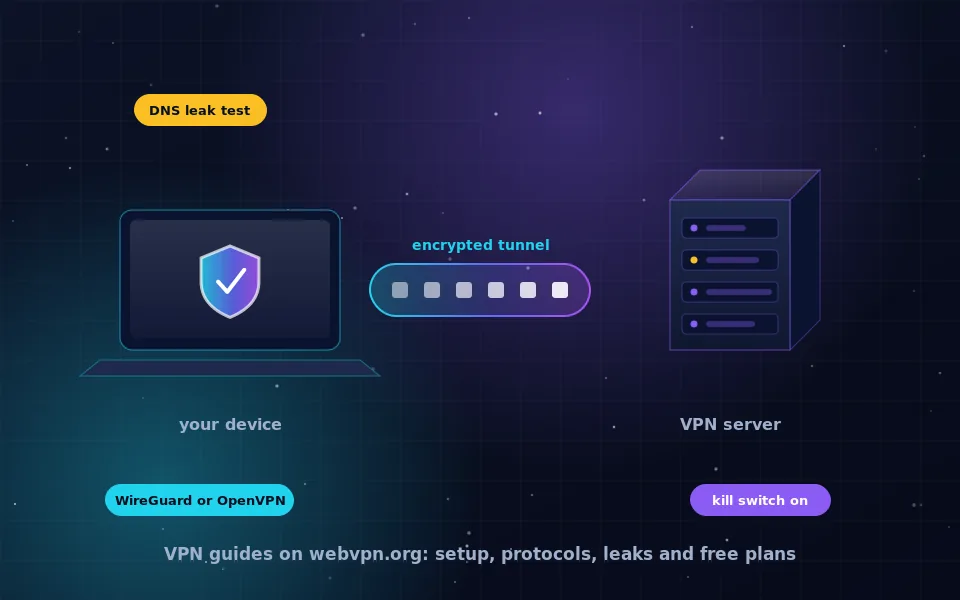
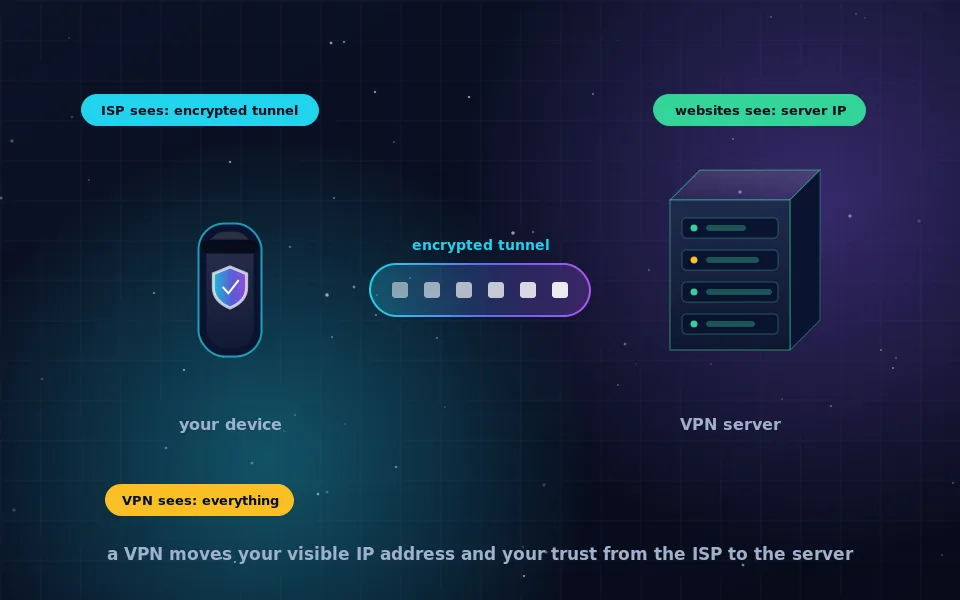
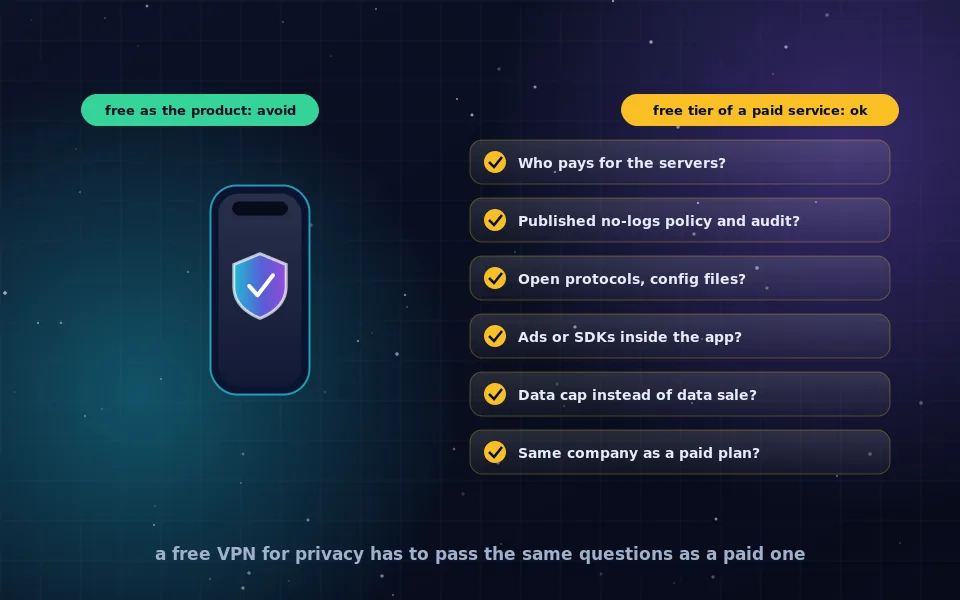
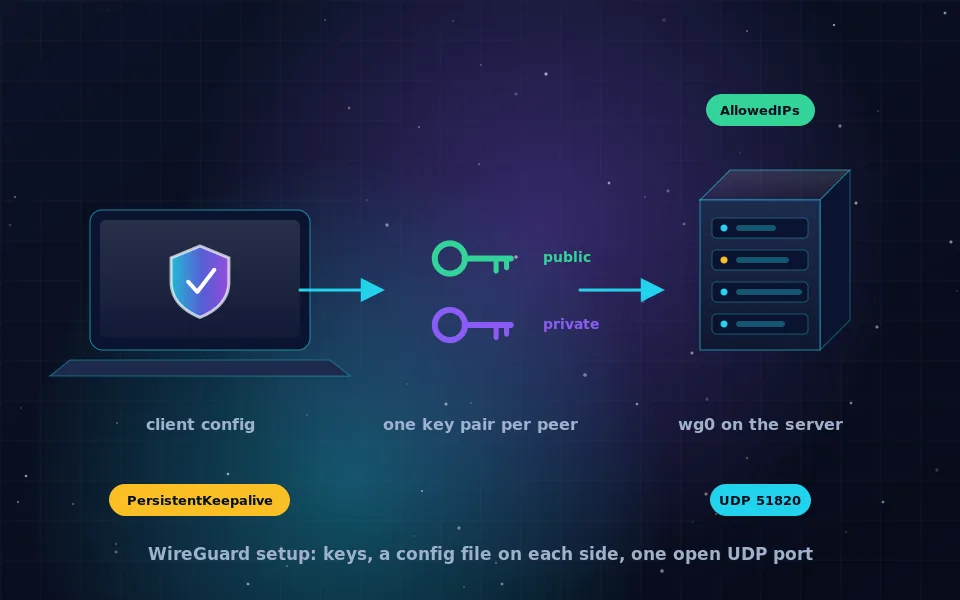
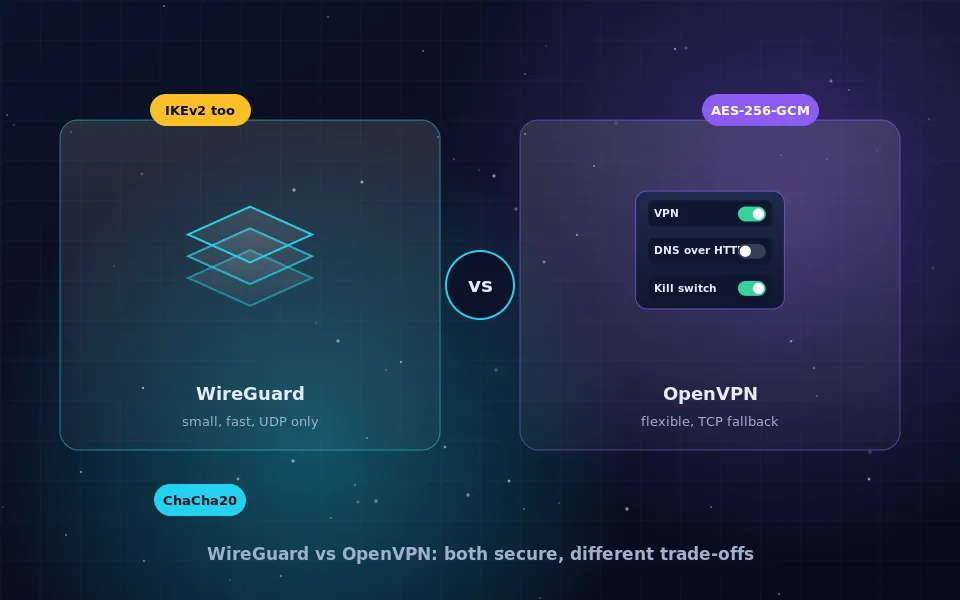
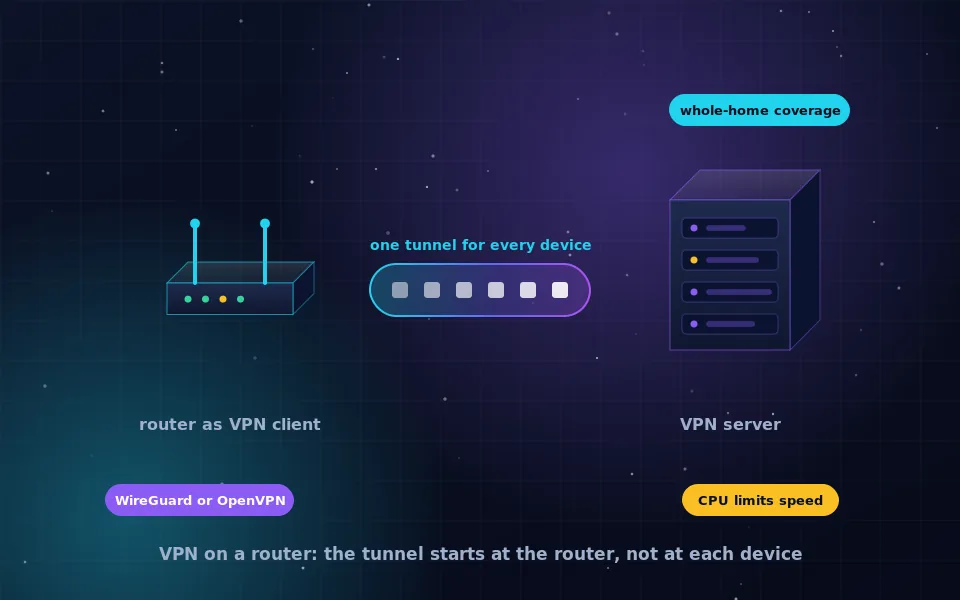
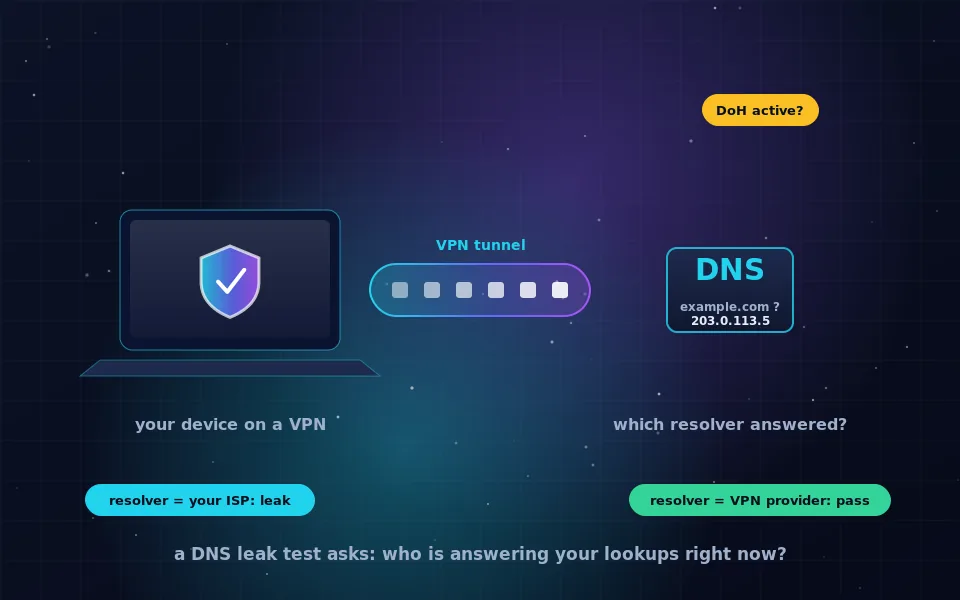
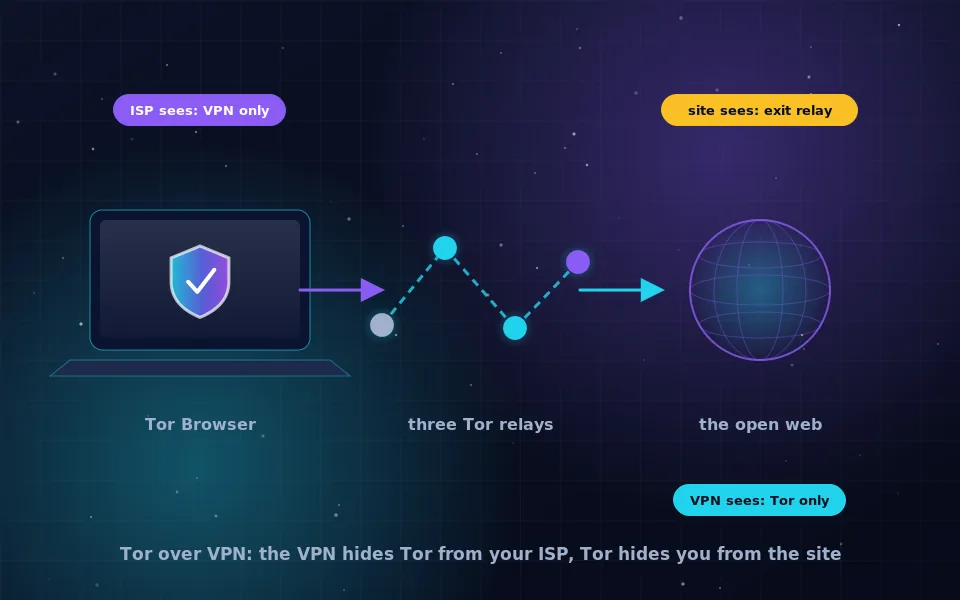
The guides above are grouped by what you want to do. VPN basics answers the definition questions: what a VPN is, whether it hides your IP address, and what a free plan can and cannot give you. Protocols and setup covers WireGuard and OpenVPN, custom protocols on a Mac, and how to put a VPN on a router so every device in the house is covered. Testing and privacy is where you verify the tunnel with a DNS leak test and read how a VPN combines with Tor.
Two older guides belong with this set and are linked in the menu: are VPNs safe and no-logs VPN policies. Platform-specific instructions for iPhone, Android, Windows, macOS, Linux, Chrome, Firefox and Android TV live under VPN by platform.
Frequently asked questions
Where should I start if I have never used a VPN?
Start with the article on what a VPN is and why it is used, then read the safety guide before installing anything. Those two pages explain what changes on your device and which claims in VPN marketing are true.
Do these guides recommend a specific VPN?
The platform pages describe how a few well-known, audited apps behave on each operating system, but no page here takes affiliate money or ranks providers by commission. The criteria for judging a provider are in the no-logs and safety guides.
Are the VPN guides updated?
Each article carries its own updated date at the top and bottom. When a protocol, operating system setting or provider policy changes in a way that affects the steps, the article is revised and the date moves.
Last reviewed and updated on . Plain text version: /vpn.txt.